For this project we looked at p5.js a web browser version of processing that runs using javascript. For the fist part of this project to get used to P5 I adjusted my previous creative coding sketches made in processing to fit the new software.
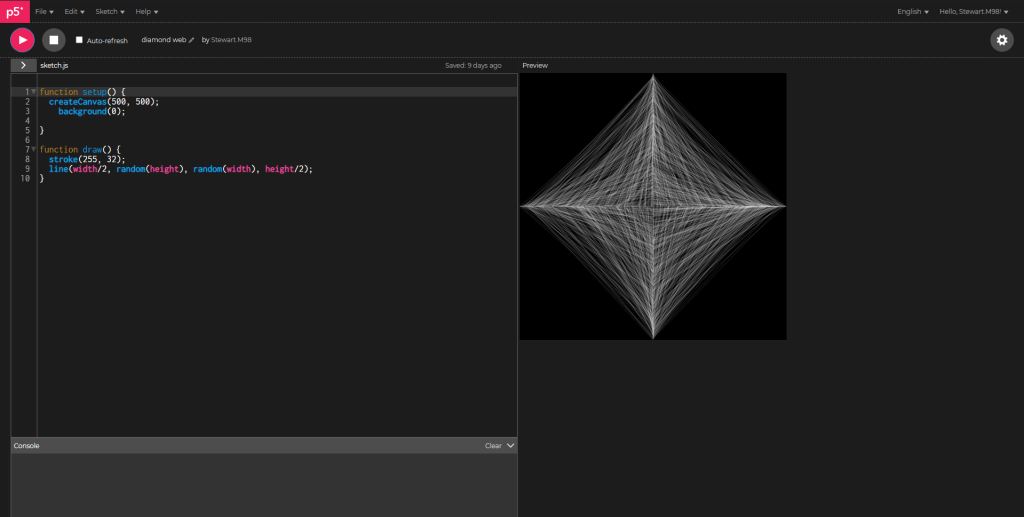
This was the first sketch I converted to p5 as it was a very simple sketch and not much had to change.
https://editor.p5js.org/Stewart.M98/present/CSoL8fJNJ
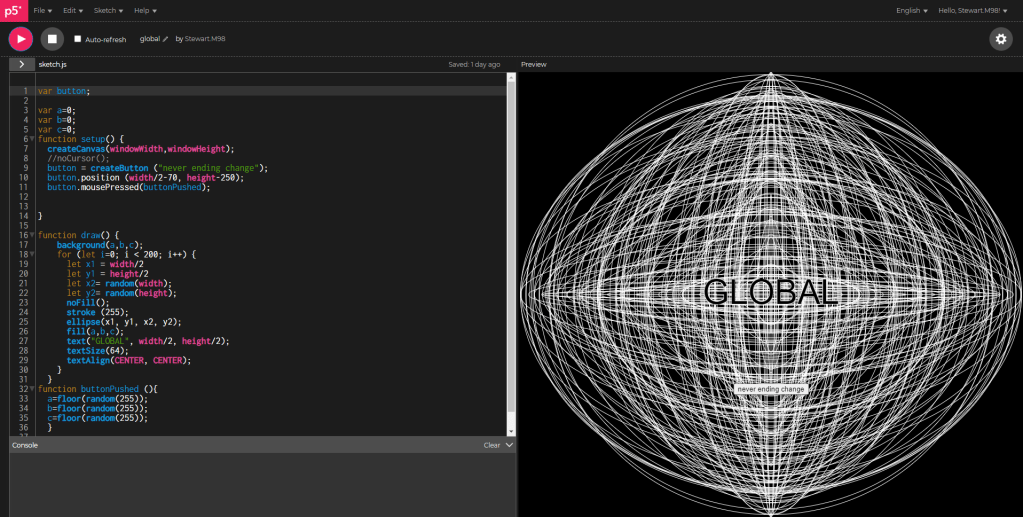
This is a sketch I adapted for p5.js in which I added a button in order to change the background colour of the sketch to a random value.
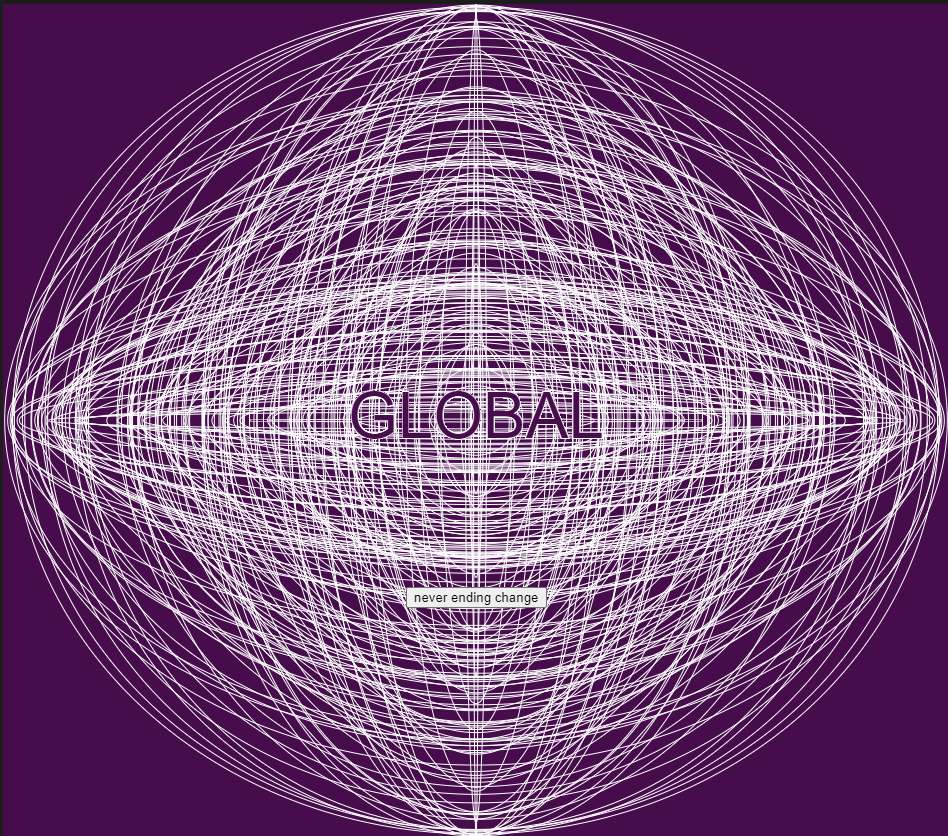
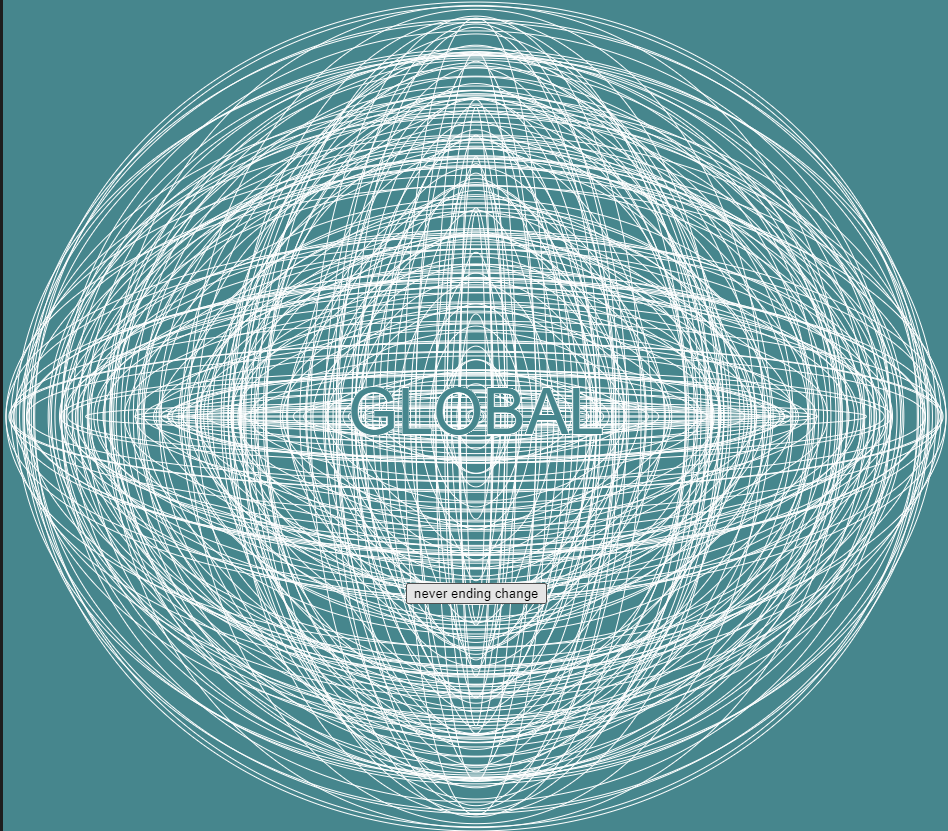
https://editor.p5js.org/Stewart.M98/present/bKFzr2Sc5
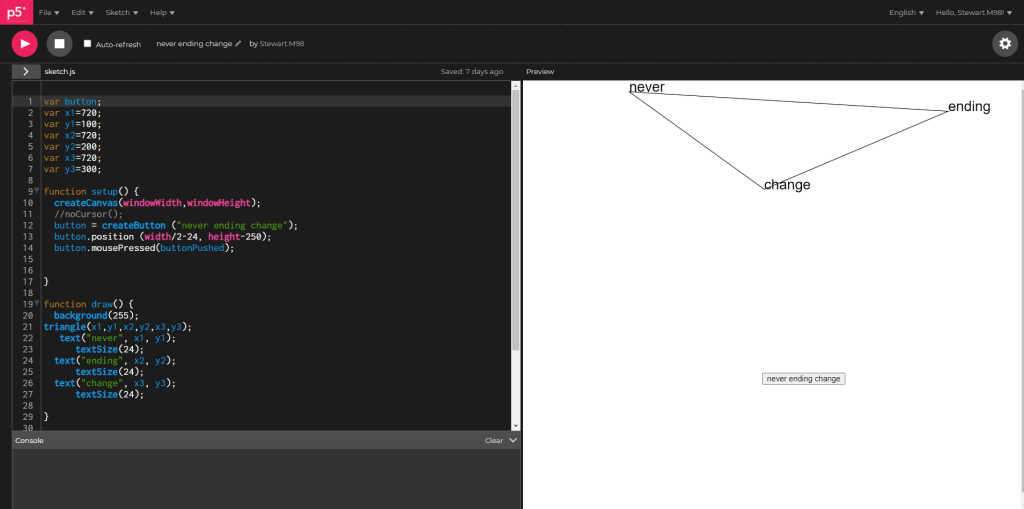
This was another experiment with buttons using it to draw a random triangle with the aim of spelling out “never ending change” almost a game to play to try and get the phrase to line up.
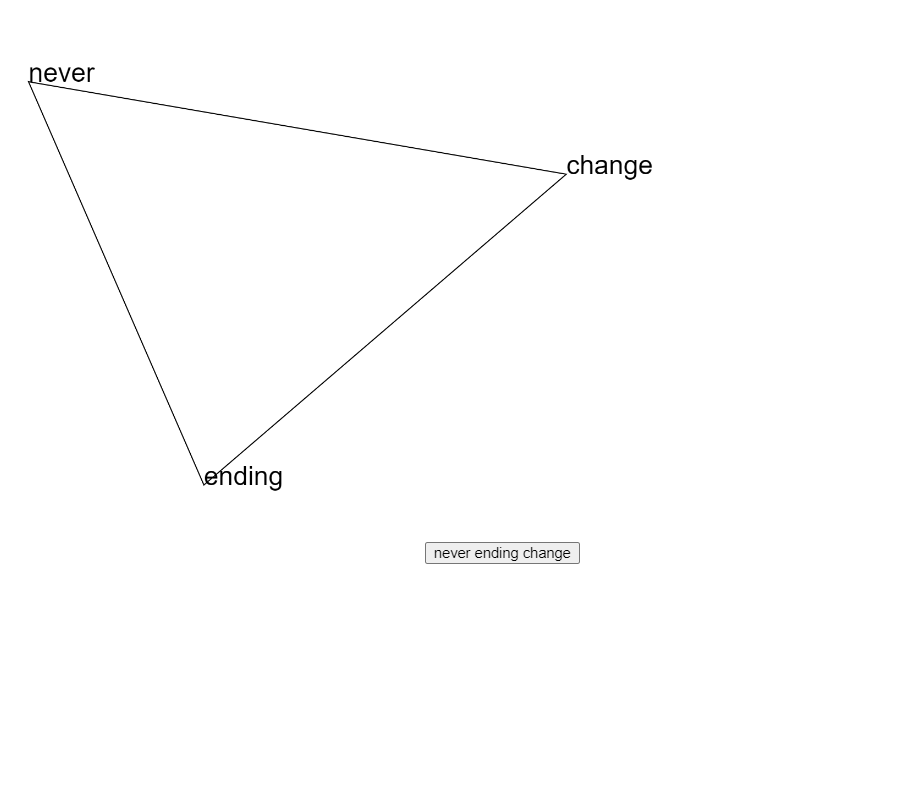

https://editor.p5js.org/Stewart.M98/present/jGP_tFJzq
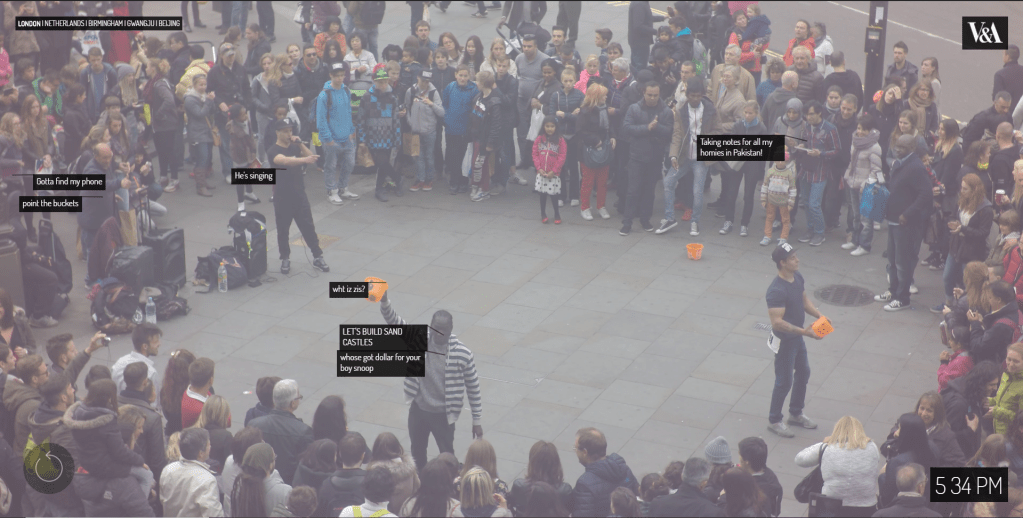
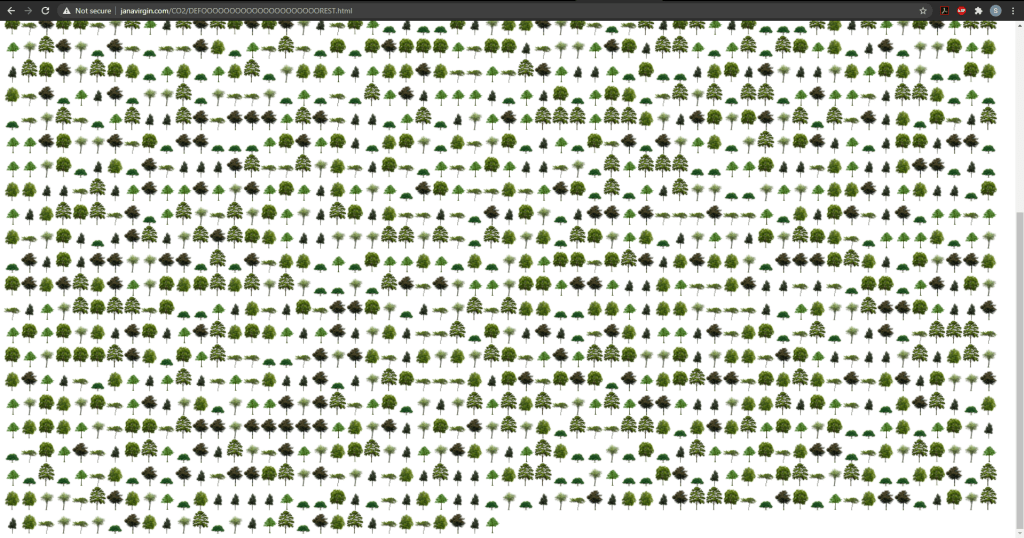
After doing this and some other brief experimentation I decided to begin research things like stealing your feelings, deforest and exhausting a crowd were key pieces of web art supplied to us that inspired me due to their data visualisation and interactive properties.
I also looked at different art work such as Starry night this is a work by Alex Galloway, Mark Tribe, AND Martin Wattenburg from 2001 and displays each article in rhizomes library as a star in the sky and the brightness is based off how many times the text has been read.
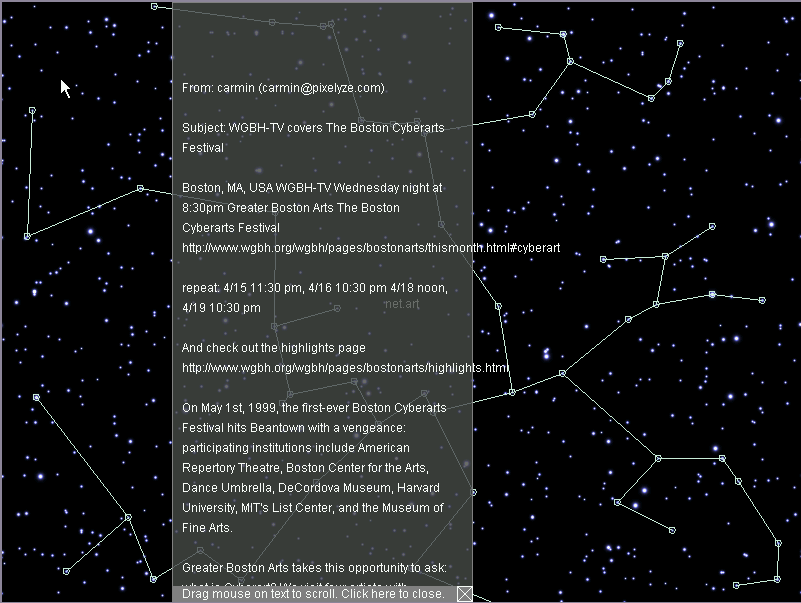
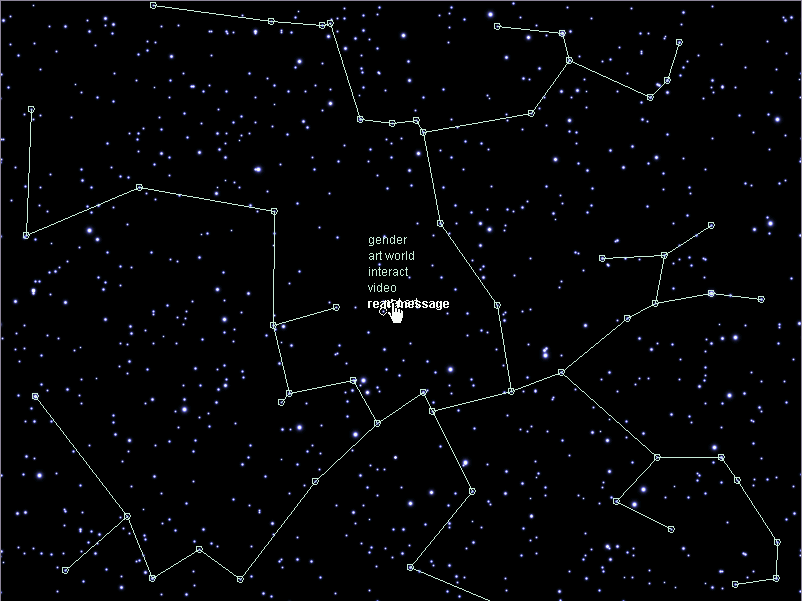
Again the key I took away from this was its interactivity, not just with the user but with its interactivity of rhizome. I find it inspiring however due to my very limited knowledge of p5.js I will have absolutely no clue how to pull that off within the deadline.
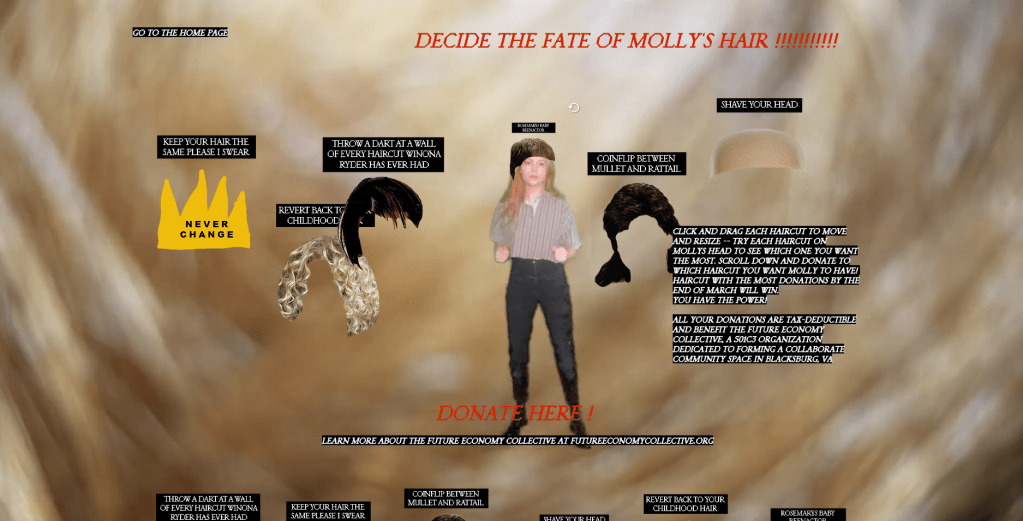

Looking at other sites that express interactivity I came across this site. Specifically found the change hair section funny. It’s light-hearted and fun but still has that key interactivity I was looking for in which you need to resize the different hairstyles to see if she would suit the hair and then donate if you think that she should get that hair style. Its fun to play around with and the interactivity it offers by you dragging and resizing the images offers more than even buttons would.
Interactivity with the user is something I want to include with my outcome I want to look into what p5 has to offer so I don’t want it to be focused around mouse interactivity. I shall do some research into the examples on the p5 website of what I can produce using various inputs.
With this I started looking at the microphone input and started experimenting with this. I created some experiments with the amplitude, looking at what the outcome would be setting different values to be representative of the amplitude such as scale, colour, transparency etc.
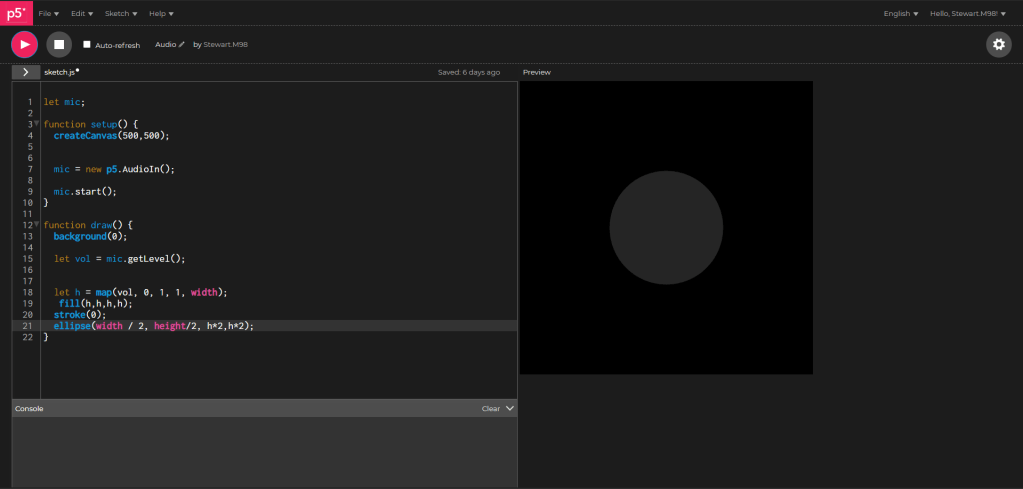
https://editor.p5js.org/Stewart.M98/sketches/CyGV92Dug
After experimenting I did more visual research. I specifically looked at Swiss type style as well as the new brutalism trend that emerged through the past few years. Some examples of brutalist design, especially for web are shown below.
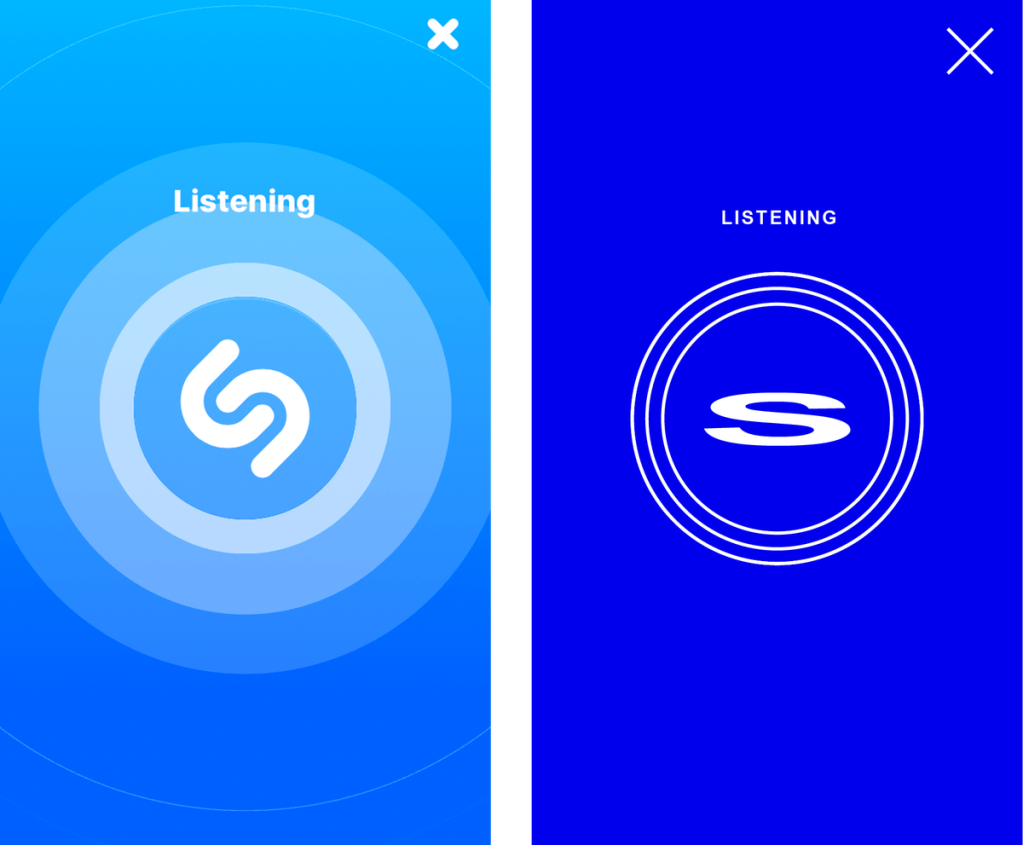
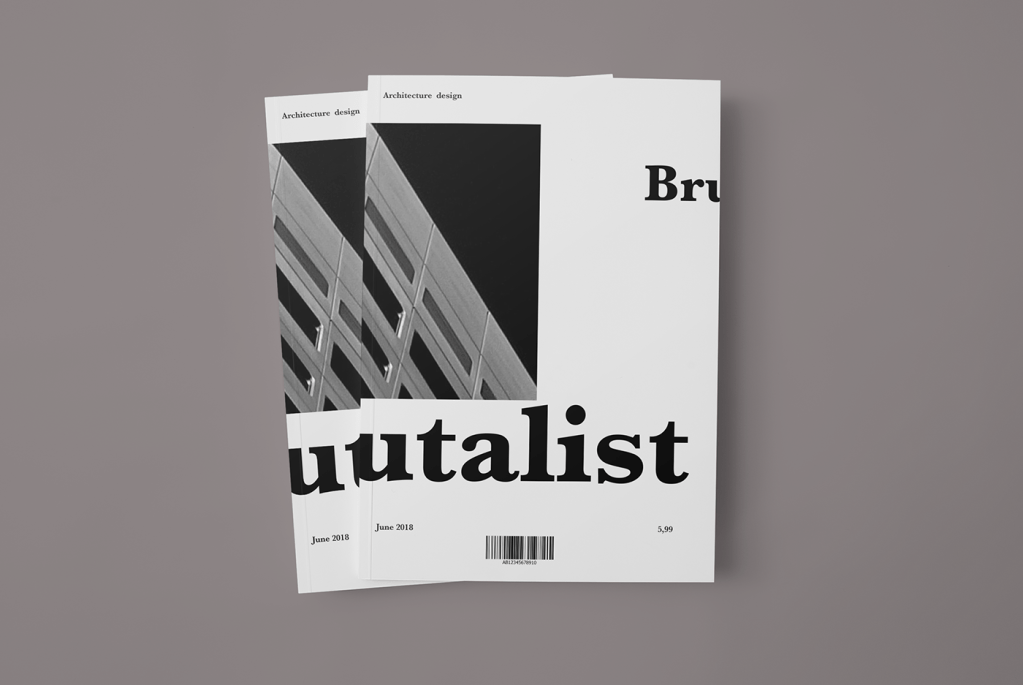
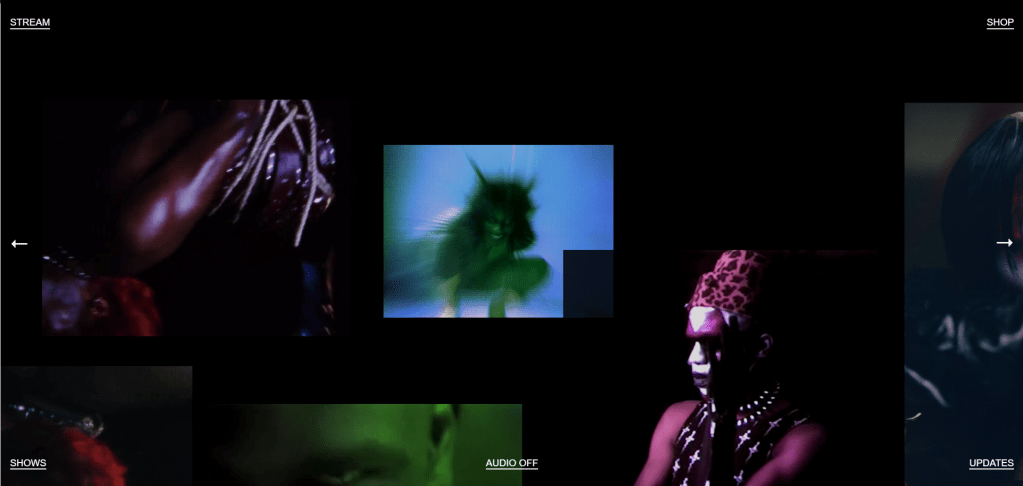
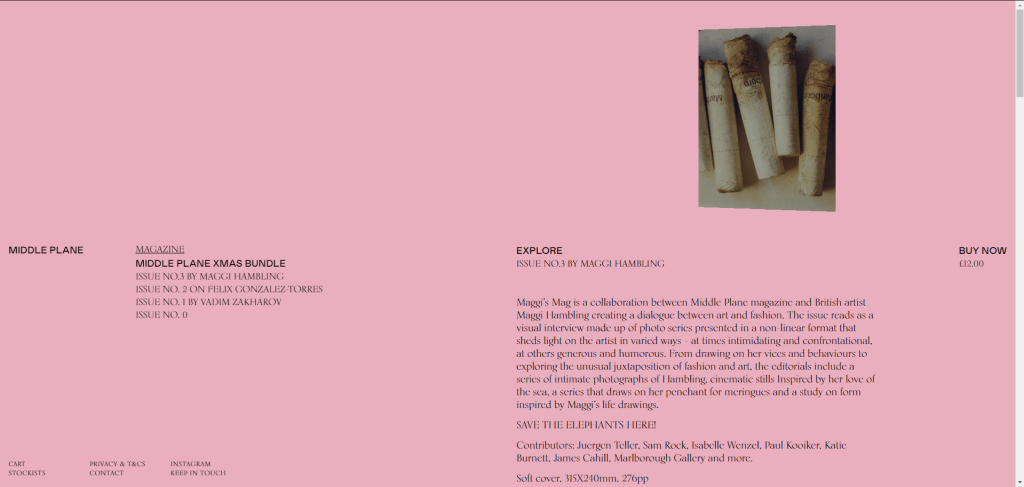

https://brutalistwebsites.com/
The sites especially I feel play off of the 1990’s nostalgia “so bad its good” in some places for instance the shazam logo, albeit not official, looks good but goes against the rules of using type in your work.
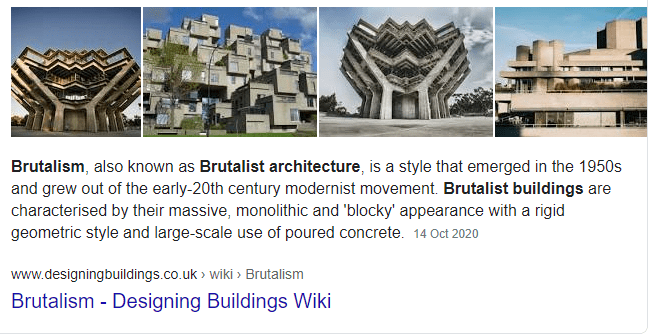
The origins of brutalist architecture have similar roots to the brutalist design trend we see now, it could be seen as a reaction to the very cookie cutter look of a lot of websites, however, it can also be viewed as sheer practicality, no popups no clutter.
“In its ruggedness and lack of concern to look comfortable or easy, Brutalism can be seen as a reaction by a younger generation to the lightness, optimism, and frivolity of today’s web design.” –Brutalist Websites.
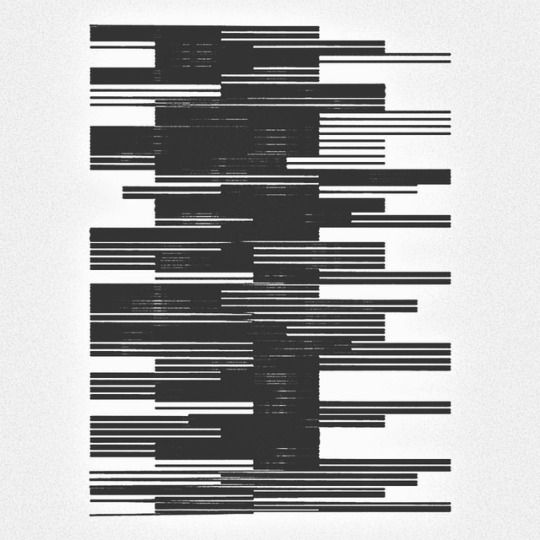
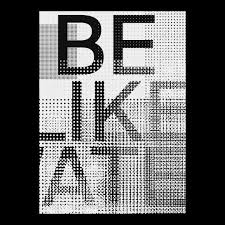
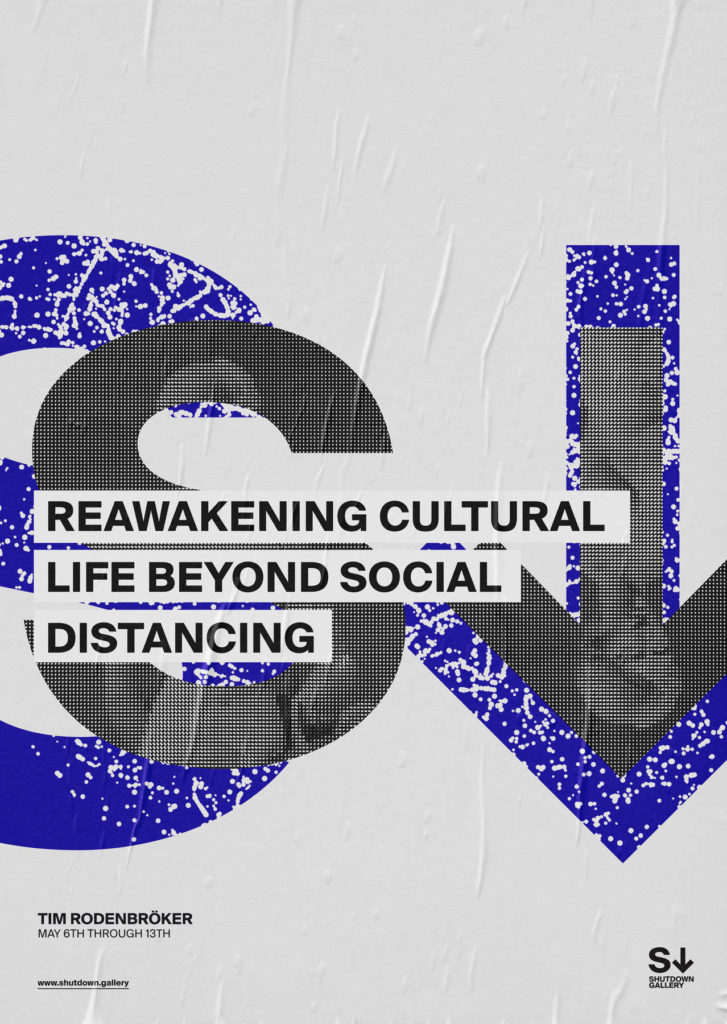
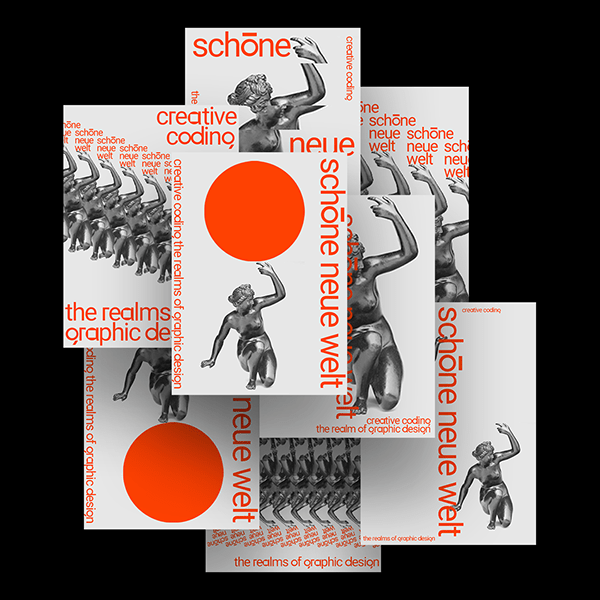
Also looking at other inspiration again with Tim Rodenbröker.
After a review I was put onto speech in p5.js and how that would interact with a user, I at first created experiments using only one word based off of a sketch we were provided in class. Just used this to get used to the speech function and what could be done with it.
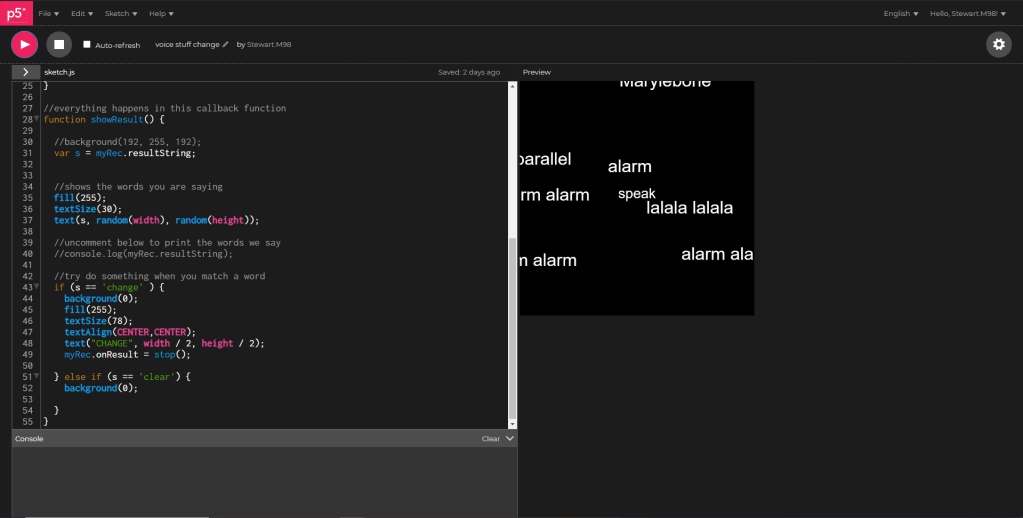
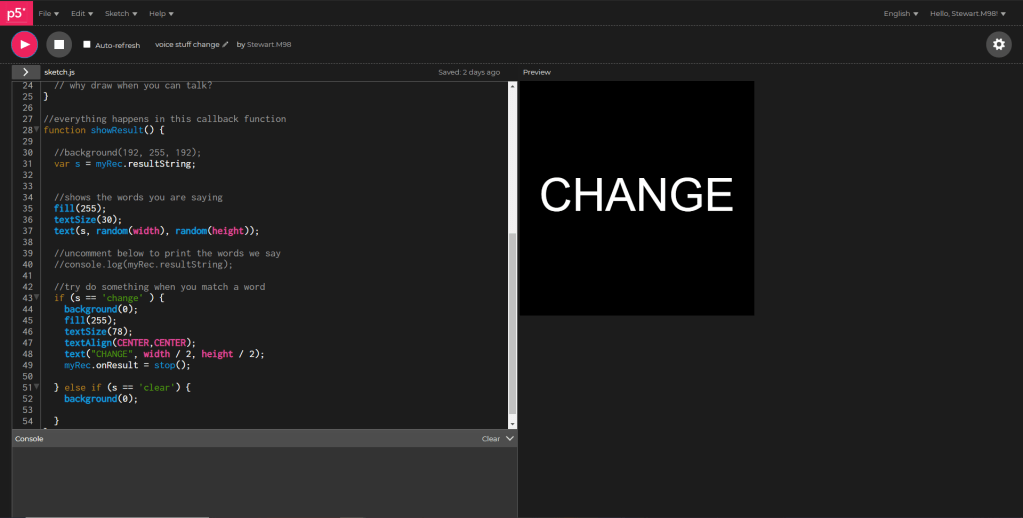
https://editor.p5js.org/Stewart.M98/present/WGfq7IU4Q
Similar to the hello word in the example given, I also made the function stop displaying the results once change is on the screen. I tried to work this into a final but due to the simplicity and similarity of the sketch I only kept it as an experiment.
I however still wanted to roll with the speech function. I decided to experiment with them displaying for loops.
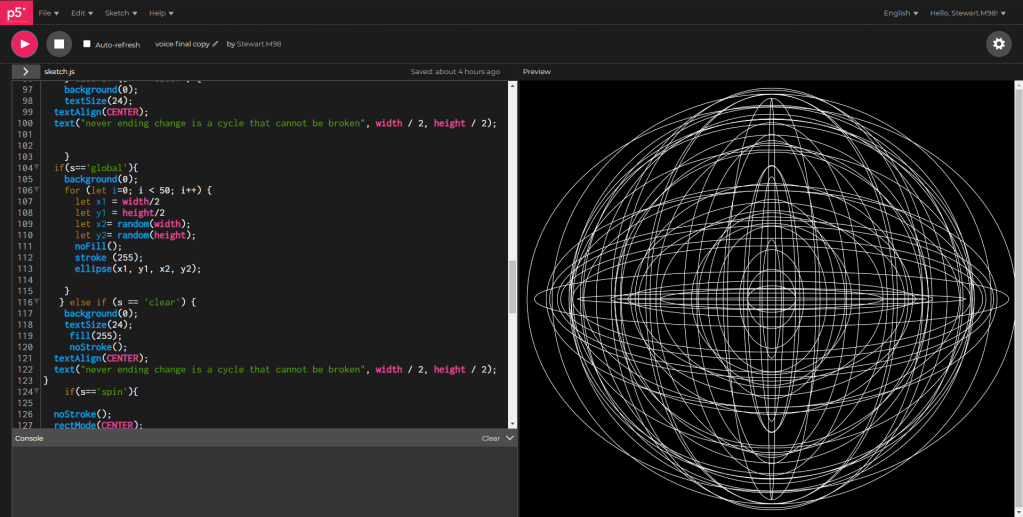
Using for loops would be an easy way in order for me to re create the look of a lot of my creative coding outcomes but with this new added functionality of the voice. When the word is repeated a new series of shapes is produced leading to some interesting outcomes. I decided to use this to produce unique outcomes for text, ellipses and triangles I also created one for changing the background to a random colour as well as a “spinning” rectangle.
I also realised that given the bare nature of the outcome people may not know what to say and because of this think it is broken.
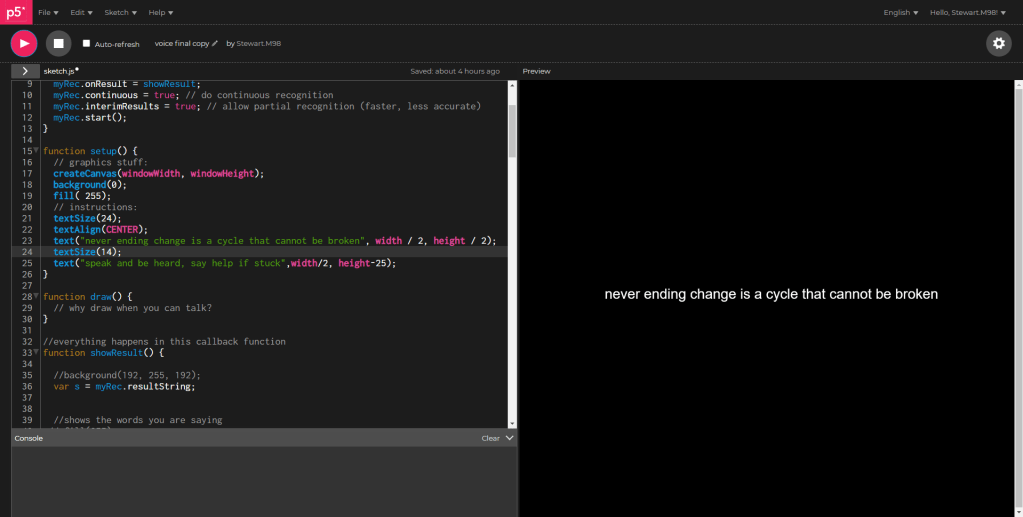
I added this phrase but then decided to add a help section as people still may not know what to say.
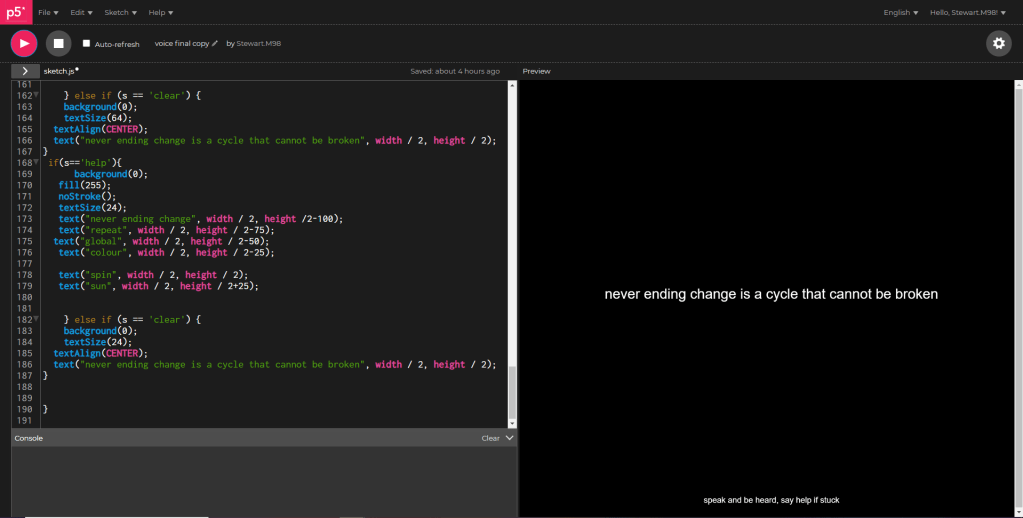
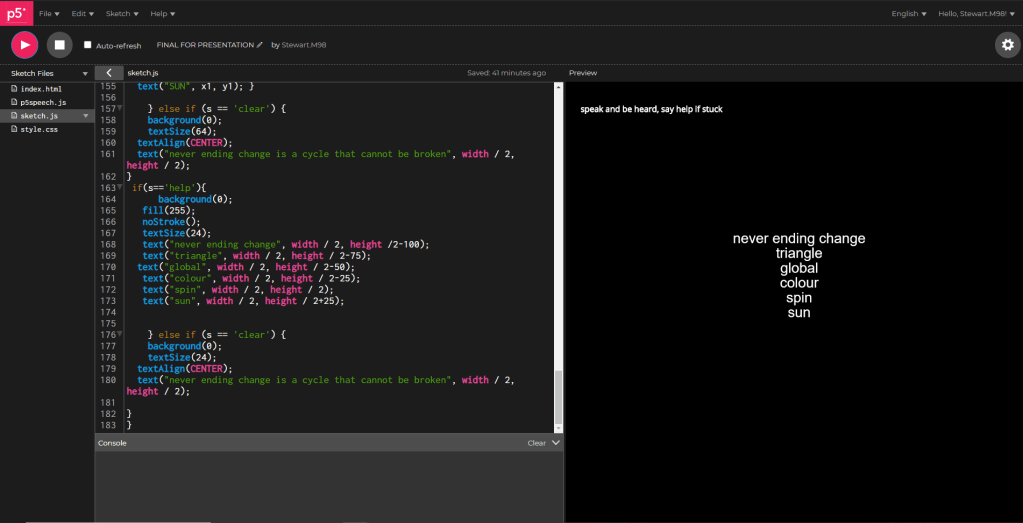
I added this help word as well as “speak and be heard, say help if stuck” to give people the most help, without ruining the experience.
In my final change I have used HTML and CSS to re create the help message at the top of the screen so that it does not disappear when given a command, this is shown in the gallery above.
I collated everything together in my final work. This is focused on the phrase “never ending change” and the outcomes produced by speaking show this. It is to reflect the ever changing nature of our lives and the world we live in.
https://editor.p5js.org/Stewart.M98/present/L6hlLPo_k
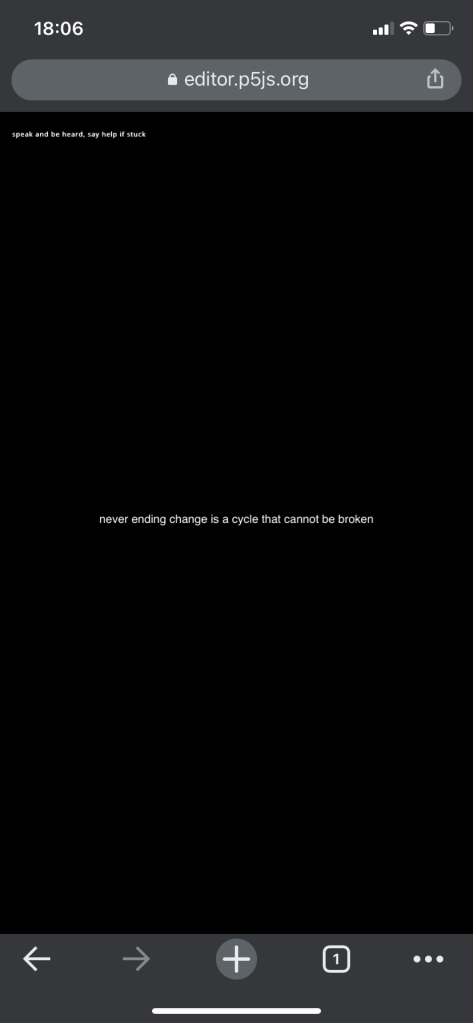
I tested this on mobile however in both chrome and safari for mobile it didn’t work. It displayed as intended however the voice commands did not work.
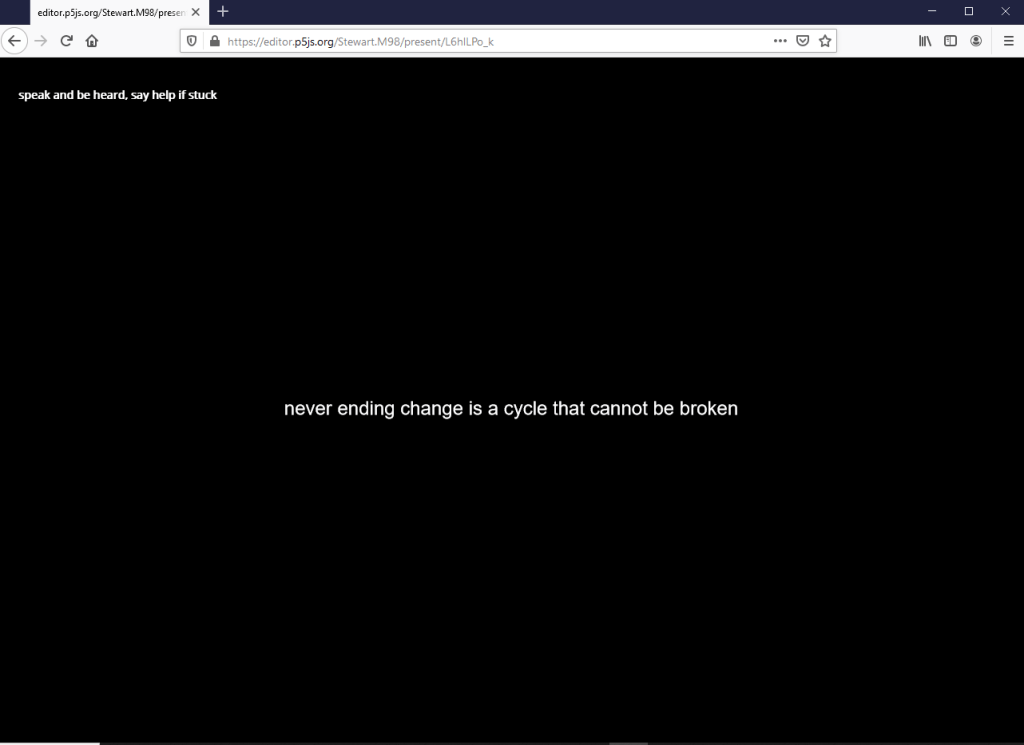
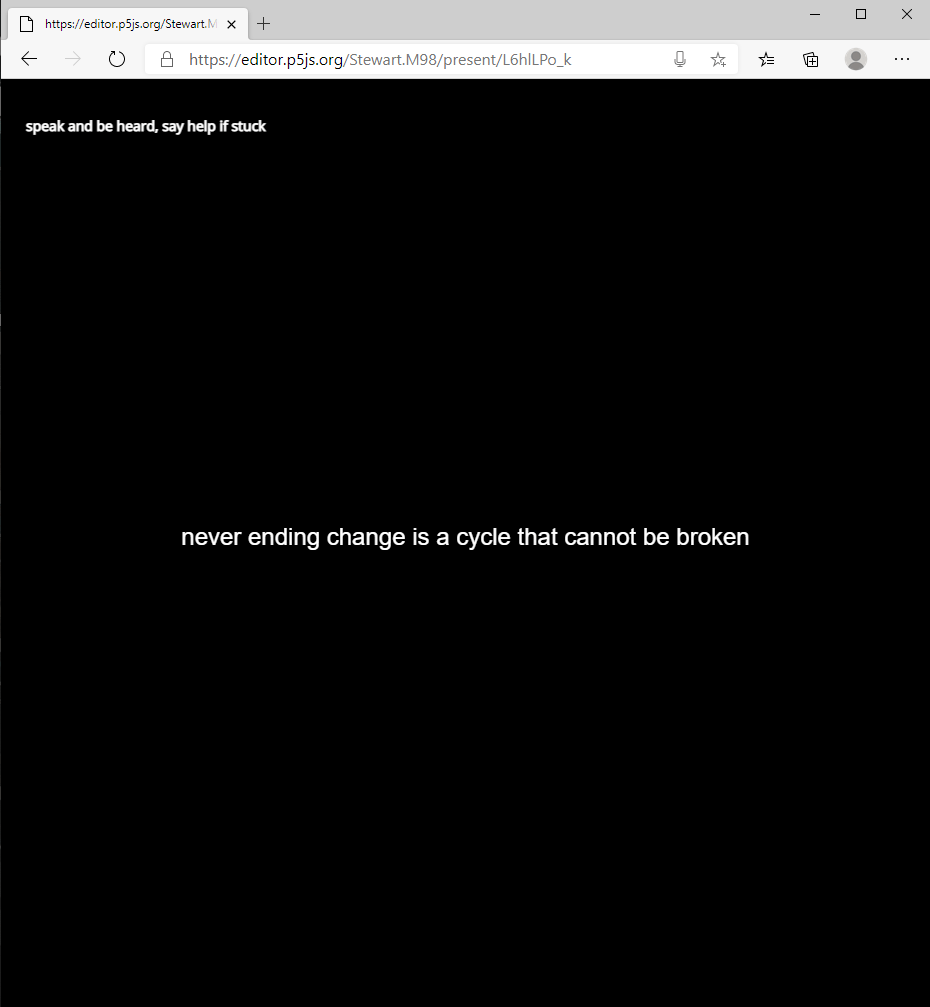
I also tried through both firefox and edge however the voice function didn’t work. This seems to be an issue with the other browsers as it works perfectly fine in chrome and I’m not the only one having the issues with it. I also tested on my macbook with success only in google chrome.
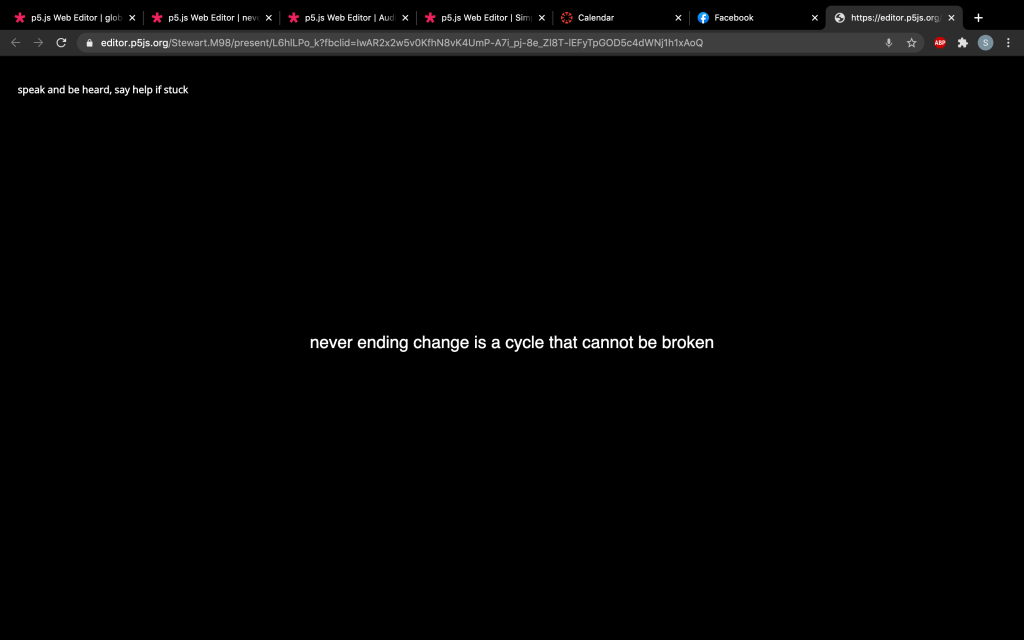
If I were to change anything about this project I would make more voice commands to help keep people more engaged in the experience as well as including more things such as mic threshold etc just to add another layer to the experience.
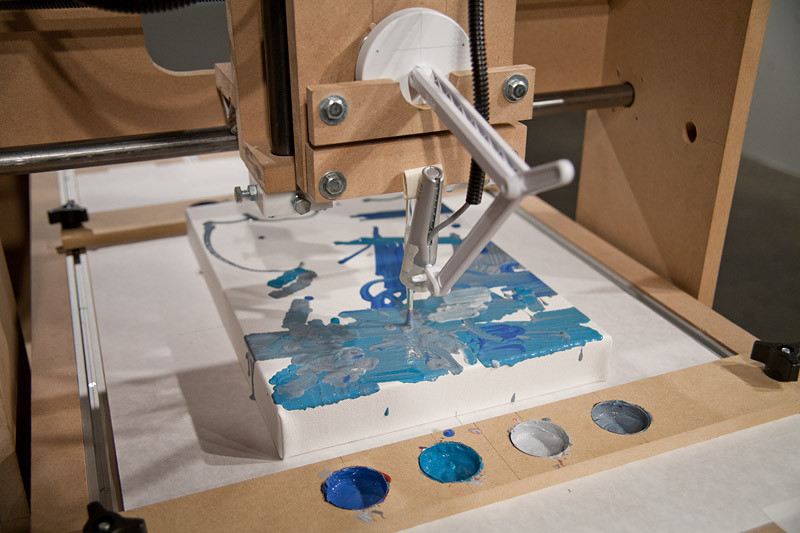
In terms of where I want to see this project in the future, I would like to see it in a similar place as the Interactive Robotic Painting Machine by Ben Grosser. A piece I looked at in Collab part 1. It would be located in a gallery or other public place, projected onto a wall or large LED screen, and would “listen” to conversations and when a trigger word is said something will happen, as it is so passive people will want to engage further with the piece. As more trigger words are added the chance of this happening will be much higher.
The large scale also helps the people interacting notice the trigger words rather than it being on a small screen.
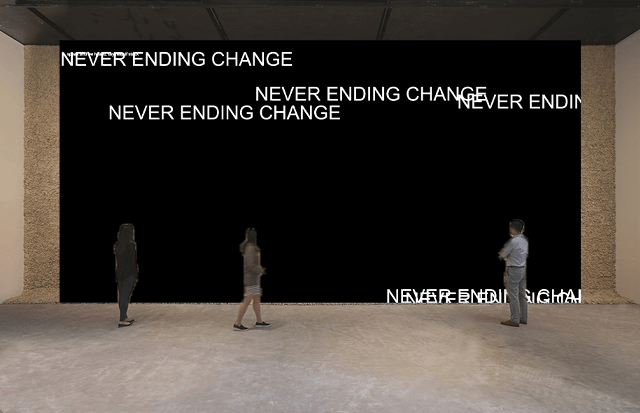
This is a rough mock-up and would be an example of the scale of the project in some sort of gallery. I feel like the large black background adds to the brutalism theme I carried though the project and the impact of it. This carries forward the passive function that was discussed at earlier stages of the project. I feel like having people discover the words used in a space like this, especially with the large scale of it will be very impactful for the viewer, especially when it just picks up a phrase being said in general conversation.
 Stewart Marshall IxD