In this project we are tasked to go back refine a previous project. Since I have known about this project for a while I have tried to give some thought to it as the year went on, however I still have no idea what to do for it. It is currently up in the air between a few, I was thinking of either typography or real time events.
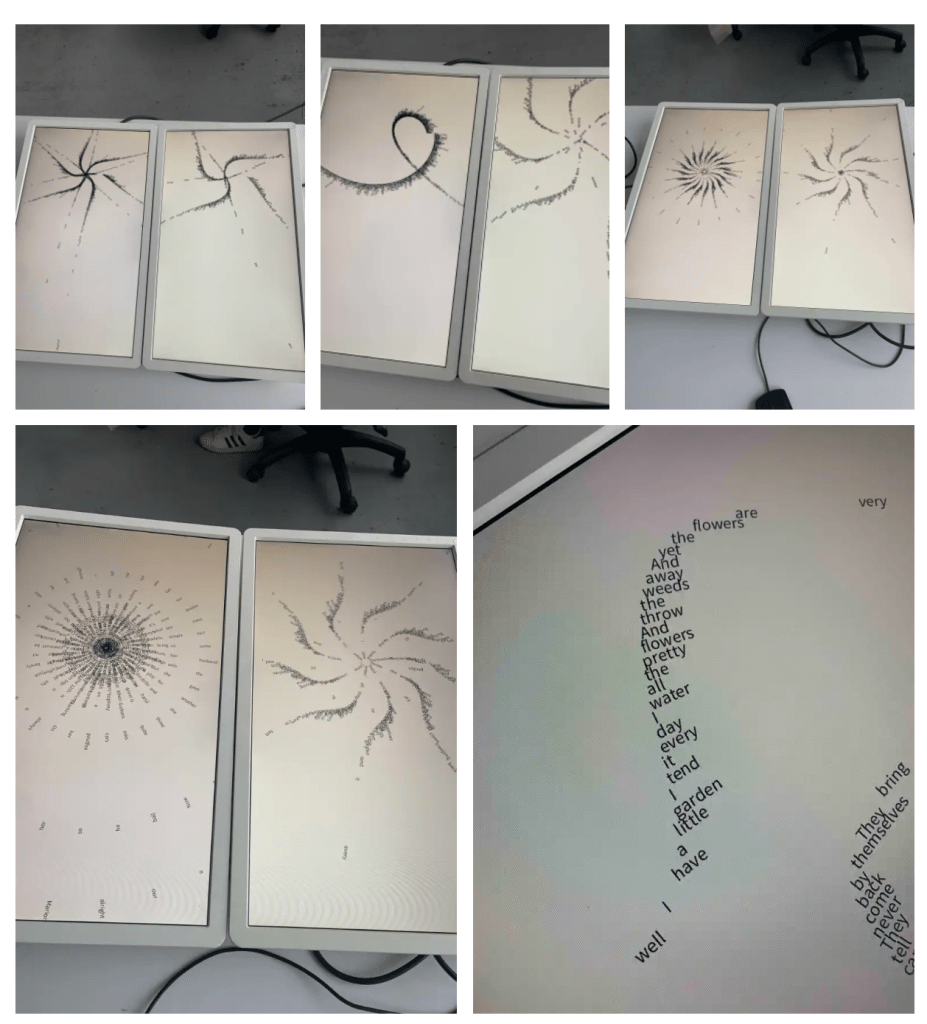
For typography I would expand my screen usage and have a multi screen spread, with one sketch running. However this means that I would need to have a way to show the work continuously and I don’t want to have to keep my laptop within the space, I was looking at refurbished mini pc’s but they seem so expensive for what they would be used for plus my want for multiple displays kinda goes out the with this.
For real time events I would like to load my project into VR and have it as a full immersive experience, this would be, at least on the surface level, fairly straightforward as I would expand it by adding more sound and try to refine the general atmosphere of the piece, however this would mean creating a way for the project to be easily restarted by the player as there is no way to do it without quitting the app and restarting it. I feel like this would be easy enough to do just need to be careful with it.
I have found a tutorial online that shows how to build straight to the occulus headset from unity which I feel will be really handy for what I want to do.
I feel like VR will be a good way to experience the scale of everything properly as well as the speakers similar to open ear headphones it creates a greater feeling of immersion.
Ideally I would like to combine both my AR project and RTE to create this VR project.
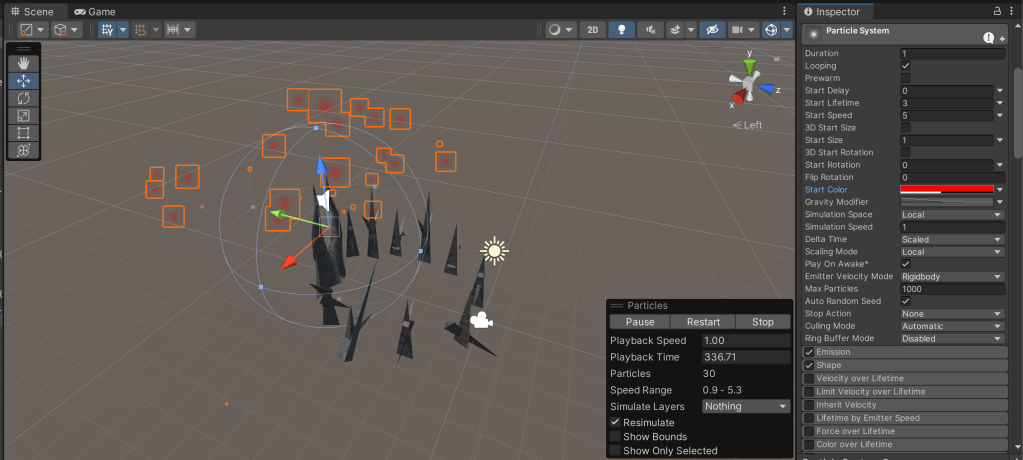
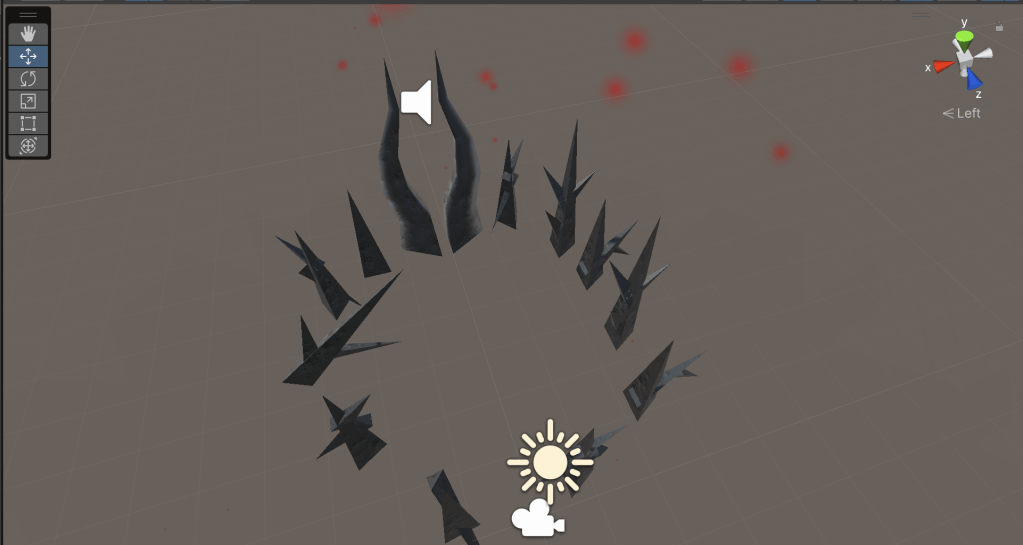

Having my monuments to scale I feel like will have a greater effect, full immersion will be much easier to achieve due to this.
I also feel that the VR will be well suited to the gallery experience, I also feel like VR isn’t a thing people normally get to look at so hopefully the opportunity will encourage more people to try out the experience
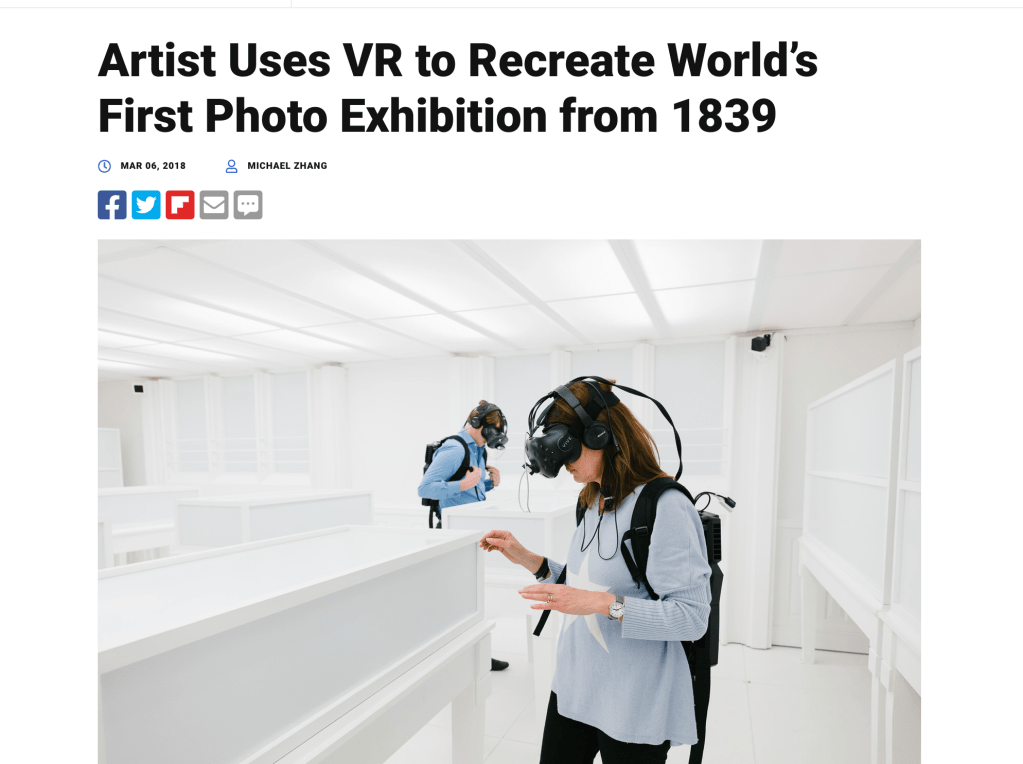
One thing I noticed that’ll be and advantage of my approach is that my headset doesn’t require to be connected to a PC things can be loaded directly onto it. This avoids contraptions such as this with backpacks earphones etc.
Setup
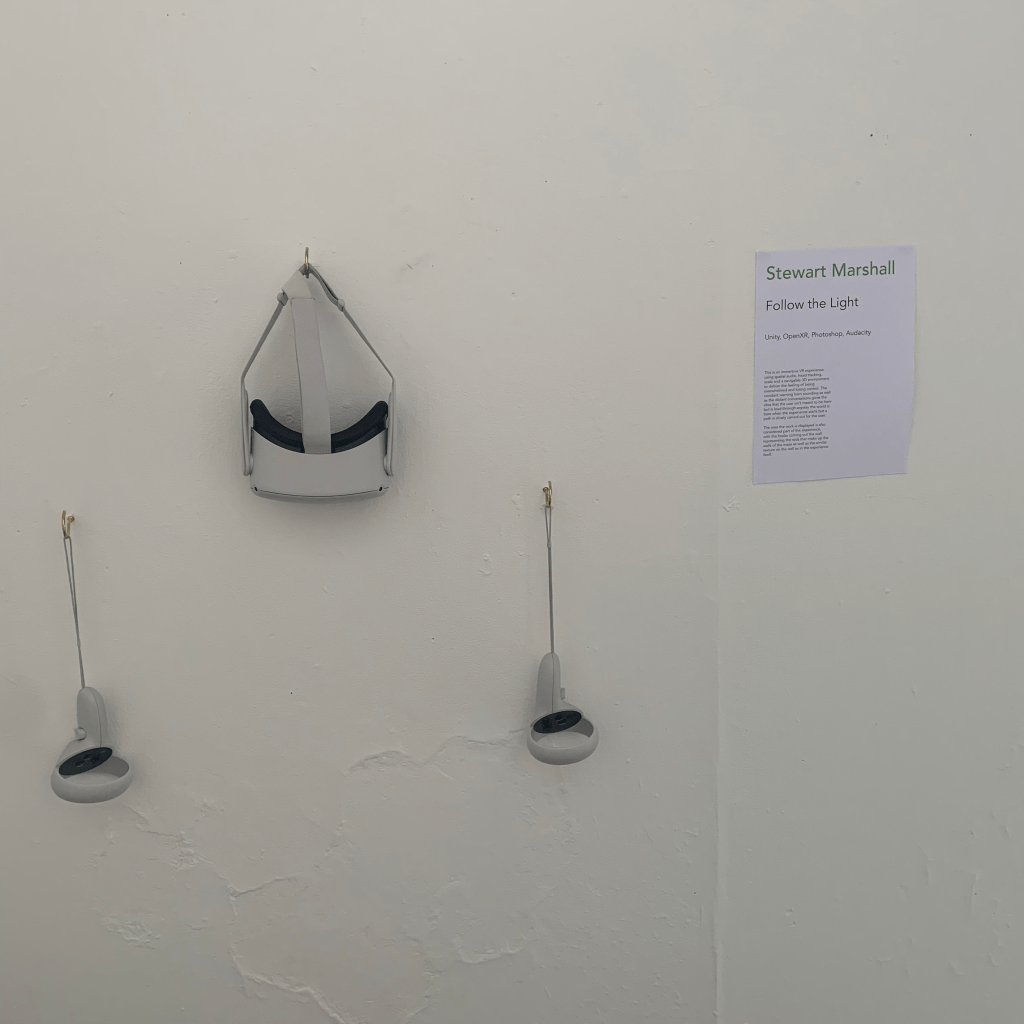
Theres a few things I need to do with the space but the good thing is I got the area I initially wanted. The area is to the left as you enter the space. I plan to have 3 hooks holding the headset and the controllers. There is also a plan to paint the walls to tidy the place up for this I will also need to use something like polly filler to sand down the walls smooth as whoever used the space had put polly filler in and hasn’t sanded it smooth.

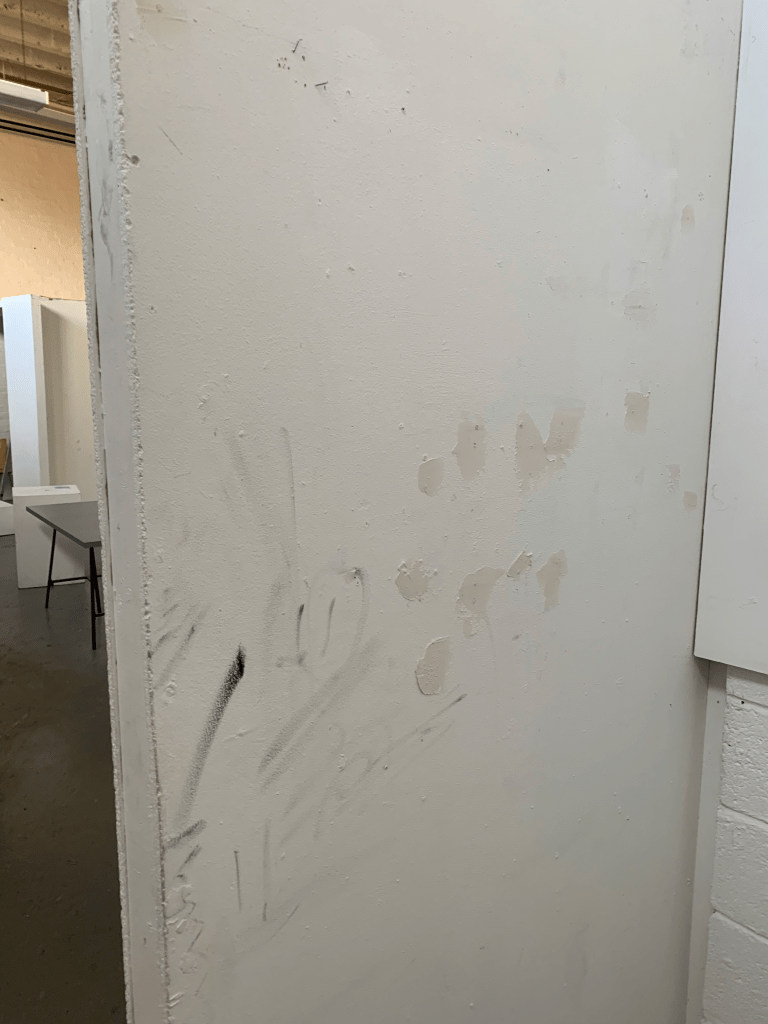

We are painting hopefully on Wednesday so will give it plenty of time to dry and be ready for Friday.
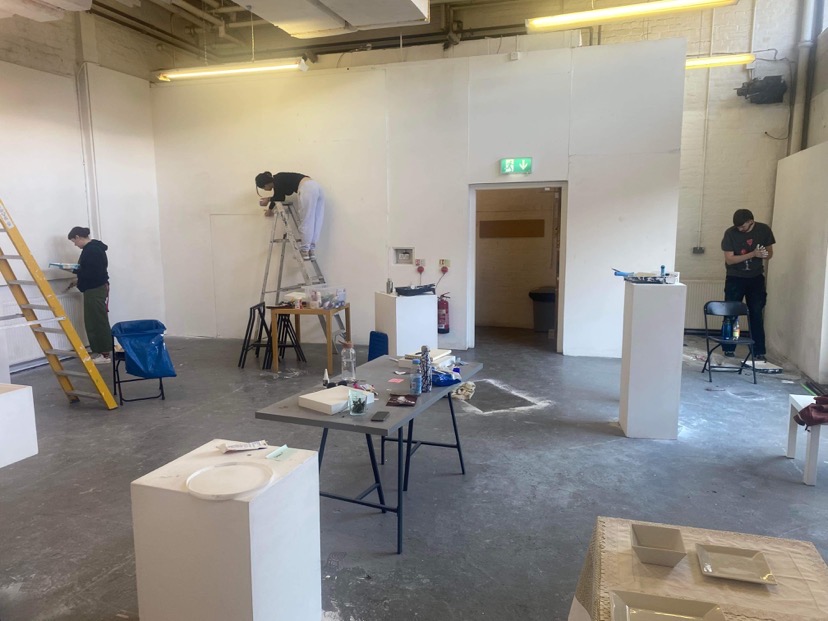

Everyone hard at work, with me, Mathew, Jenny, Kamra and Iona staying most of the day on Wednesday with some help from Joanna and Gabriel.
On Thursday we had a few more hands on deck with Natalie, Jamie and Innes joining the painting effort and Rona, Joanna and Monika distributing the posters around the GSA buildings.
Troubleshooting
I have managed to troubleshoot my VR stuff, the triggers for audio and animation are all working properly now, with the issue being with the camera not being detected by the script I solved this by adding a rigid body and a collider to the XR rig. There were some issues with the collider that being that it could fall over when bumped by a wall but I think i fixed this by making the collider smaller, however I will test this in the coming days.
Setting up on Friday meant that I could test for users that weren’t just me so it gave me valuable insight into what I should do.
I realised that the character model im using has a habit of falling over, I managed to remedy this after a bit of research and comparing it to the first person controller used. I froze the X and Z rotation to stop it falling over.

I also had another whack at the reset script, except this time it would be attached to a timer when the last trigger is activated, however this proved to be quite difficult to get my head around, as most of the other problems are fixed it should be ok if I just reset the experience manually as people are using it.
I also used invisible walls as an attempt to guide the player to not inadvertently jump off the edge.
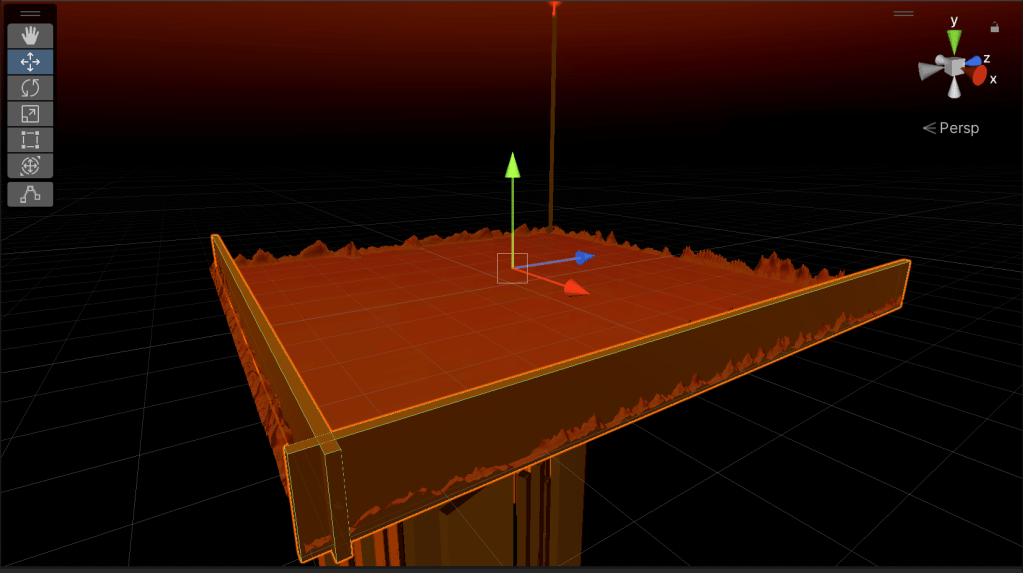
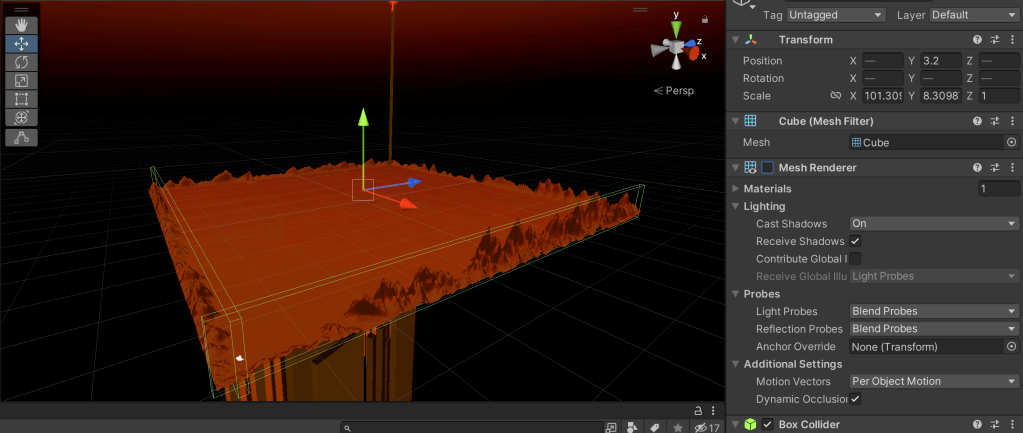
I created some cubes around my arena and turned off the mesh renderer to achieve this.


I also used the terrain brush tool to smooth out some of my terrain at the start and make it less bumpy.
One of the main bits of feedback I got was that everything was just a tad too quiet. This was quite a simple fix as all I had to do was bump up the master volume slightly.

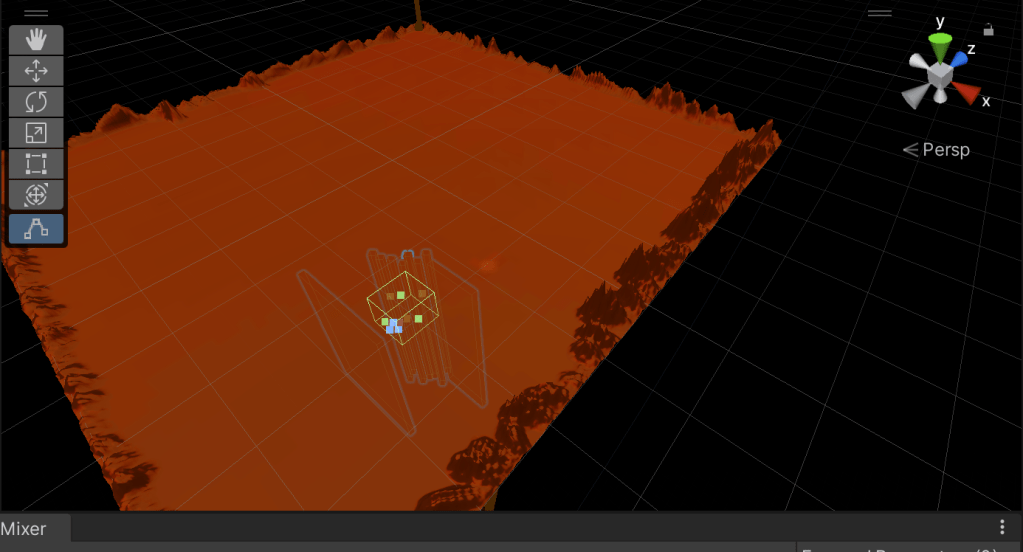
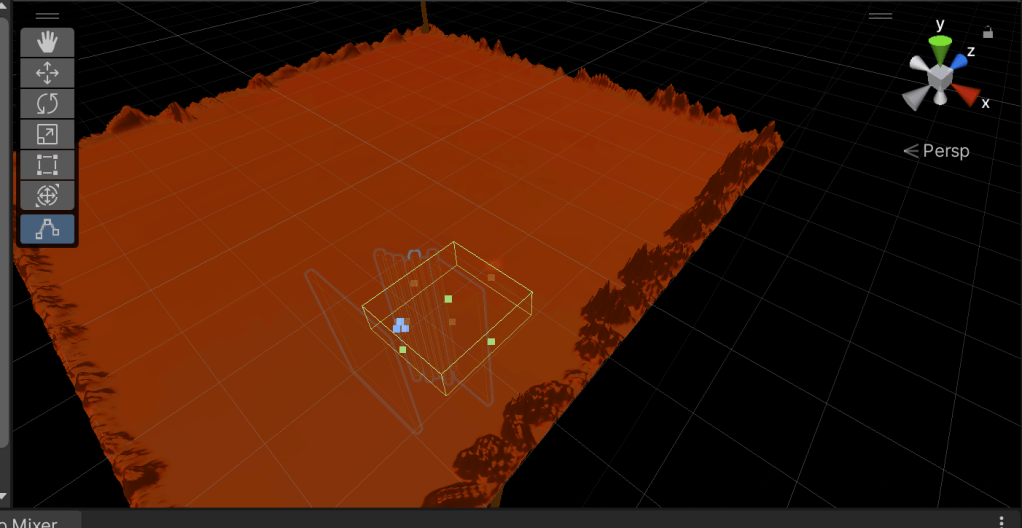
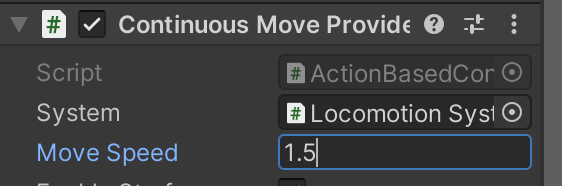
Some people also managed to escape the maze and a fix for this I found was to make my trigger areas bigger and also make the player move speed lower, this turns it to a slightly slower walking pace without making it feel too sluggish.


This photo made me realise my controllers were squint, spirit-levels exist for a reason.

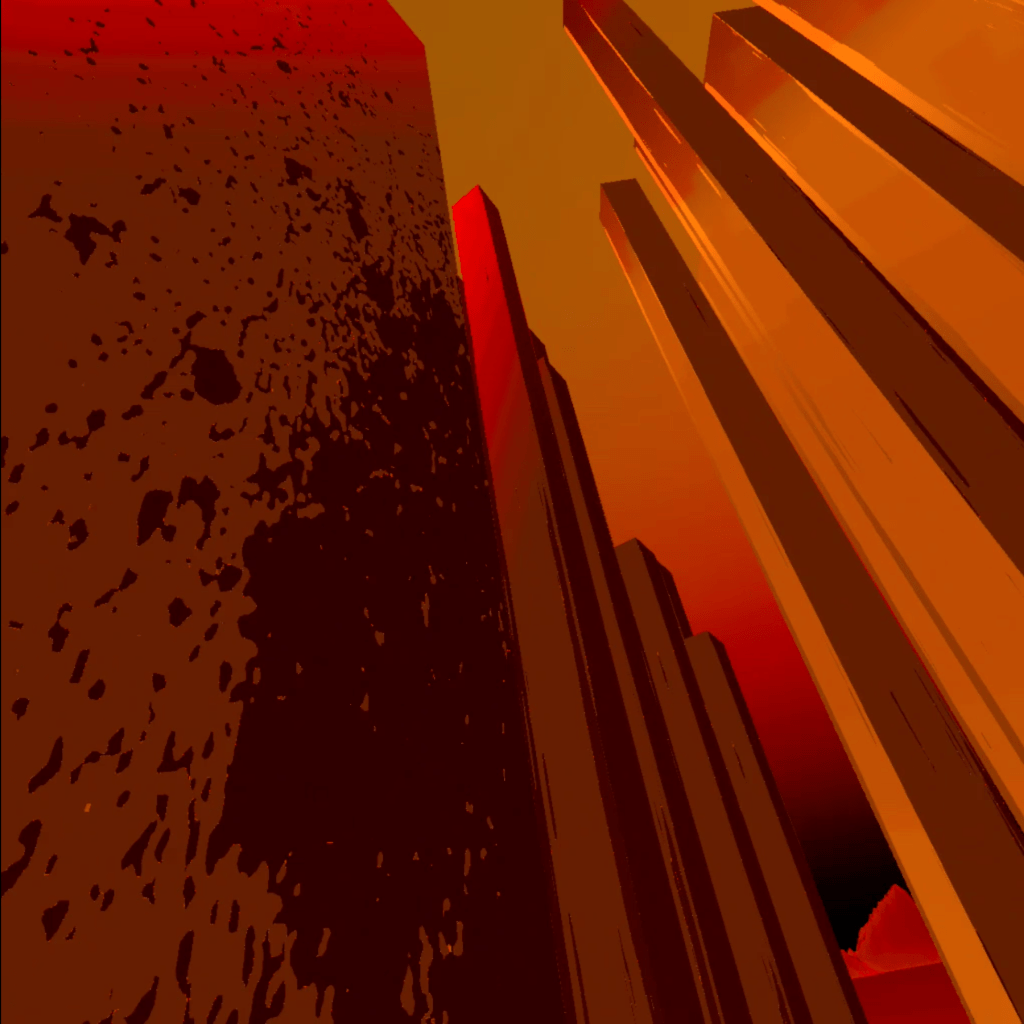
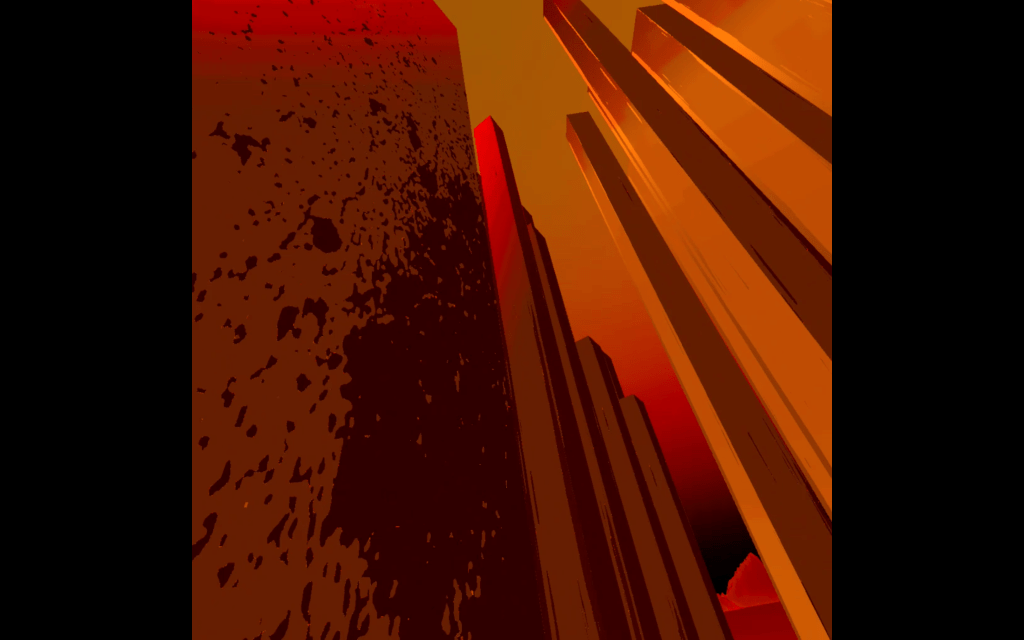
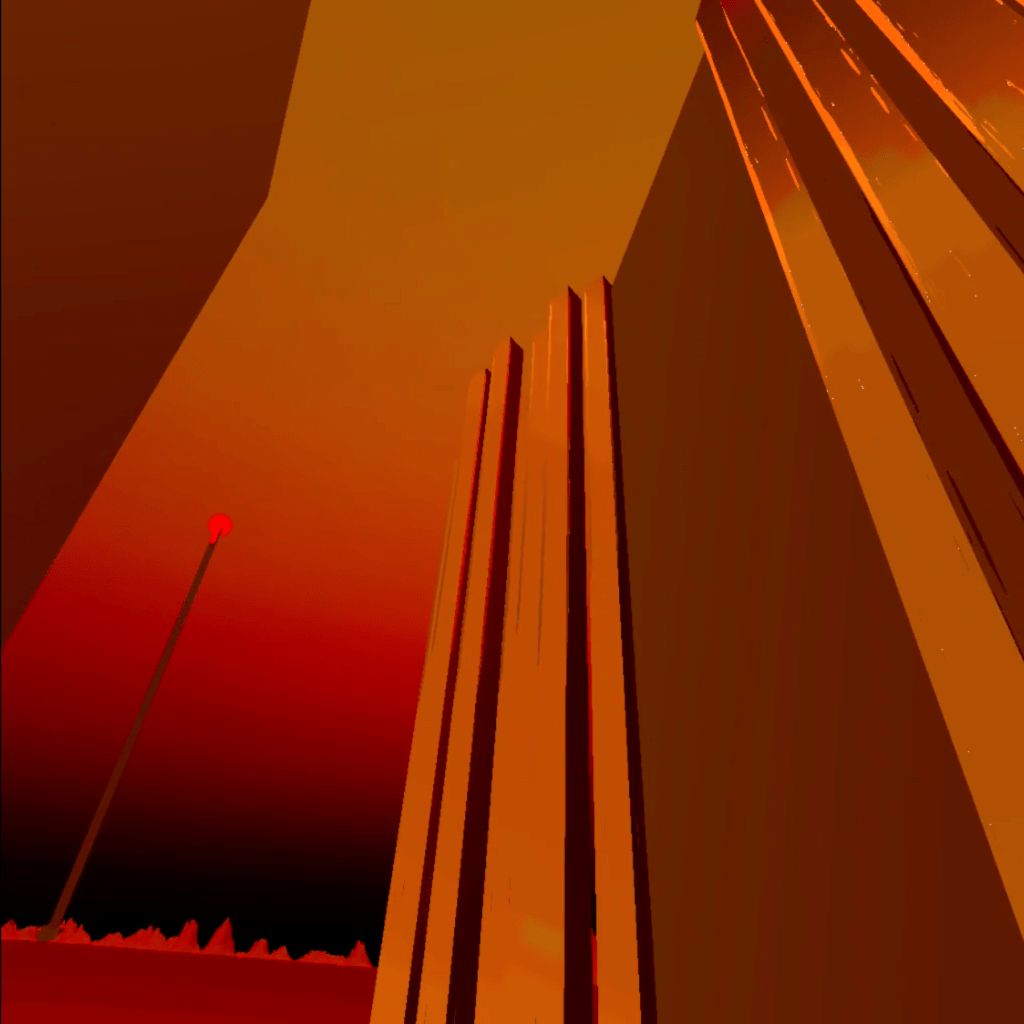
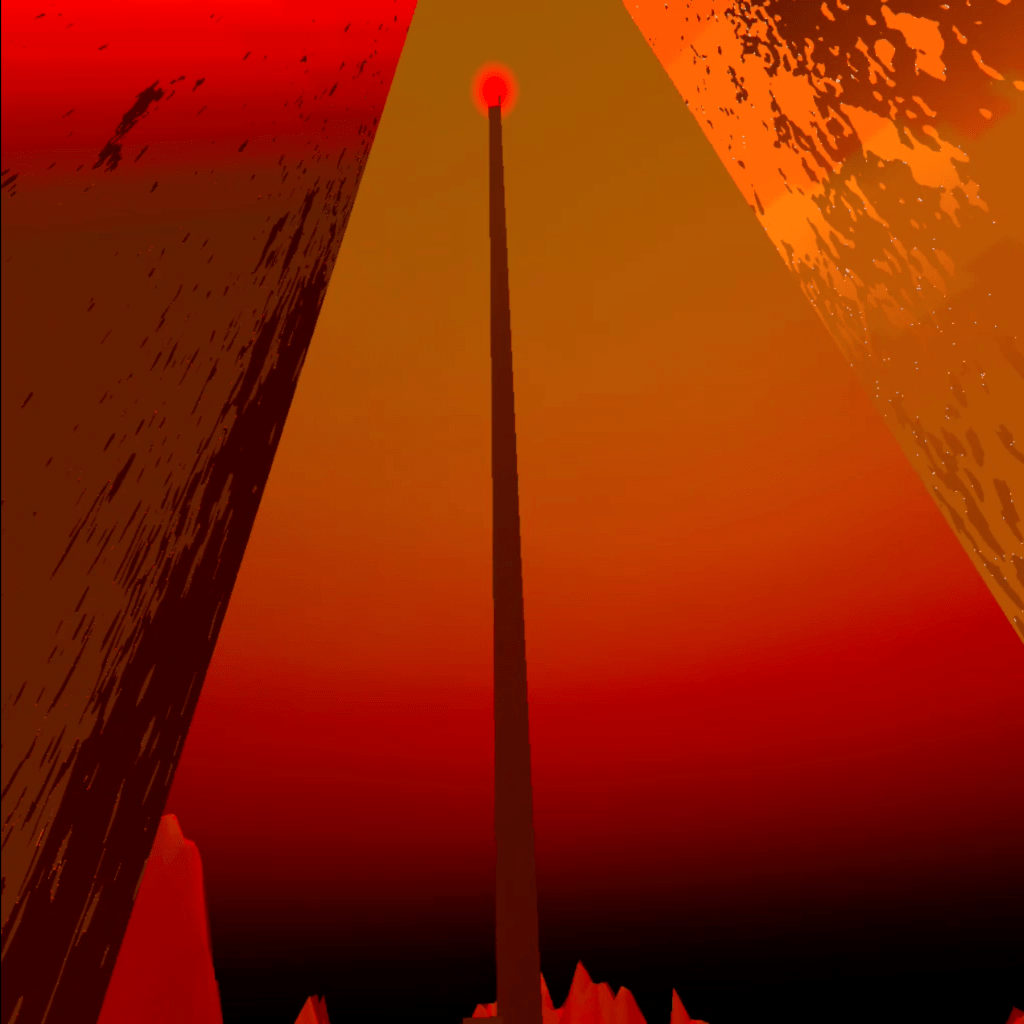

The good thing about the oculus is that it has built in screen recording so it was easy to document the final as well as how it looks with VR. I’ll be sure to add people using my work in the space, with their permission of course.
I also spent a good bit of time helping other classmates with their unity builds. This worked out alright as I was already finished with my build and its working well with my headset so I had some extra time to help.
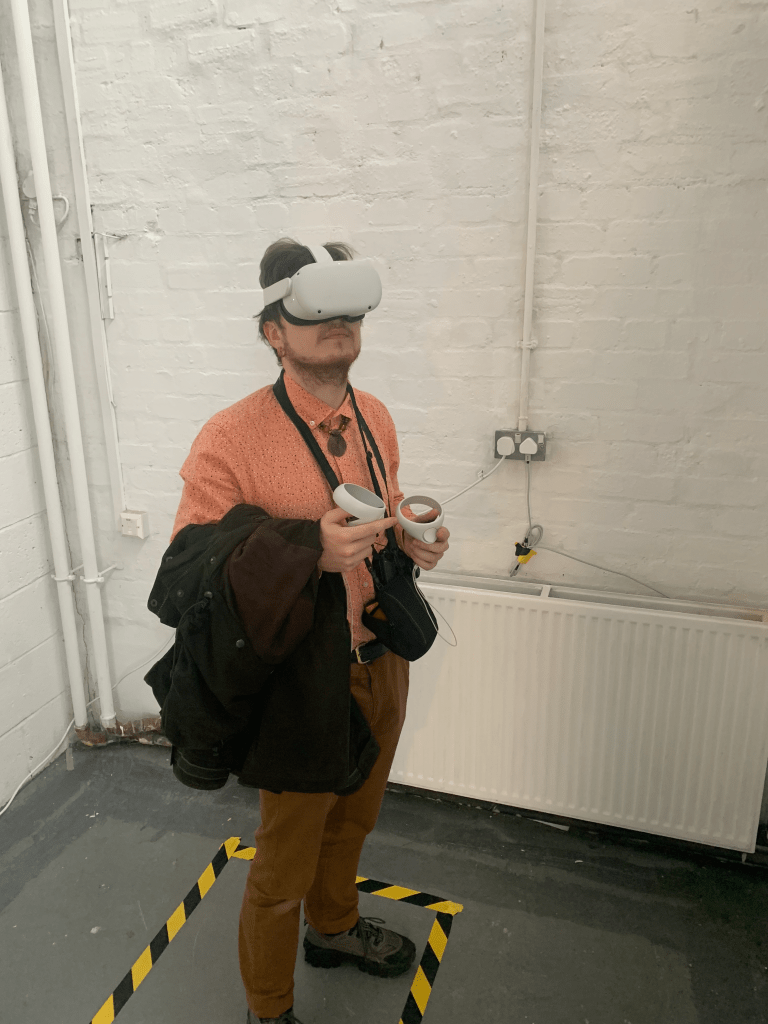

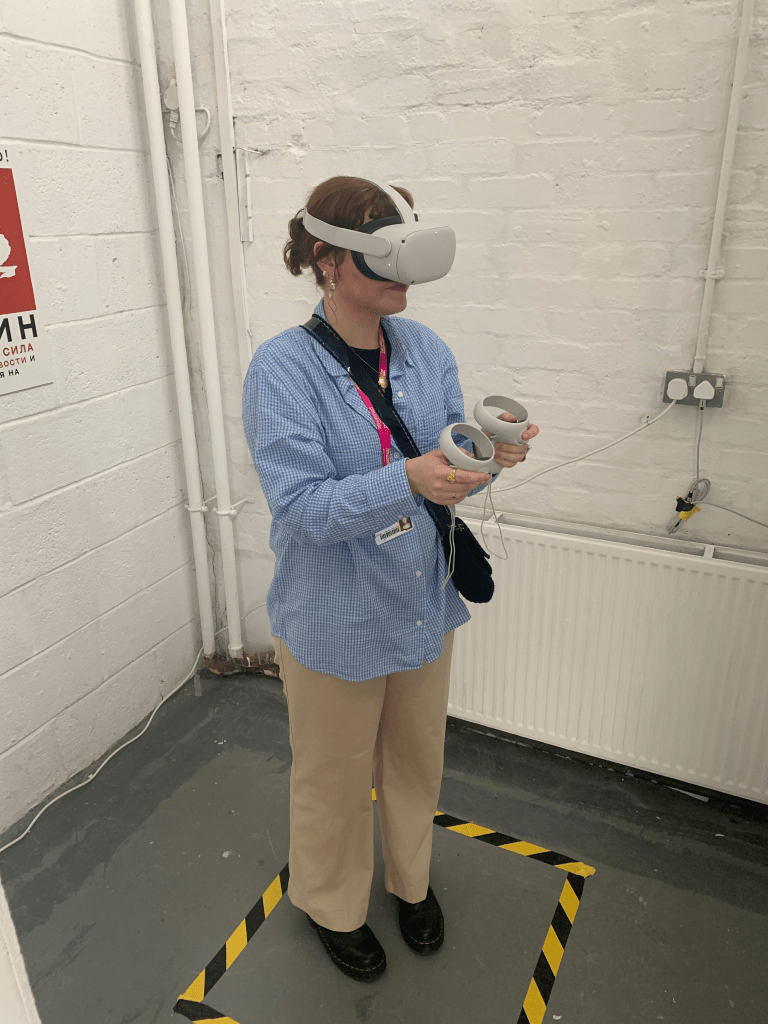

I found that it was a great experience getting people to try my work, not just on our course but outside it as well. I found it really interesting that when Danielle was using my work it invoked the exact same feelings in her as I was intending to replicate in my work, its very satisfying to hear that this was a success.
I felt that the show had a great turnout and made it worth all the hard work we put in, especially with the painting of the space. It has made me look forward to any more possible exhibitions in the future.
 Stewart Marshall IxD