This is pt.2 of the project we were given at the start of first year. It is intended to expand upon our skills in processing building upon what we already know. I plan to combine things I learn in pt2 with what I learned in pt1, with emphasis on experimentation.
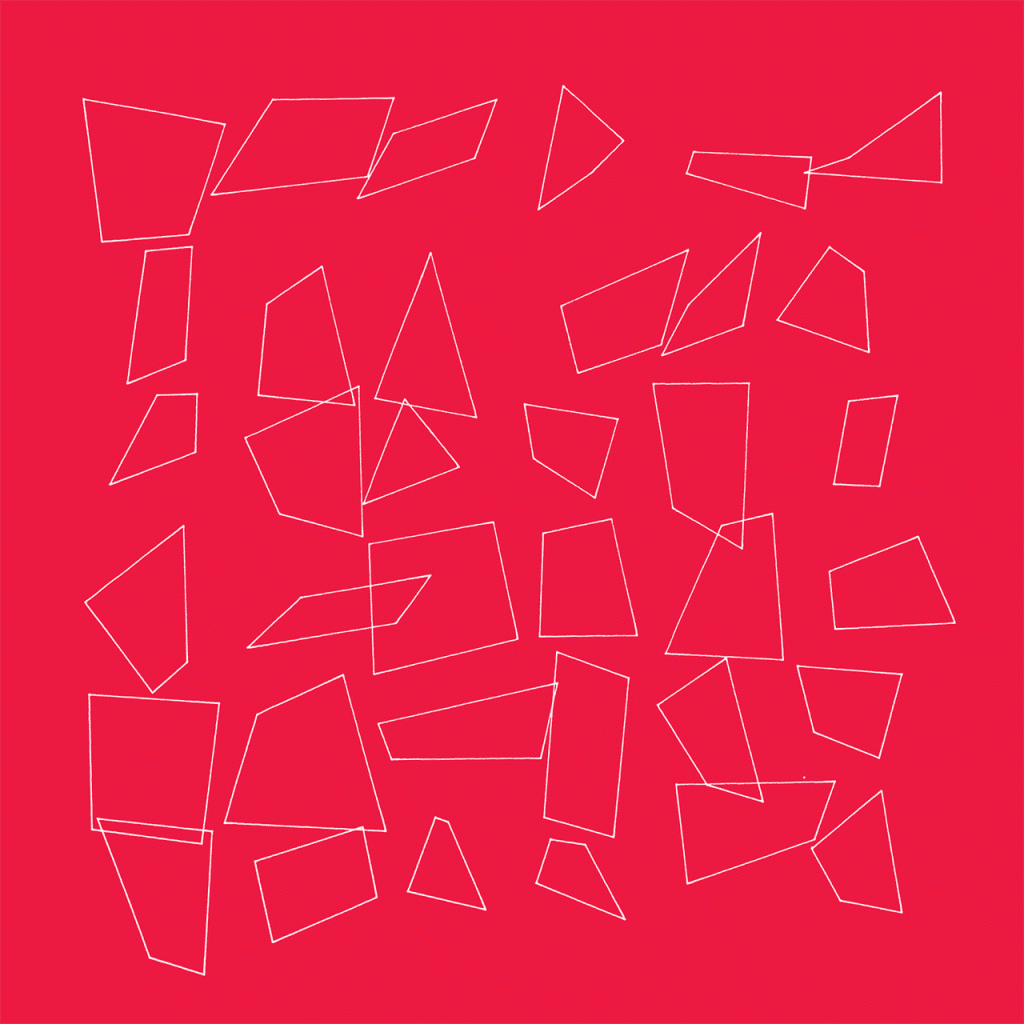
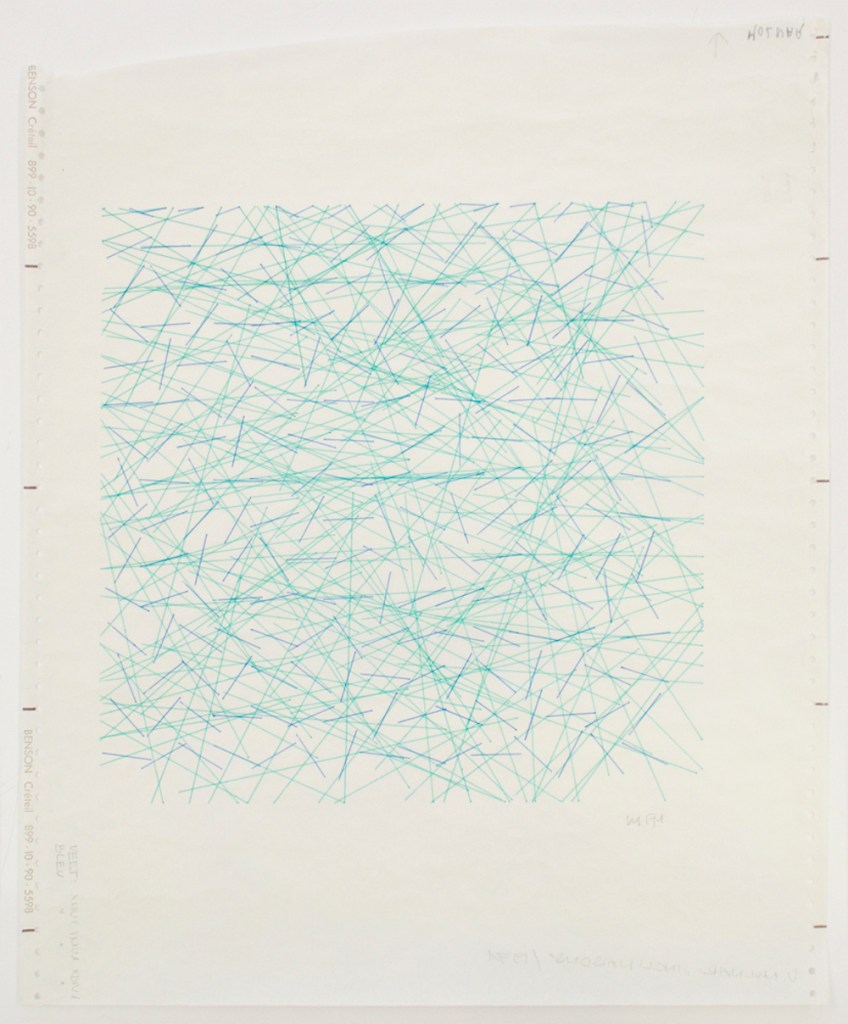
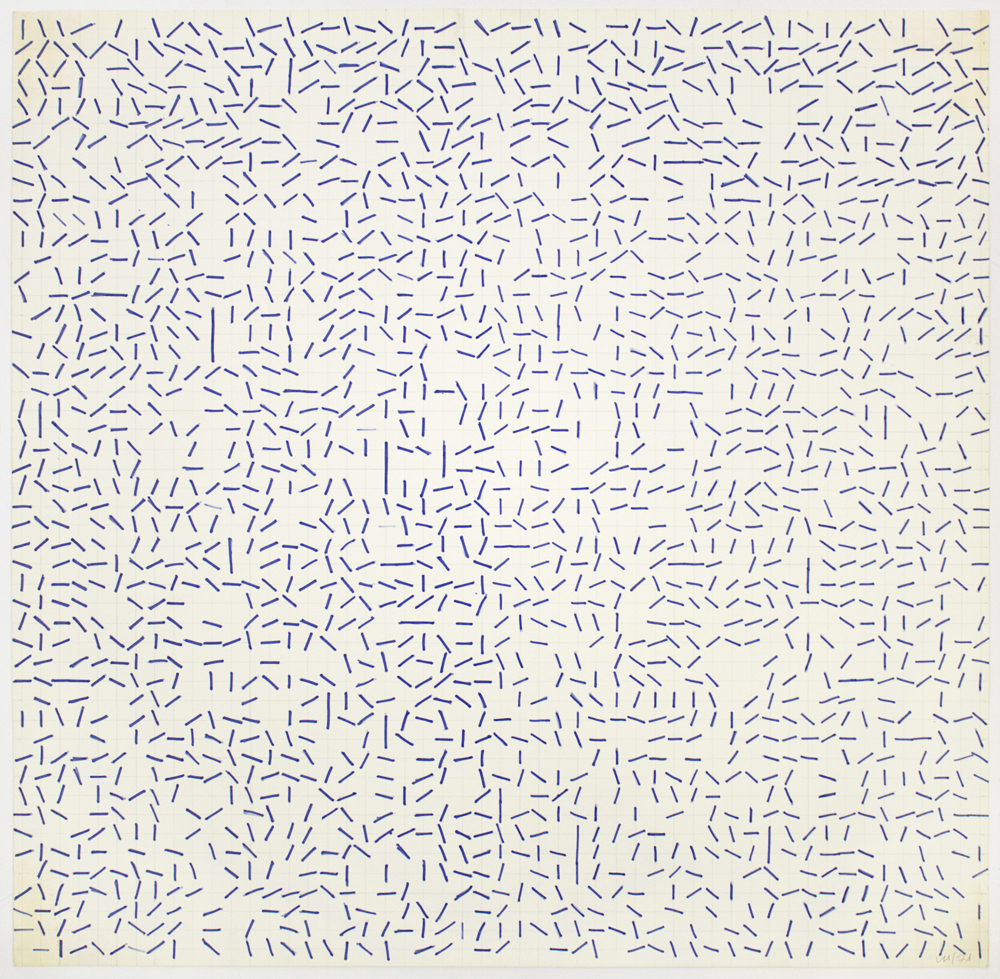
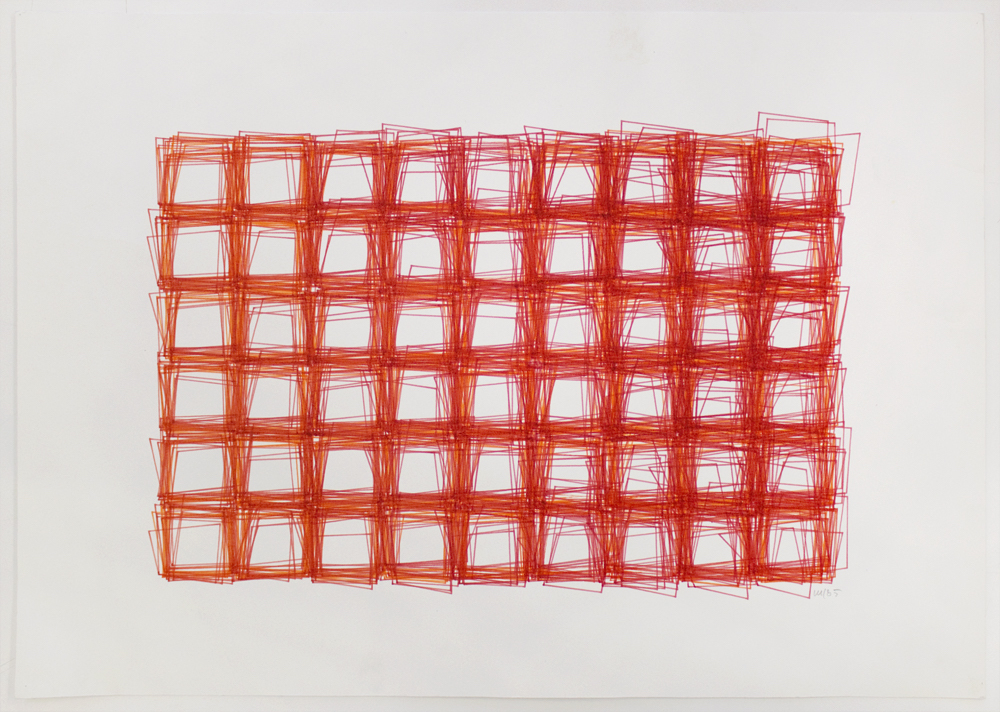
I decided to conduct some research on some original generative artists such as Vera Molnar. As well more modern artist such as Anders Hoff and Katharina Brunner.
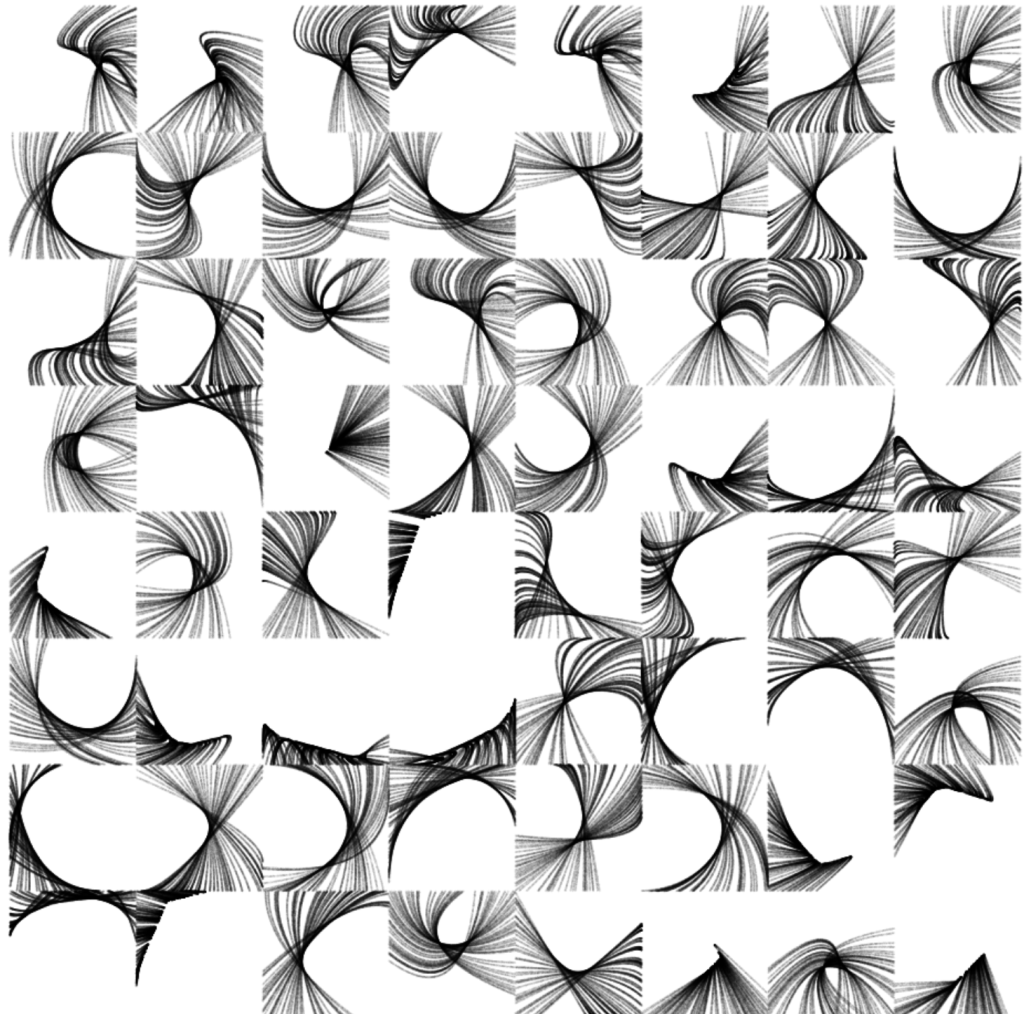
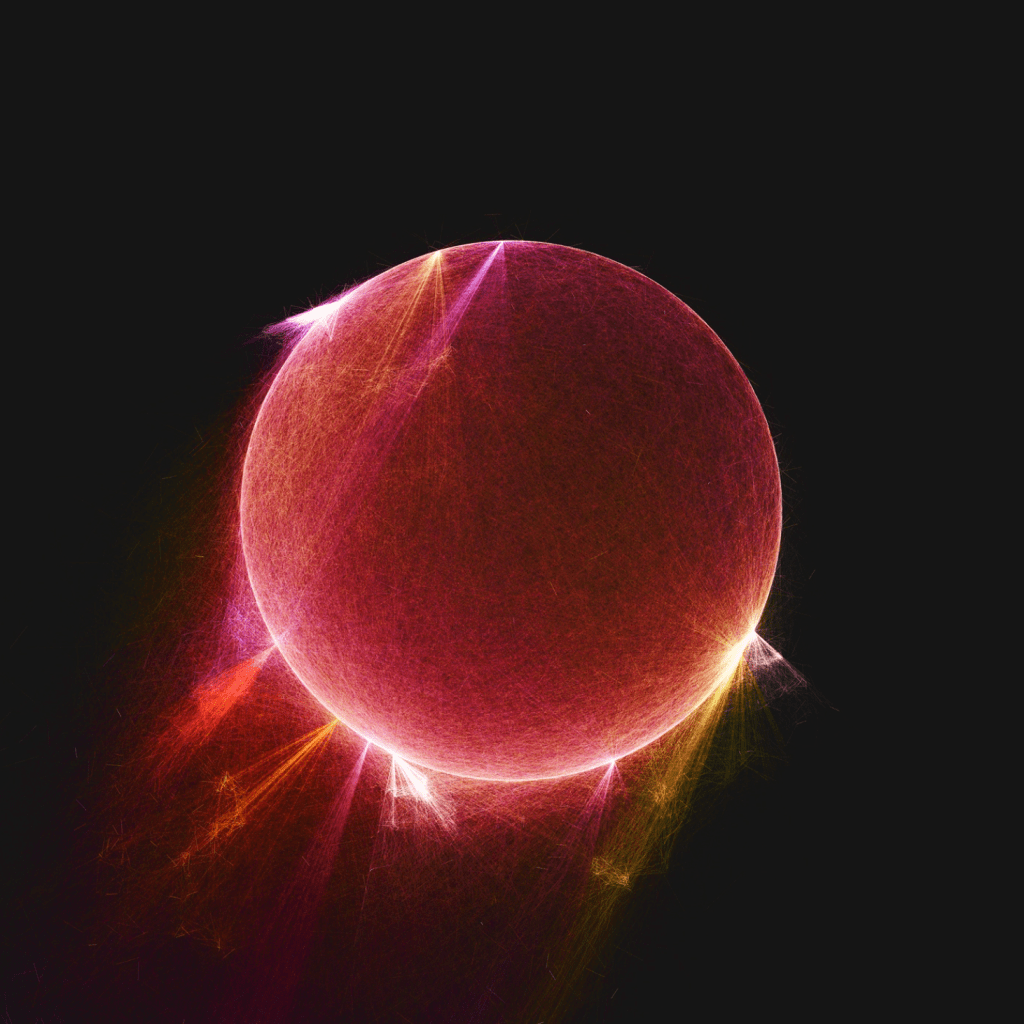
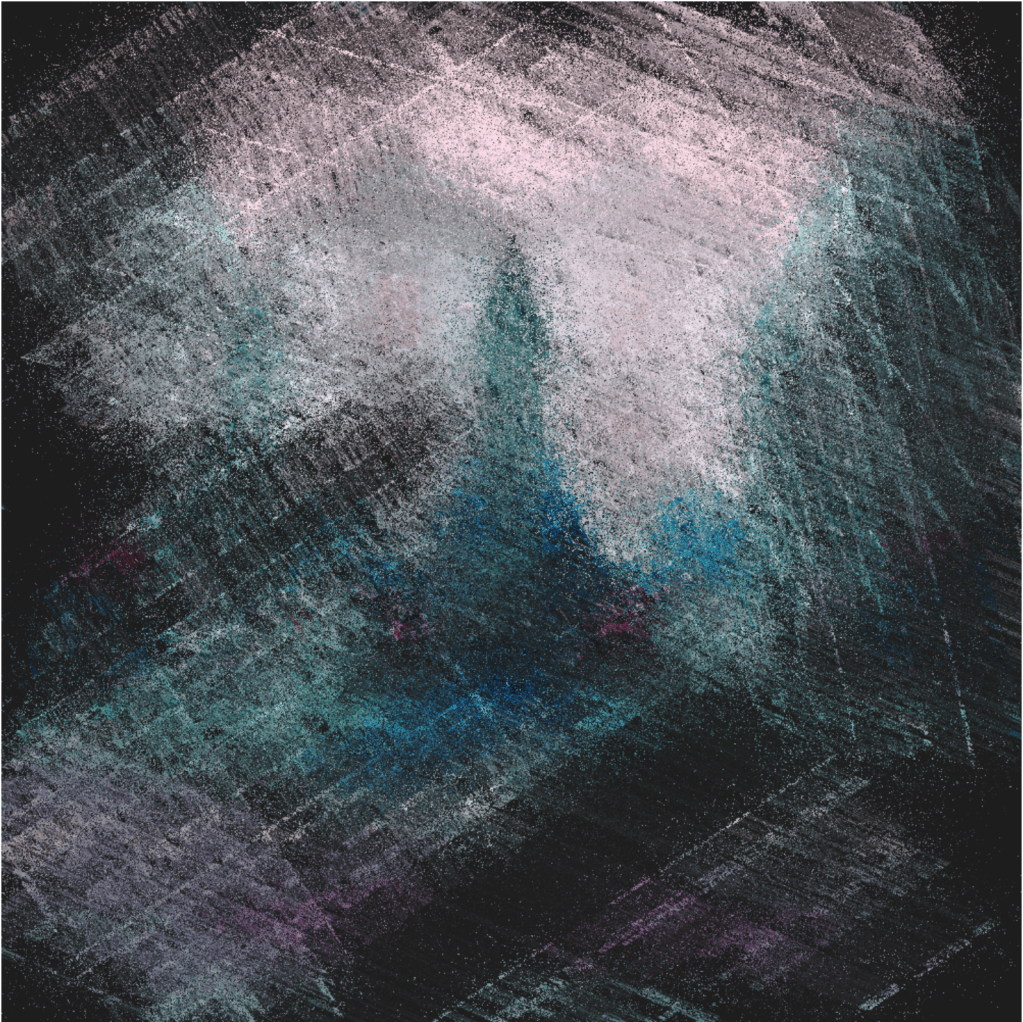
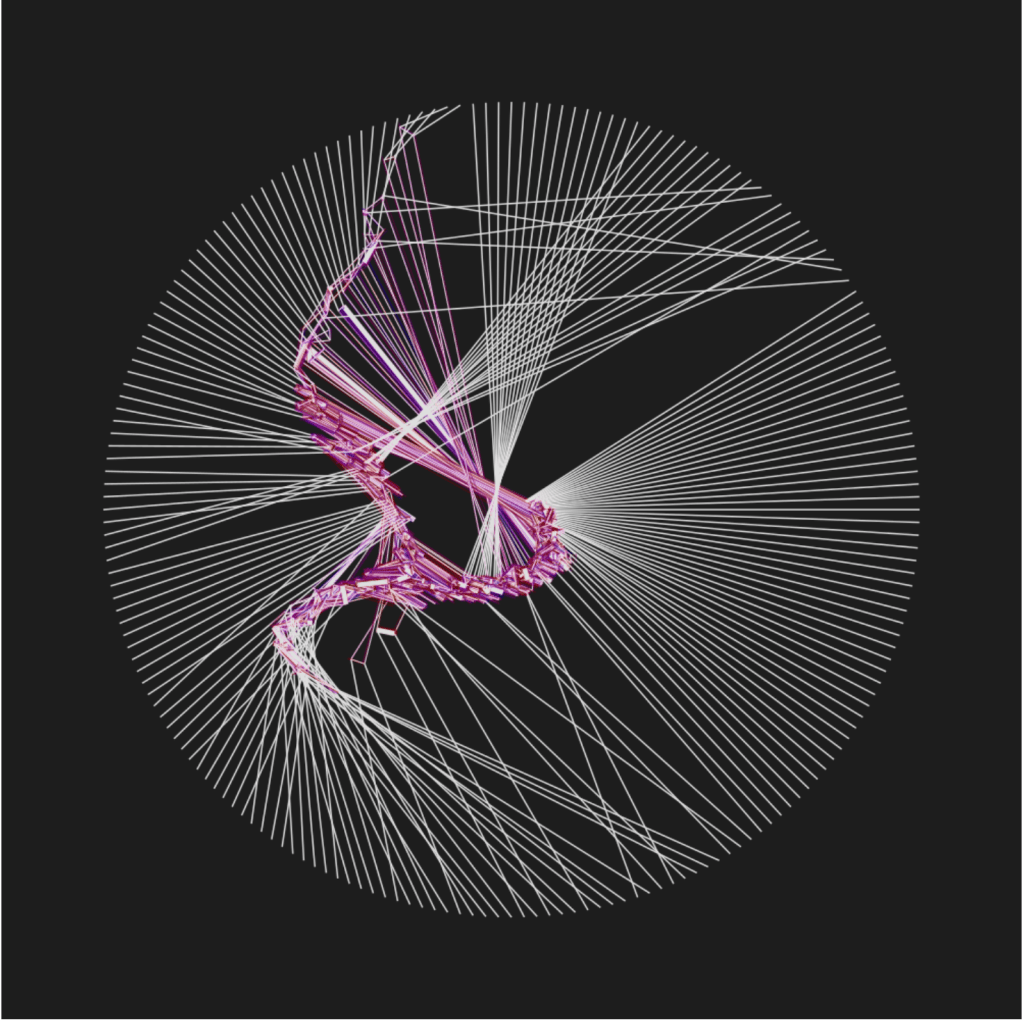
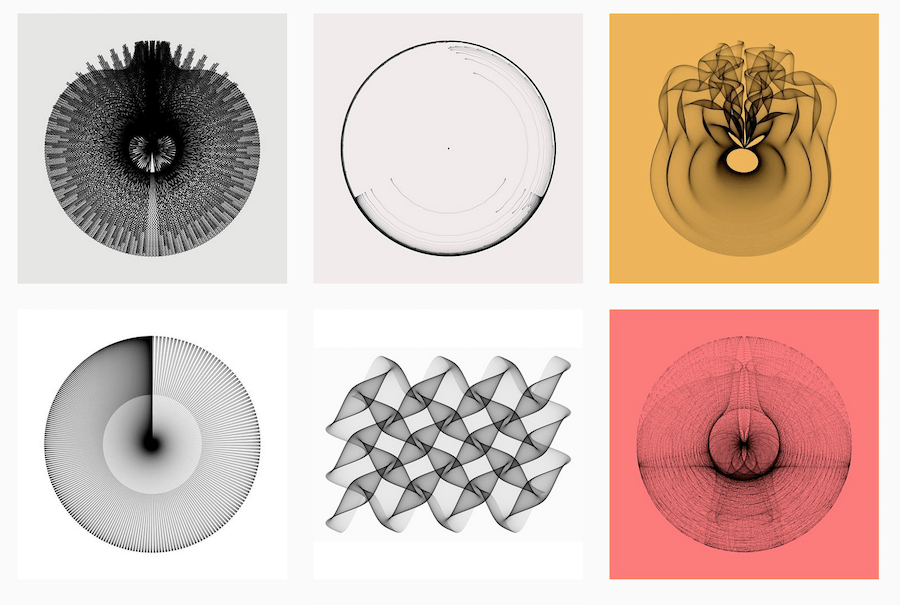
I decided to keep going with what we learned in the very first CC2 workshop, working with circles.
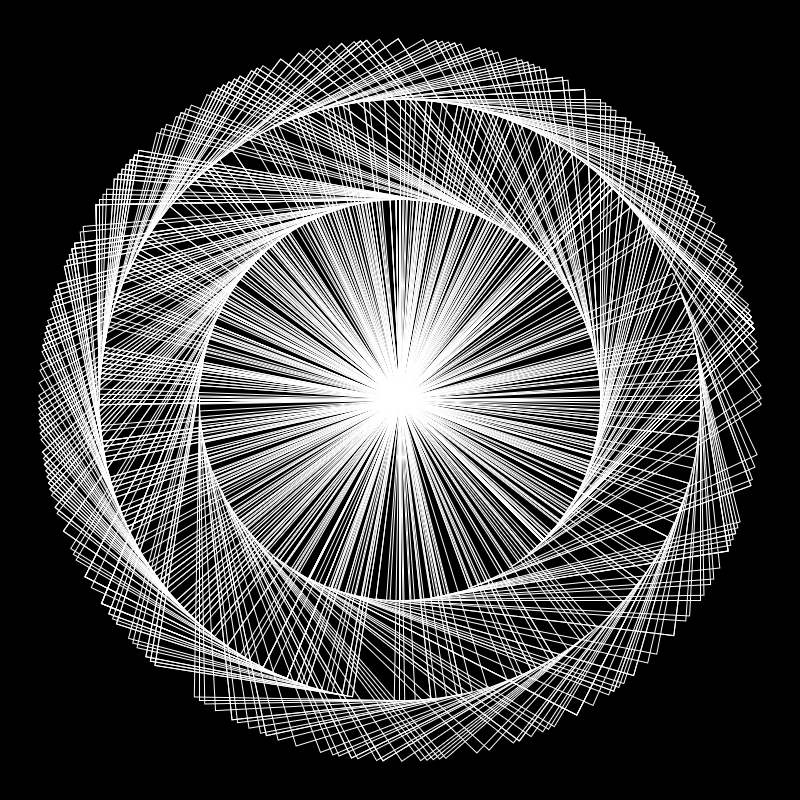
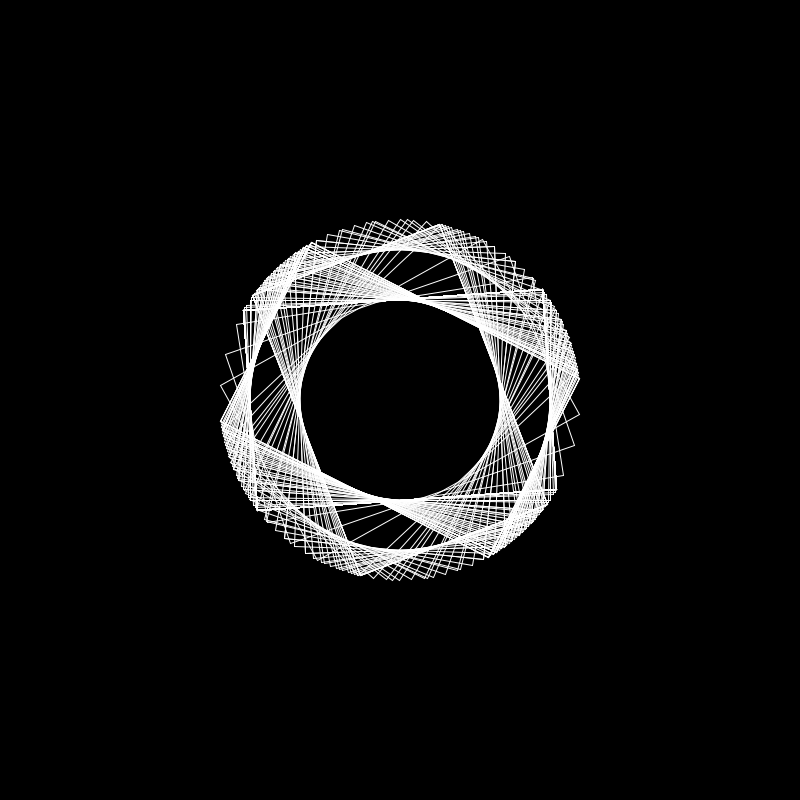
I experimented using the mouse to control the motion of a square as well as changing the rectMode() to center to get the image on the right.
I then started to experiment with the translate to get different results.
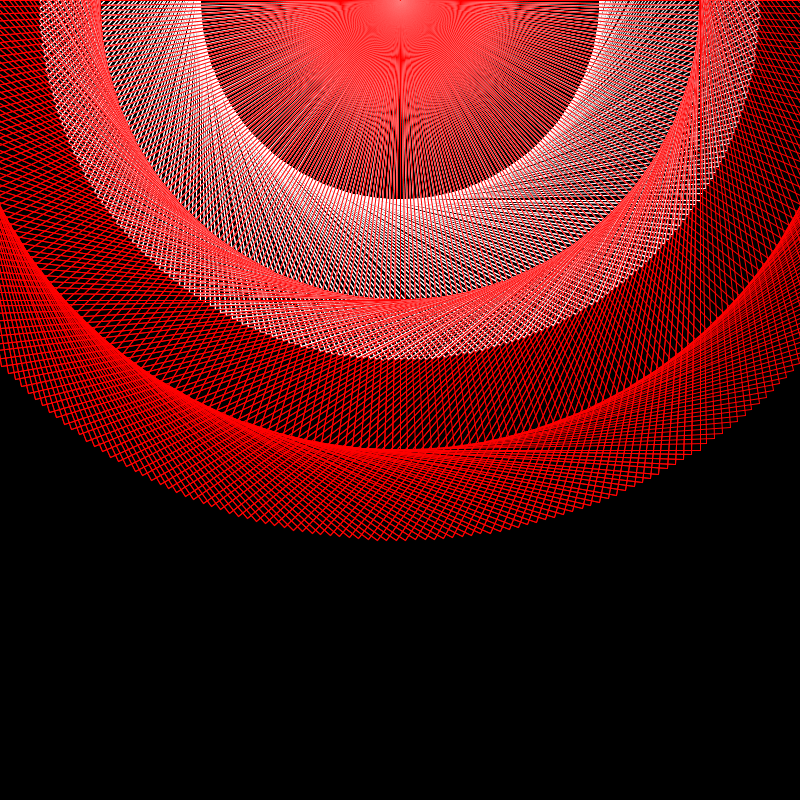


I then decided to use the frameCount to determine the movement of the square instead of the mouse, this allowed for more reliable and quicker generation of the shape.
I then combined these into a grid looking at the different shapes it would produce even though it was just created using the exact same square rotating.
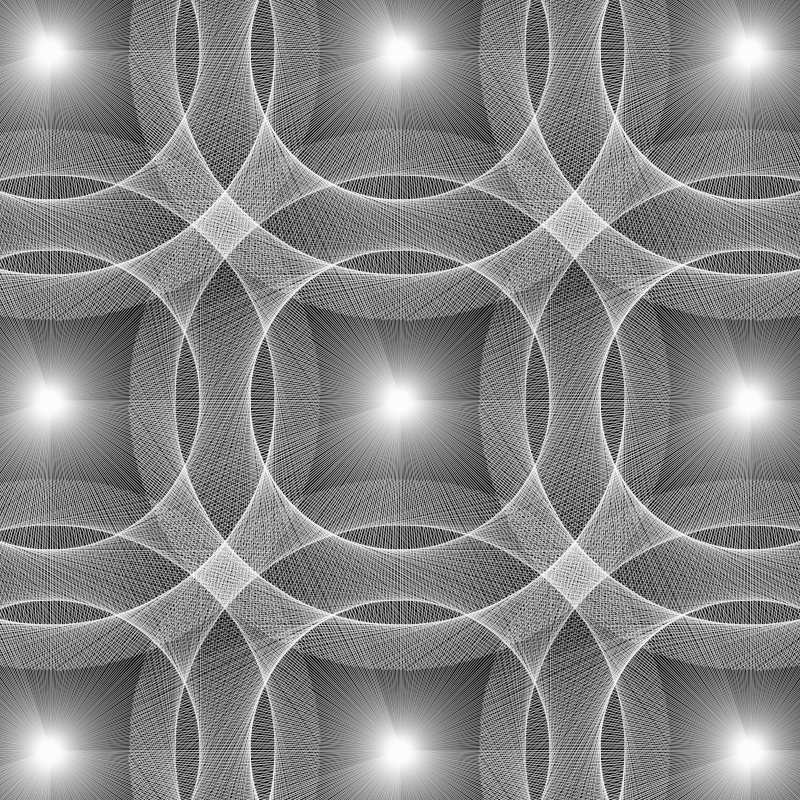
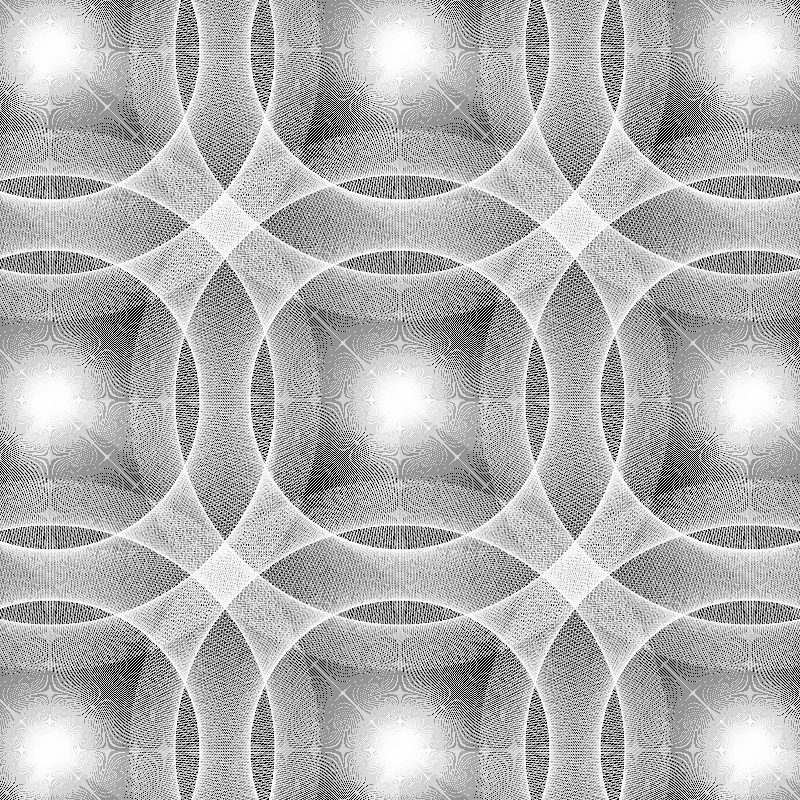
After this I wanted to experiment more with grids. I booked a studio support session with Paul and wanted to find out more about what I could do with grids, I came out with this.
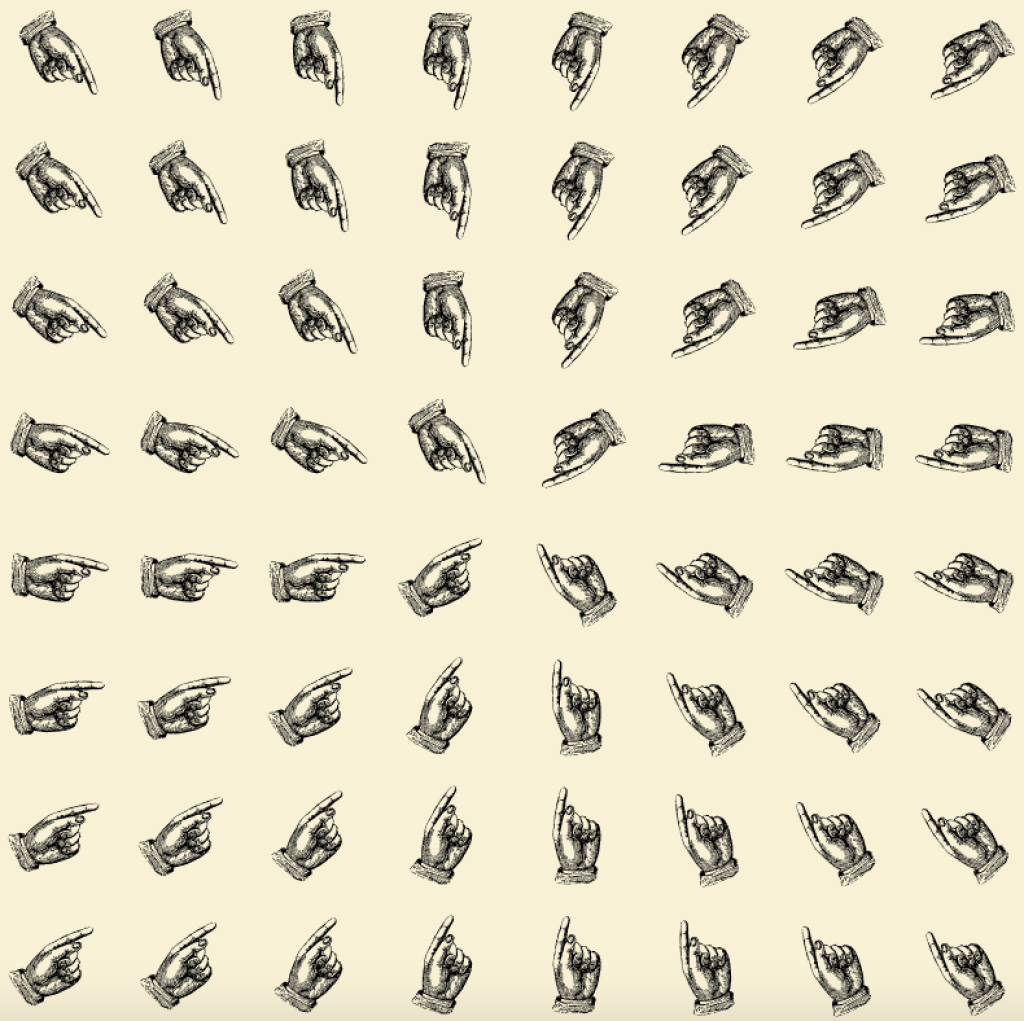
A grid of hands pointing towards wherever the cursor is, with this i decided to experiment more with grids and find out more things i can do with them.

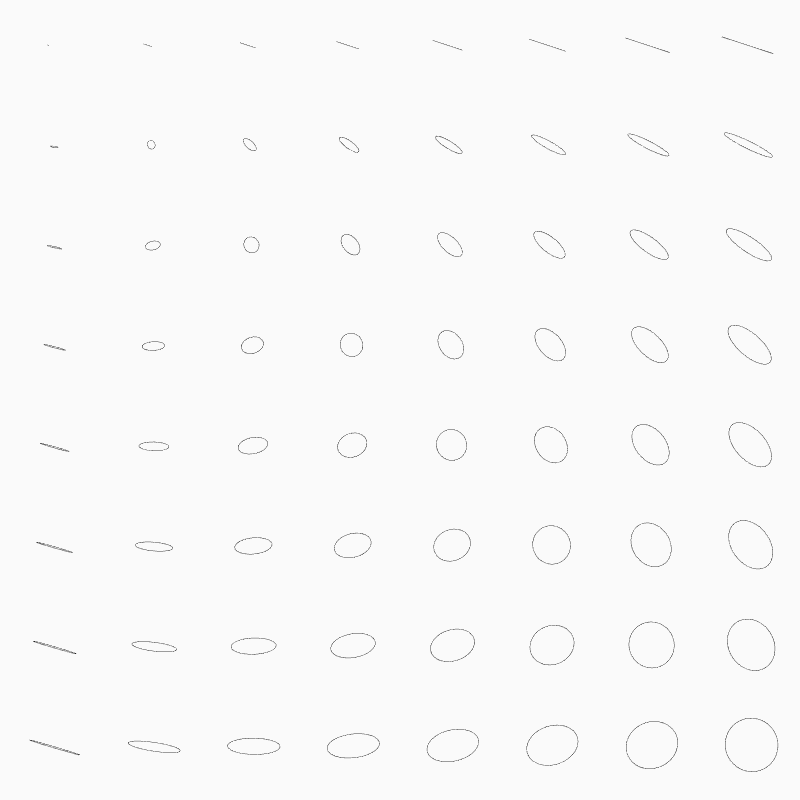
I created these using the exact same principles but just using shapes instead, I again wanted to experiment further, using a random geometry function we created in CC1 I implemented this into a grid, creating a random shape at every click of the mouse.
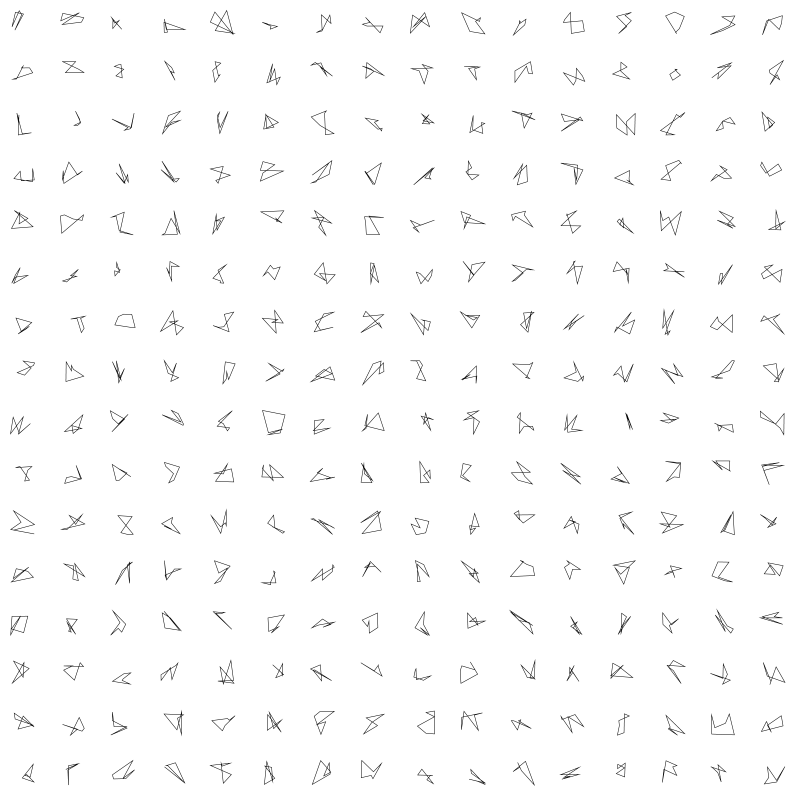
After learning about trigonometry I decided to use it to create some interesting shapes.
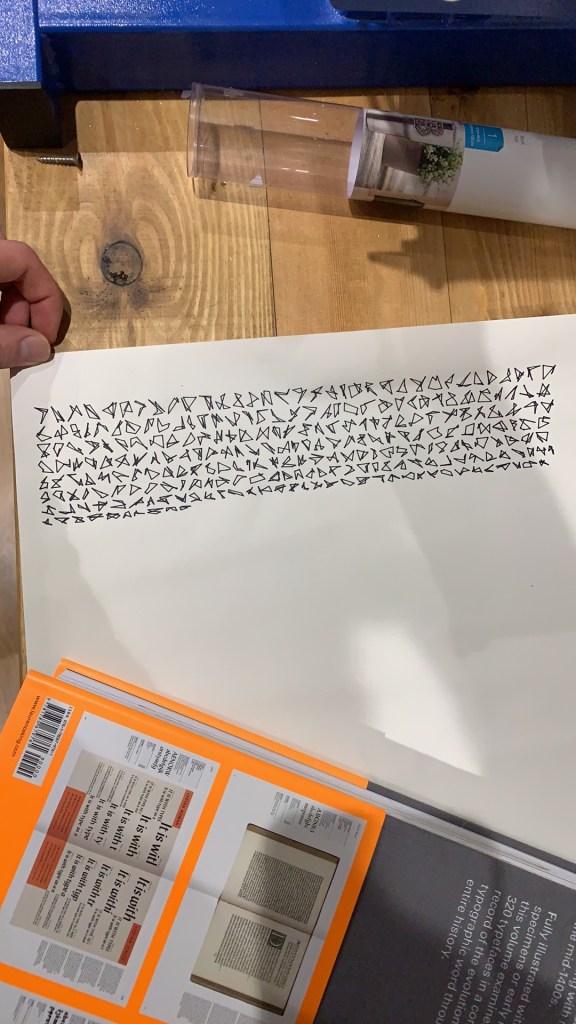
Decided to draw this using my Cricut Maker, similar to the axis draw machines, I exported an SVG to the Cricut software, however this is the first time ive used it for this purpose and it seems to have auto formatted as if its text. The machines are trying to communicate.
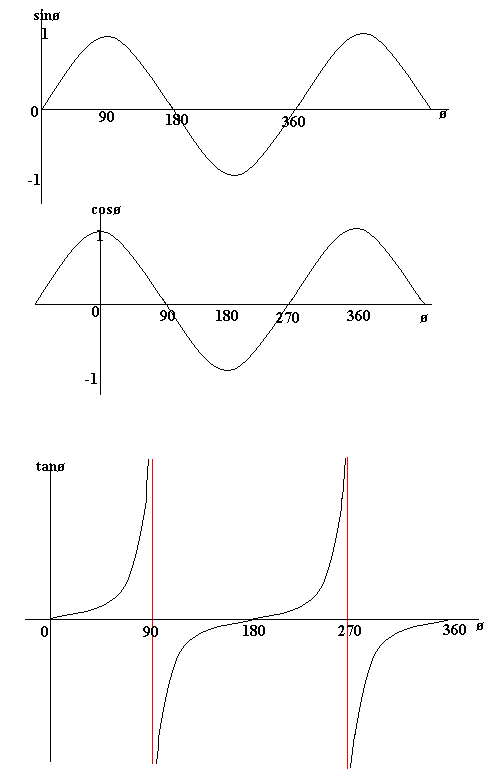
These graphs are the sin cos and tan graphs that I haven’t seen since high school, bringing back some unhappy memories BUT, the visuals they can produce are brilliant.
Before creating my final I did research on generative art and what it actually means, stolen from different sites here are the definitions;

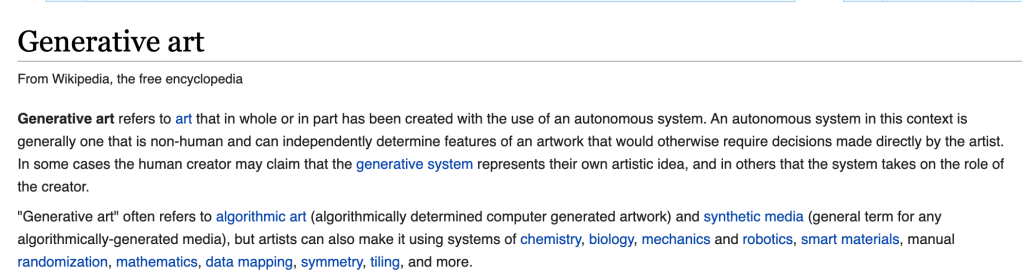
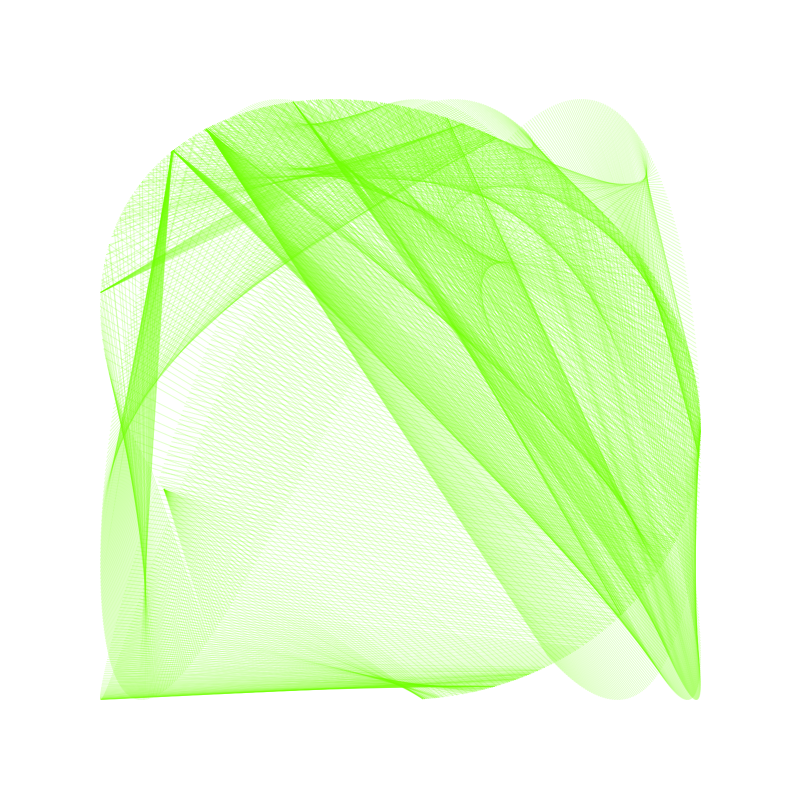
I decided to focus on the idea that Generative art is essentially the collaboration between people and a machine, a collaboration. I took the idea of these automated trigonometry visualisations and gave the user partial control of the sketch.
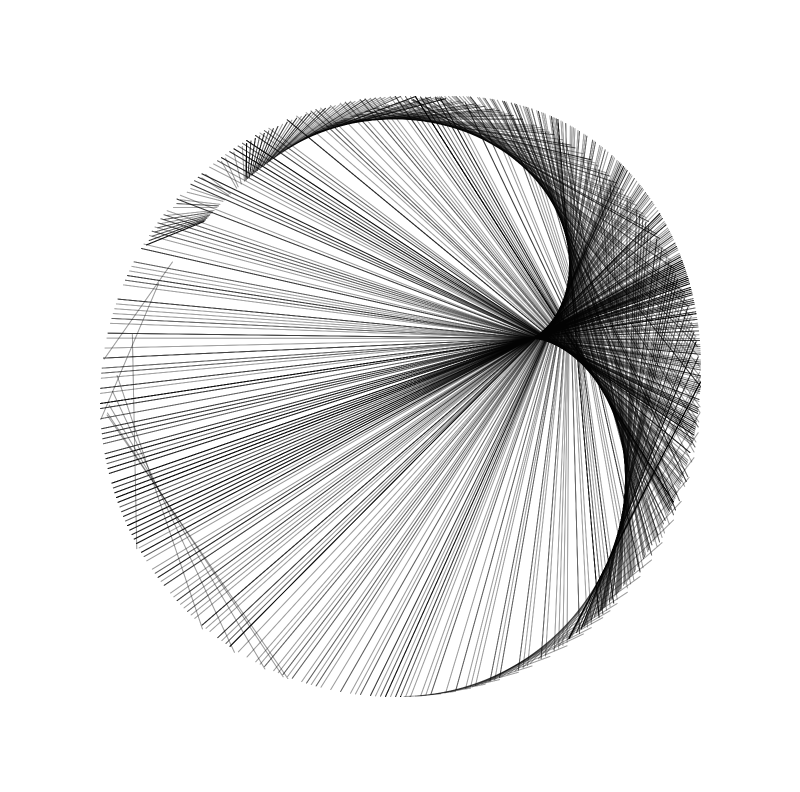
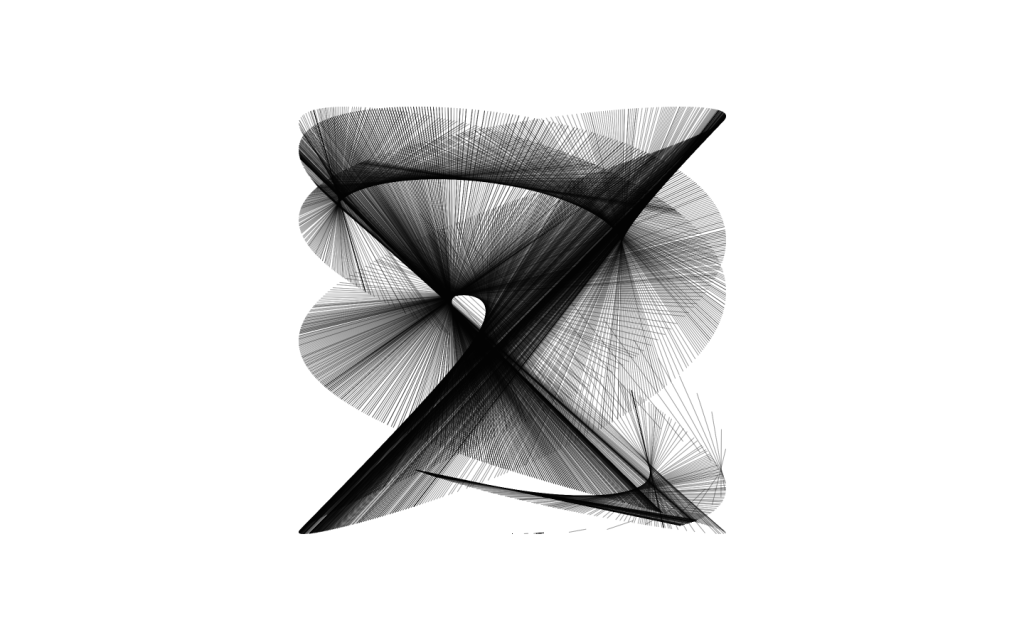
The progression of the line is determined by the user, it can go forward or backwards, going over itself to create some very interesting marks. I decided to still retain an automated segment of the sketch allowing users even more limited control of the outcome.
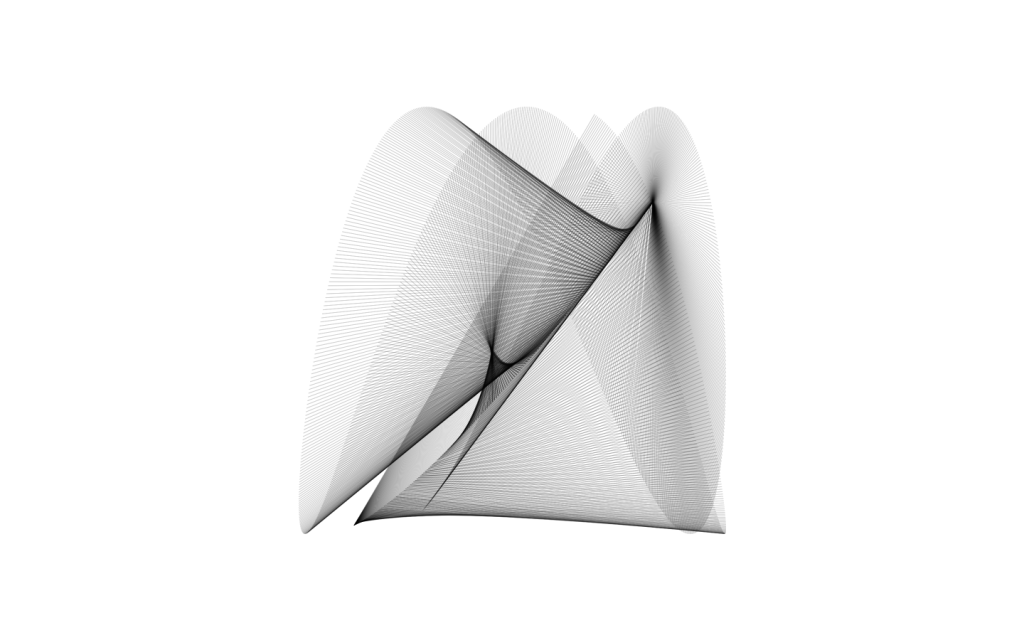
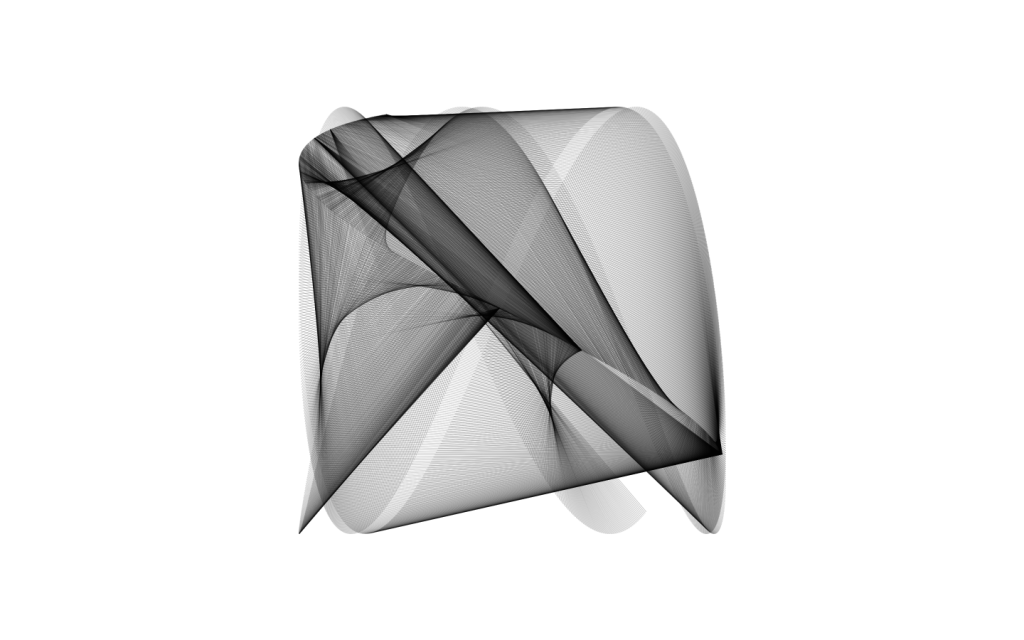
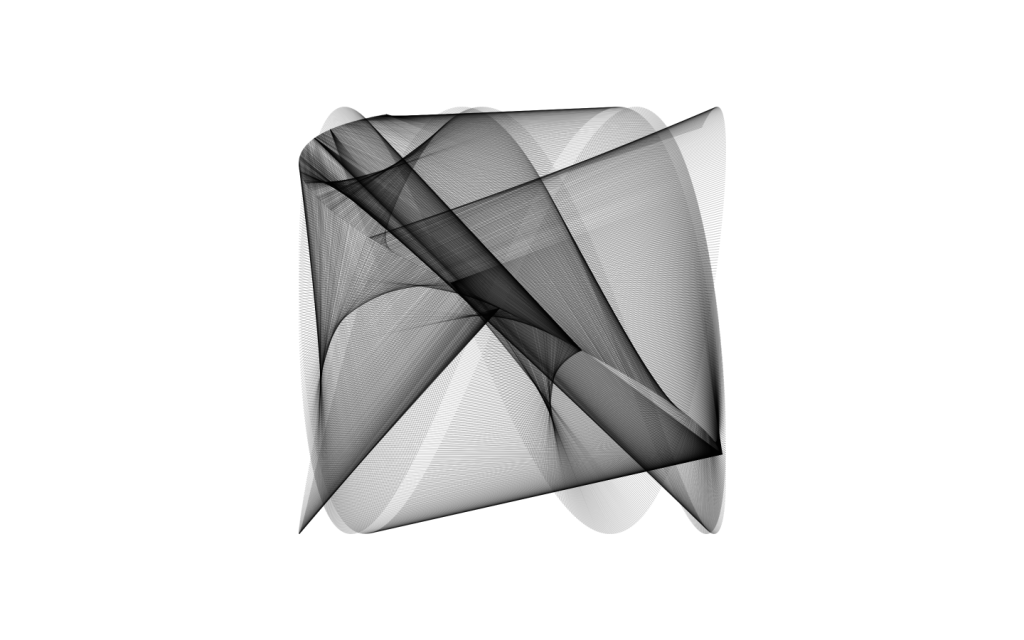
My guess is that someone with enough knowledge of the waves could maybe manipulate the sketch enough to draw a proper visualisation of these waves. I was scrolling through twitter after making this and found this account.
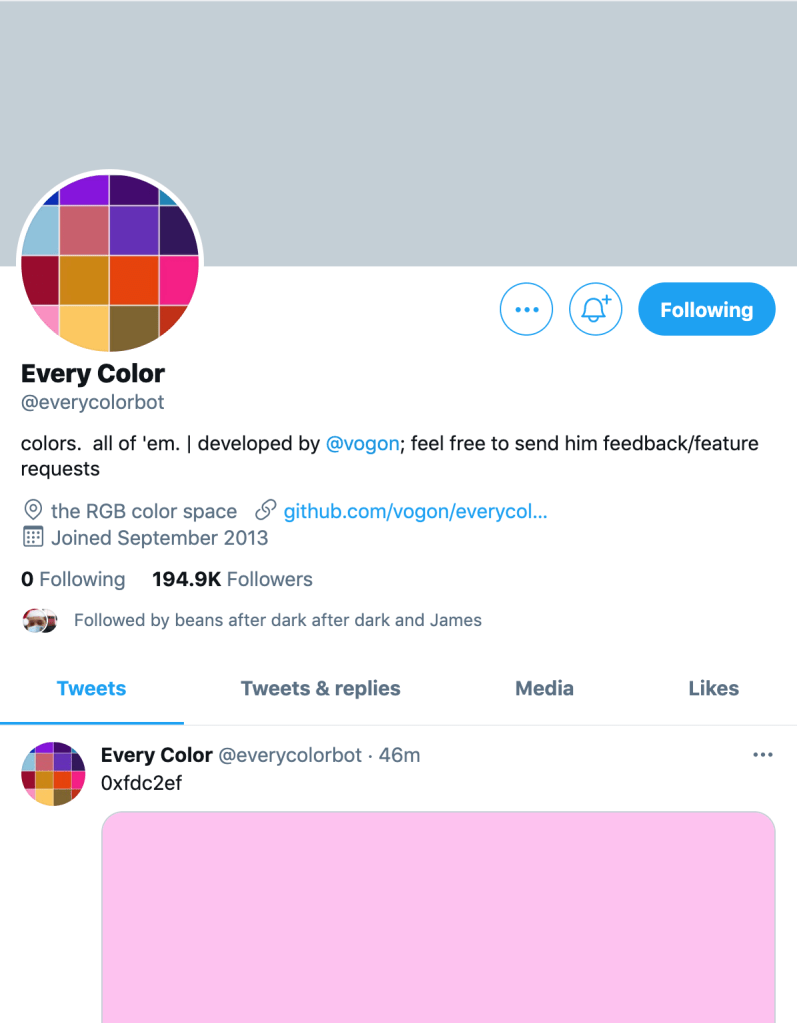
It inspired me to try and take the colours from the bot and plug them into the sketch, however I couldn’t figure out exactly the best way to do this apart from using the random() function which i wanted to avoid as it would give a different colour to each line drawn, instead I hacked apart the code from one of the examples from the workshops to figure out exactly how it works.
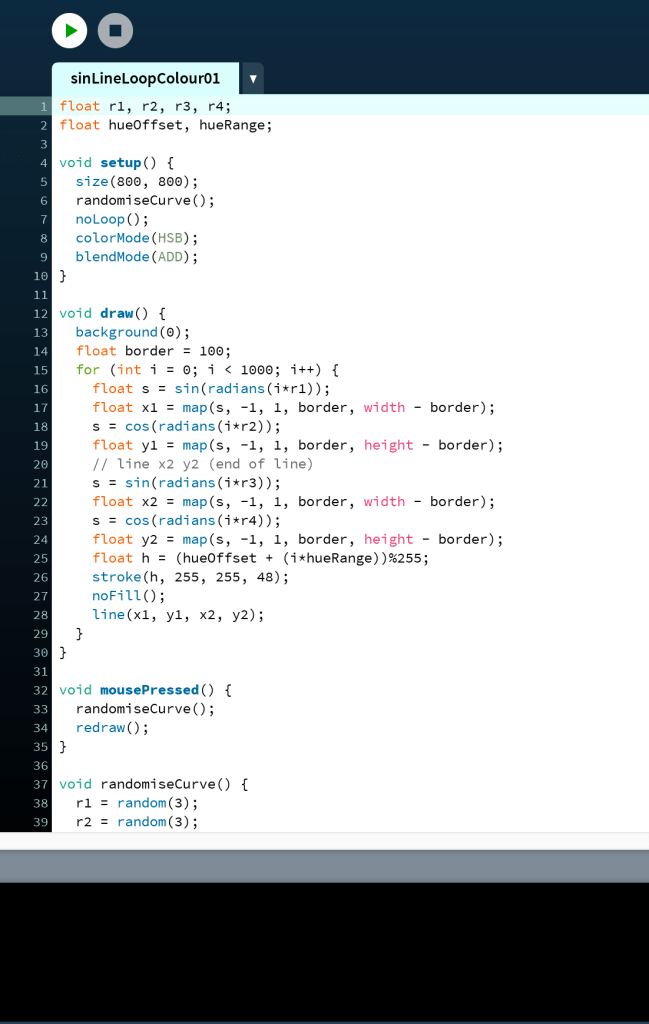
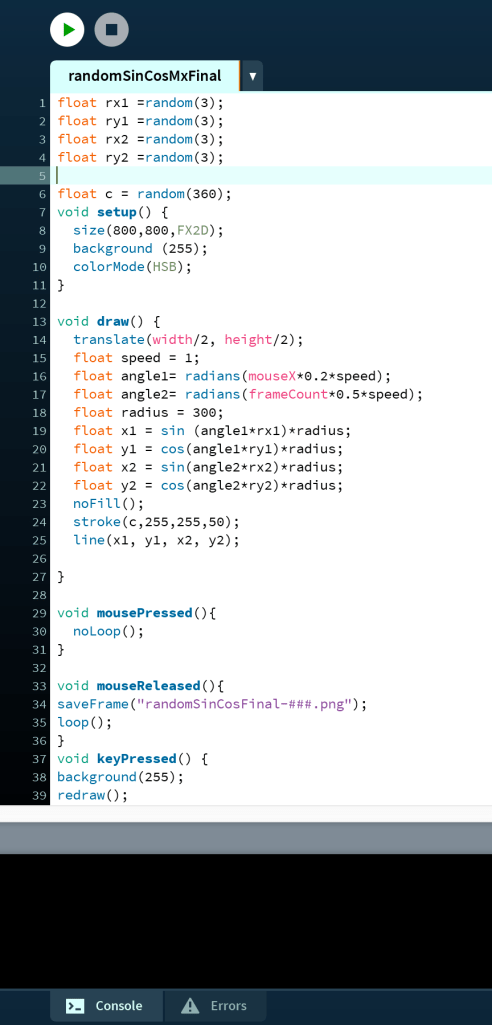
Turns out after a good bit of struggle it was an issue with the HSB colour mode as I hadn’t really worked with it properly to understand it in the past.
This allowed me to create these with varying colour. I also tried getting the mouse input to work with the input from microphone or what was playing from your sound card using the processing sounds library similar to the old music players on computers in the 2000’s.
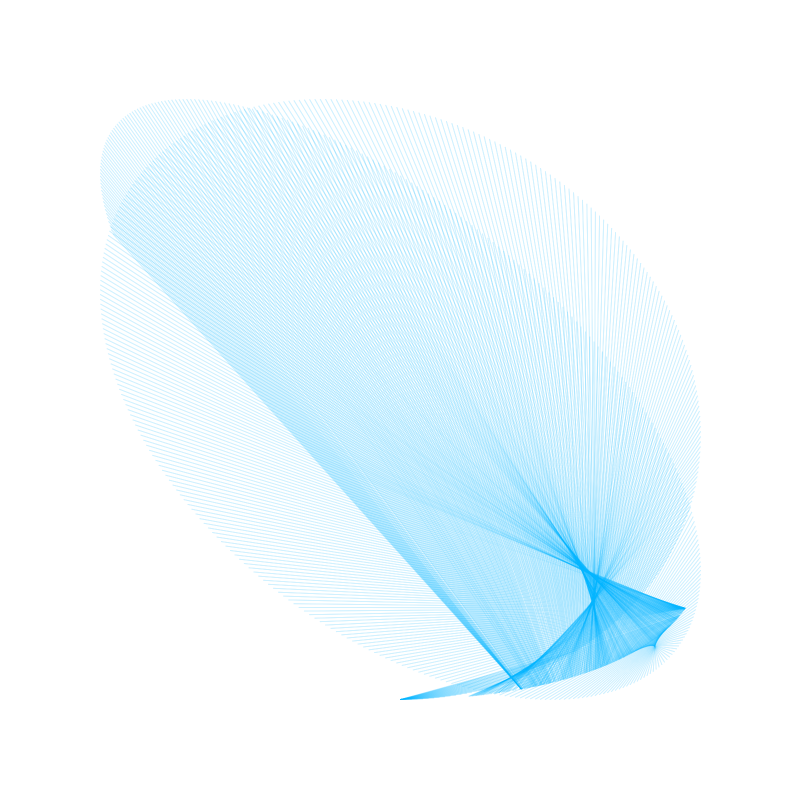
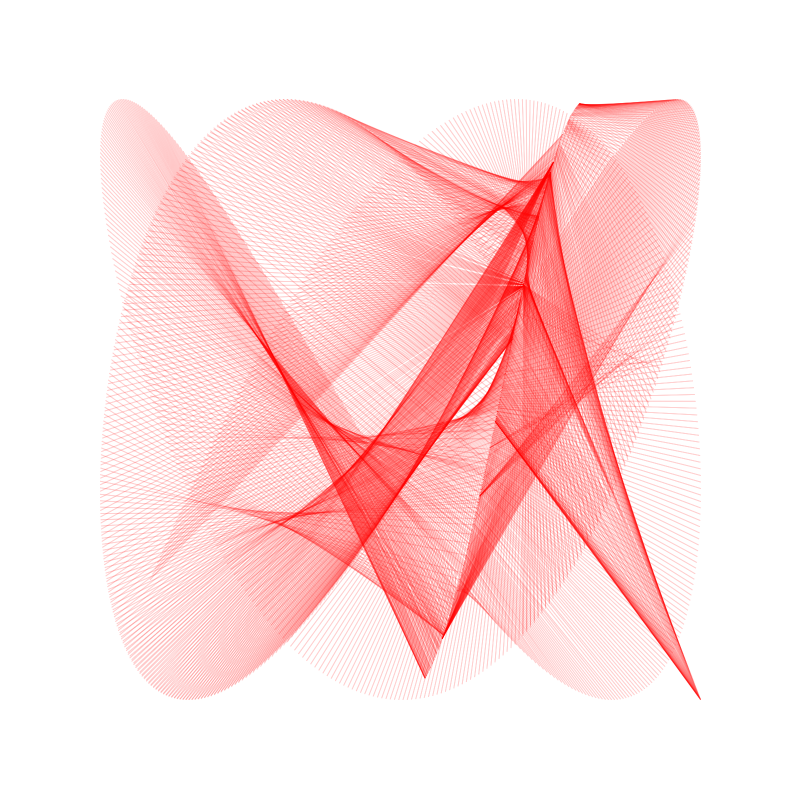
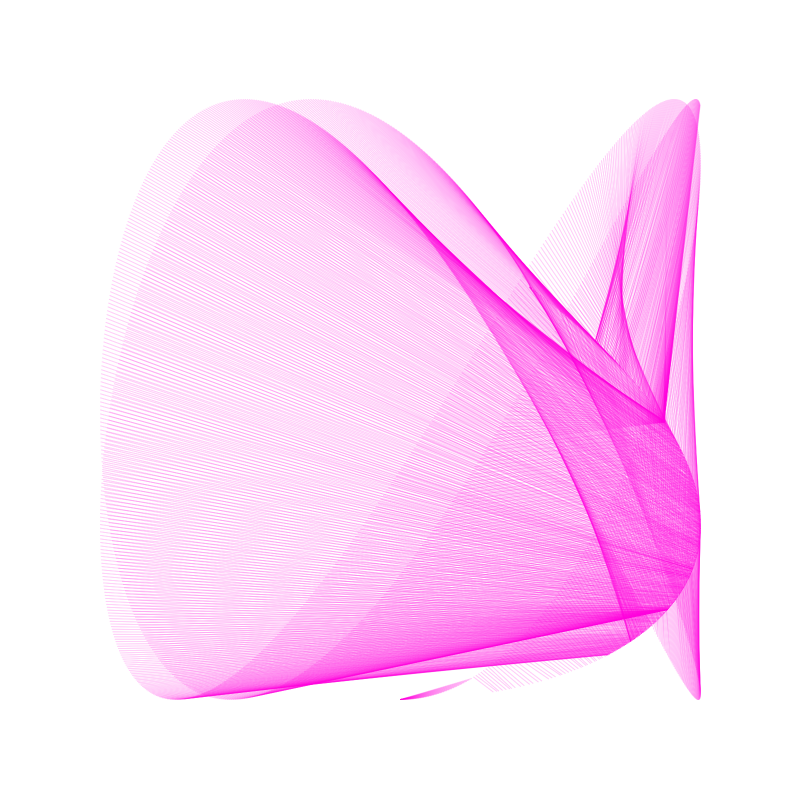
Looking at different examples of generative art in practice I was listening to Generative Machines with Matt DesLauriers on youtube and found this;
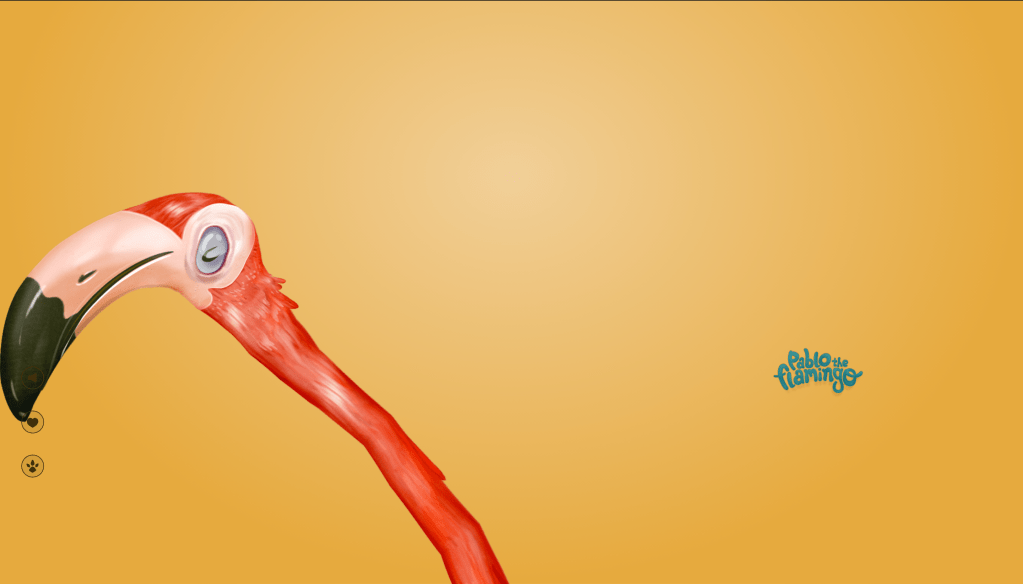
This is Pablo the Flamingo by Nathan gordon Pascal Van Der Haar used to raise awareness and money for adopting flamingos. Music is played from the browser and when its paused the Pablo is unhappy and hits the play button and the music resumes. In the talk it’s said that not everything has to be serious something that I wanted to create.
I wanted to focus on 3D for one of my outcomes as I felt it’s a very interesting avenue to explore, using basic shapes and sin waves I created sketches like these;

However this isn’t the outcome I was hoping for, I wanted to try something different as I had already used lines a lot, I wanted to try text. Following the example on text in 3D form the workshop I wanted to put my own spin on it and keep it light hearted.
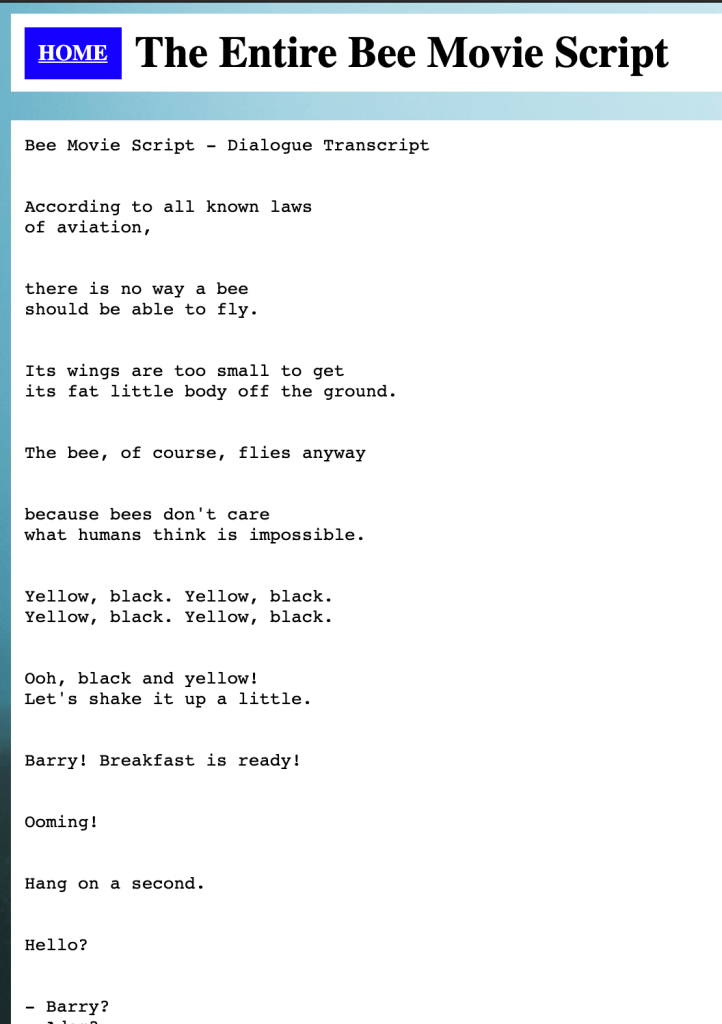
Keeping with this theme I found the bee movie script online and copied it into a text file, as there were a lot of blank spaces in the document it didn’t work so well, so I deleted the majority of the script only keeping till the first mention of Honey and then went through and deleted all the gaps.
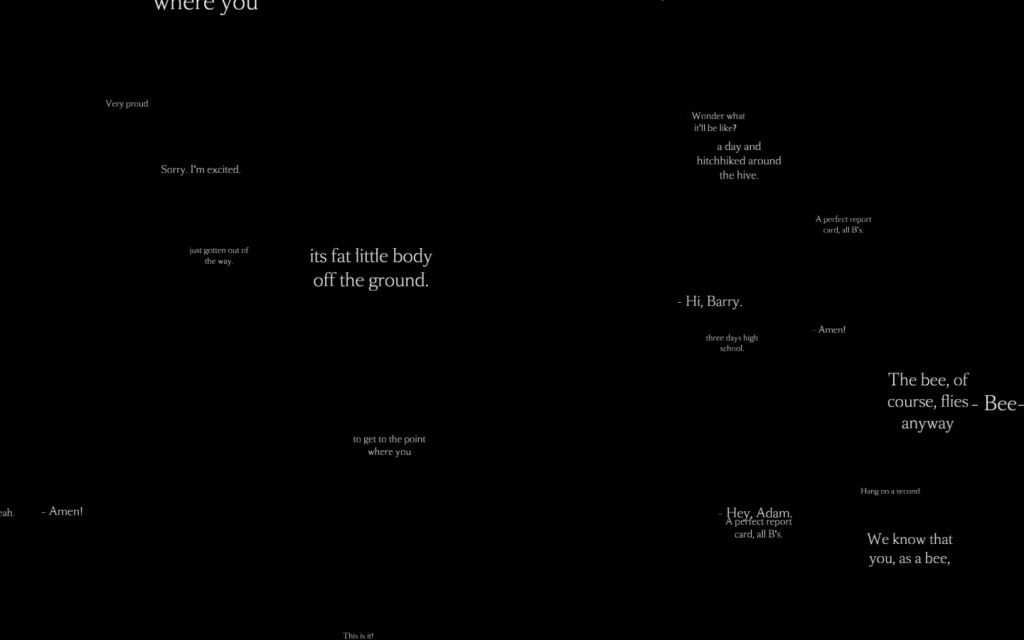
I liked the way this looked, very AR, however, not very bee like. I decided to break my brain and try and figure out how to draw a hexagon round every segment of text.
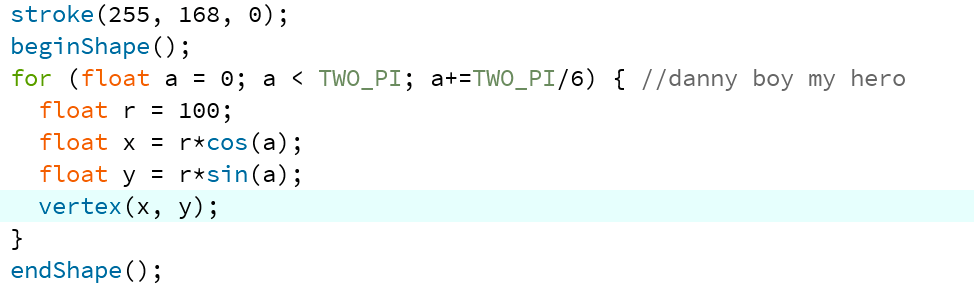
As you can see by the comment Dan Shiffman helped me figure this out, using Polar Coordinates I looped round different points of a circle, increasing the increment allowed me to create different shapes, in this case TWO_PI/6 gave me my much needed hexagon.

I also randomised the range between 0-3000 as well as changing the random seed every 2 seconds / 120 frames. This allows viewers to see different parts of the script in the foreground and background.
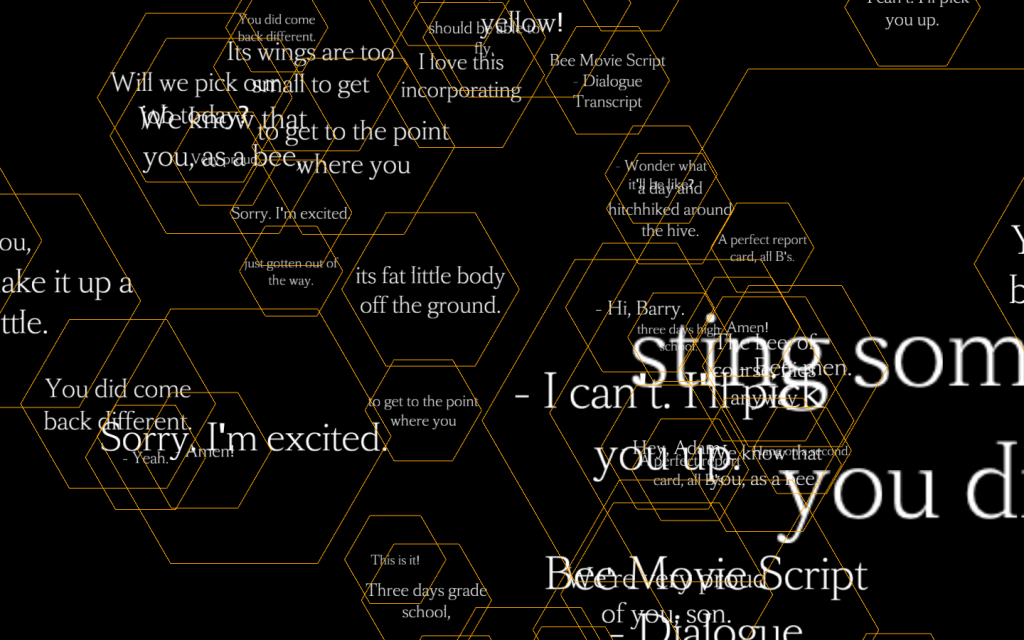
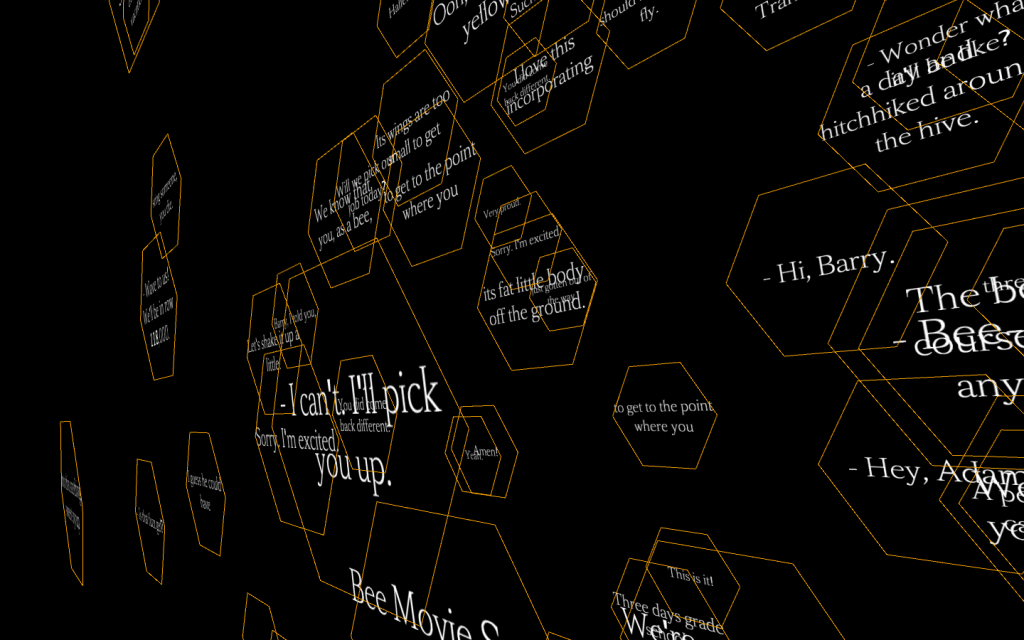
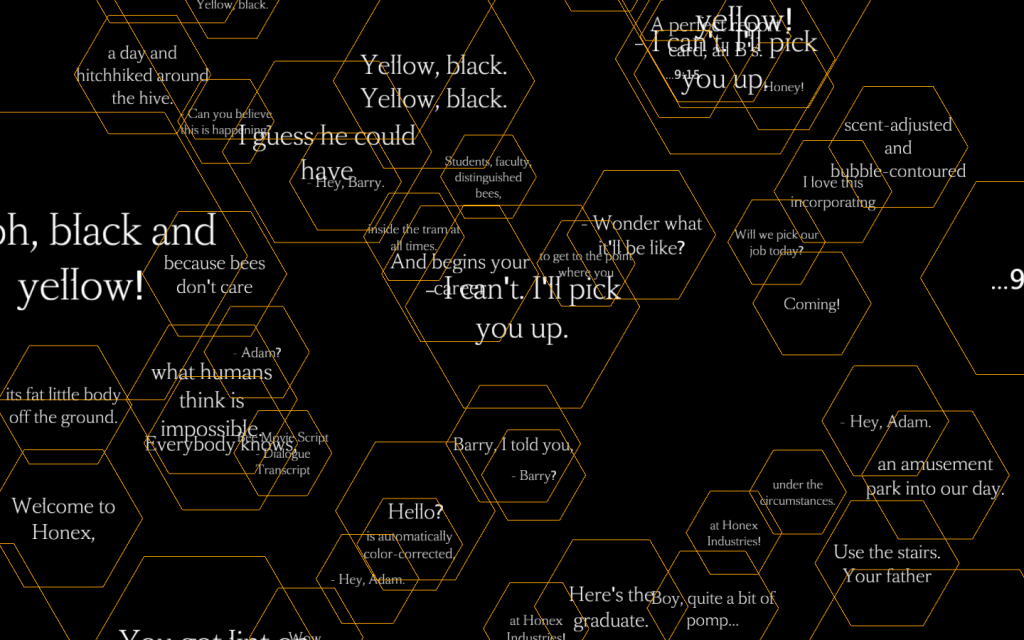
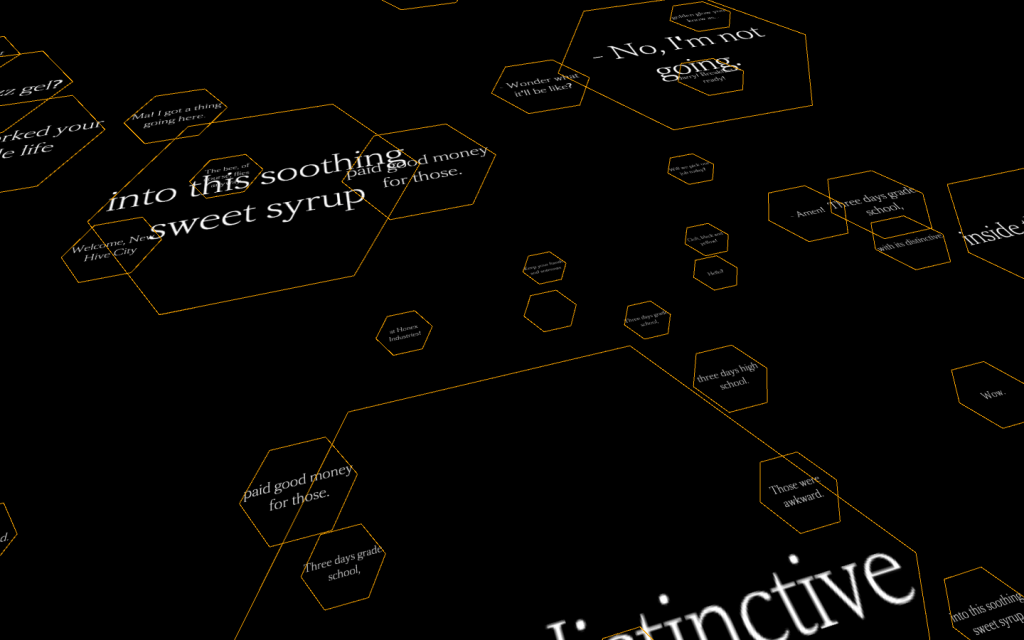
I feel that this outcome is quite impactful, could be used to show data visualisation on bees!!
Twitter seems to have been a gold mine for this project providing me with a large amount of inspiration specifically to do with colour.
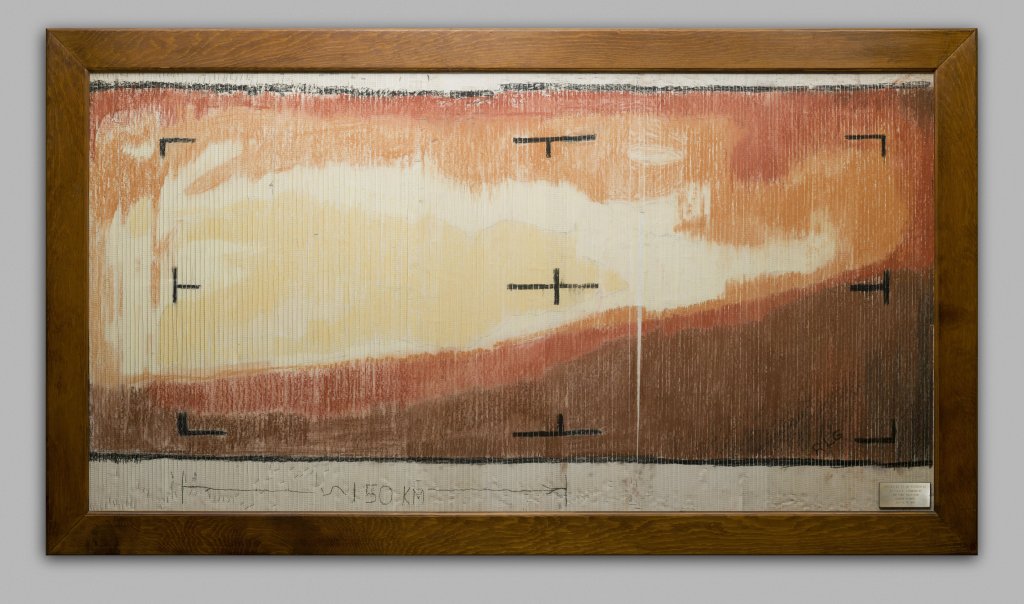
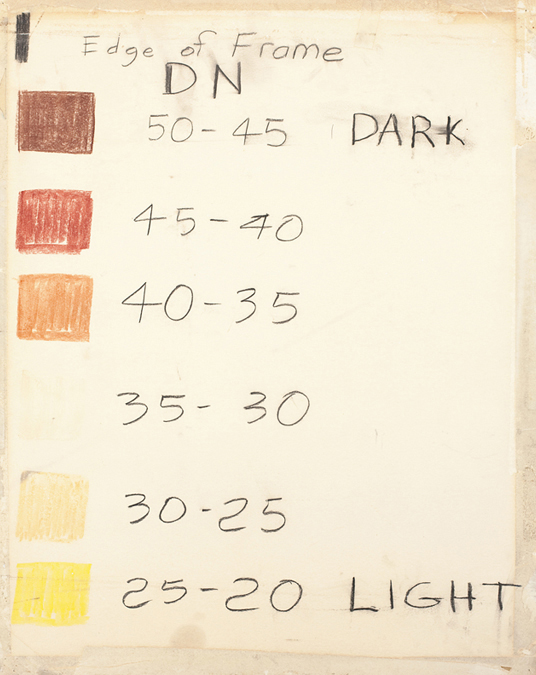
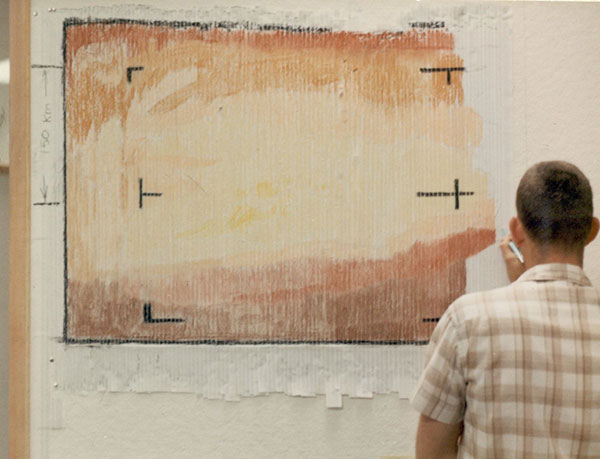
I found this similar to Sol Lewitt’s work, the Mariner 4 was the ones giving the instructions for the NASA employees to draw. I found this really interesting so wanted to use colour in a significant way again for my 5th outcome. After looking at HSB colour modes in the last outcome I decided to look at RGB colours for this outcome, specifically after facing a good bit of frustration with code breaking etc. something that I’m sure everyone’s faced during this project. Thinking of frustration I initially thought of the My Generation (2010) work I took inspiration from in CoLab 1.


This showcases cases of “Gamer Rage”, people trashing their setups, all displayed on an old monitor. I then thought of what these broken monitors look like.
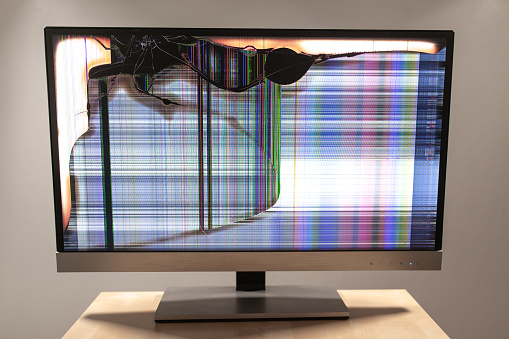
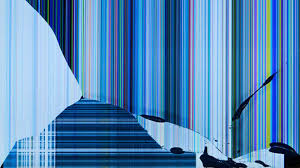
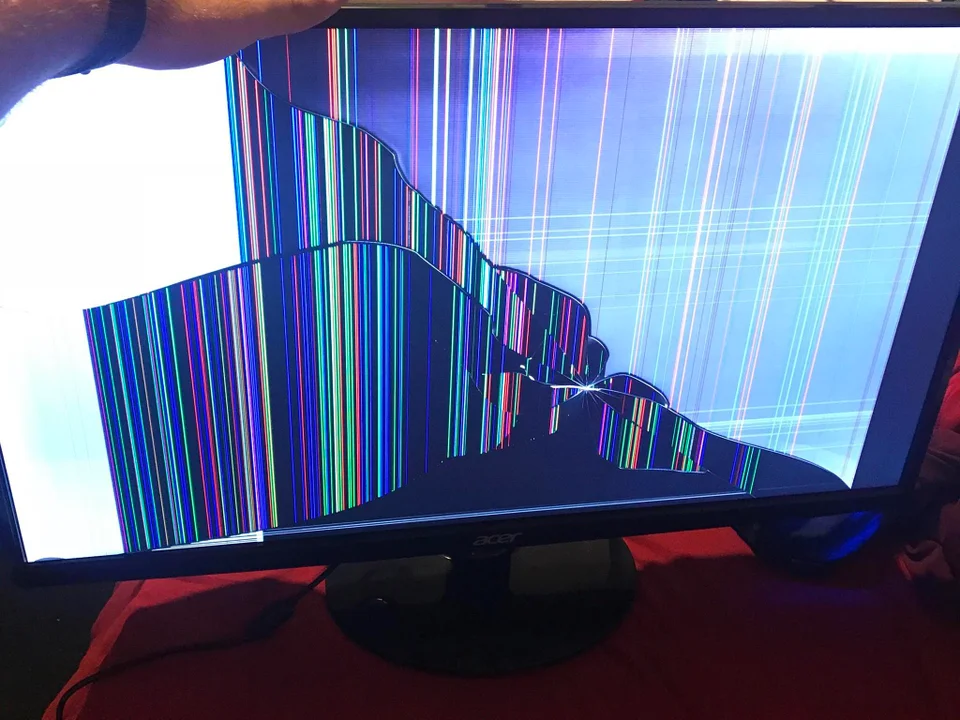
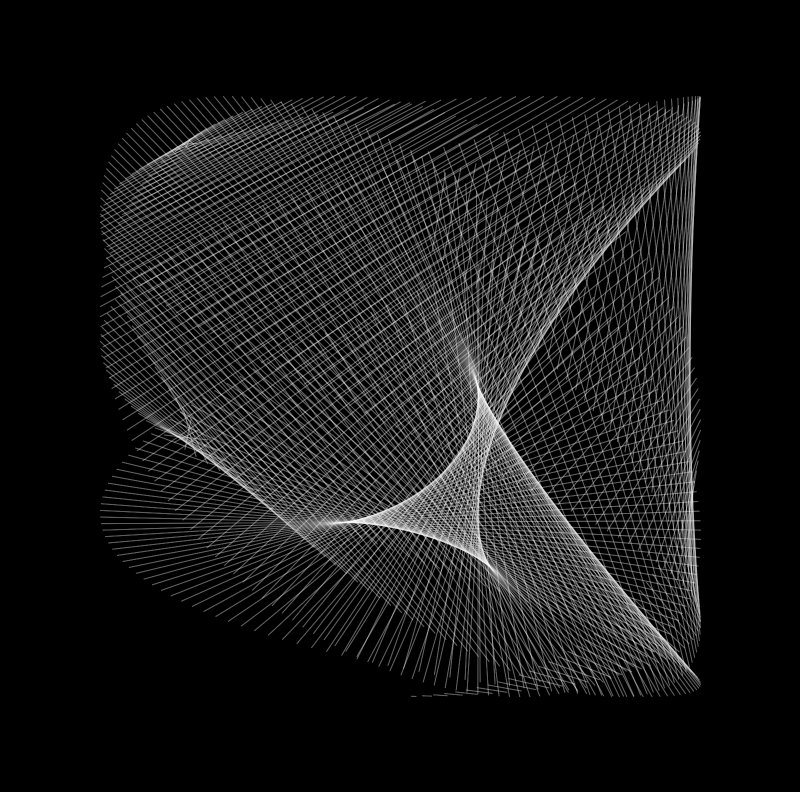
I liked the way the colours formed on a black background so I decided to try this using trig in processing.
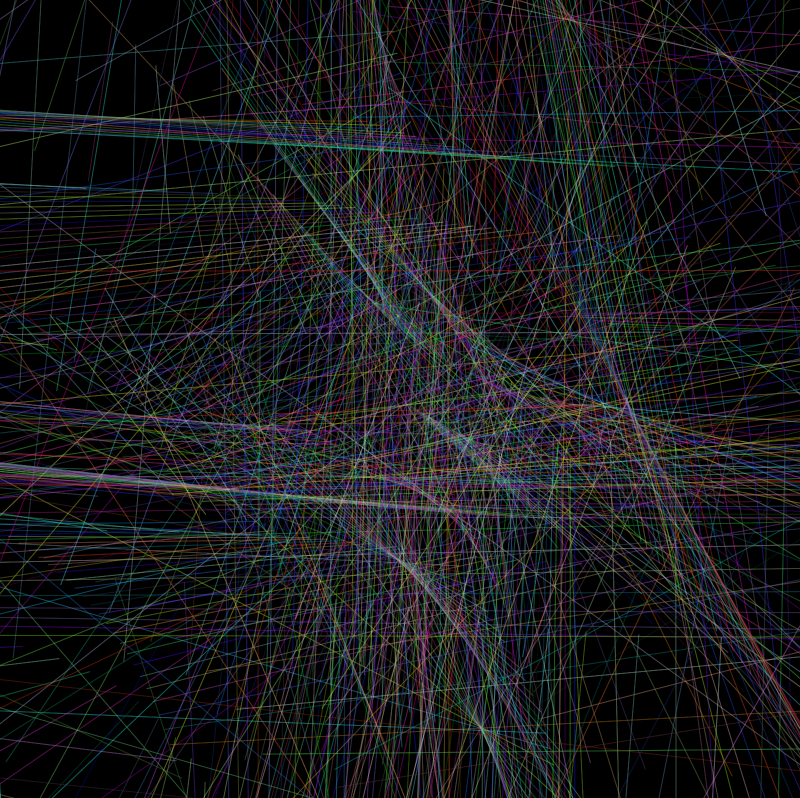
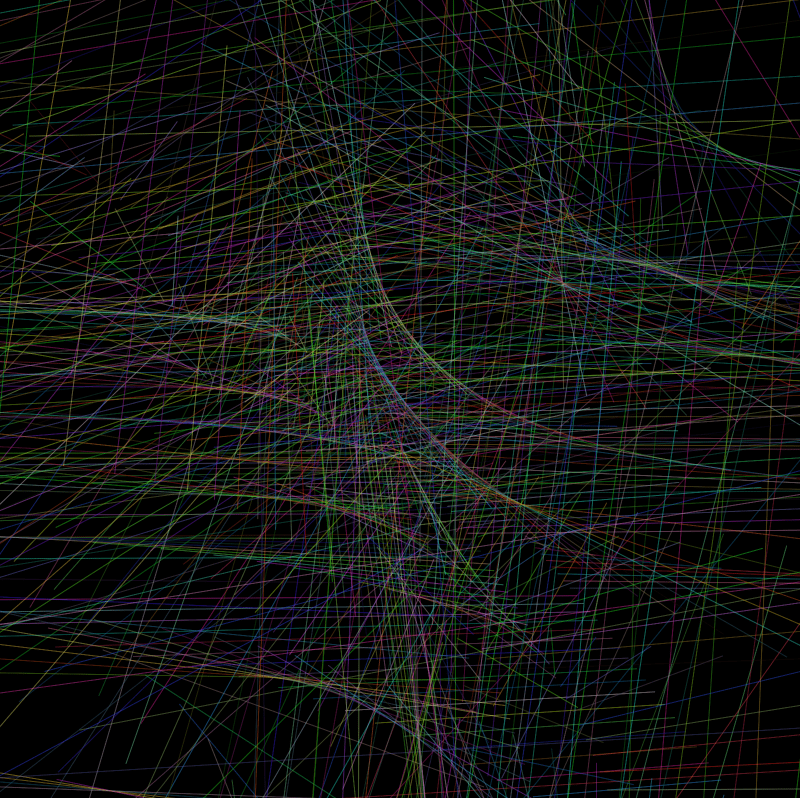
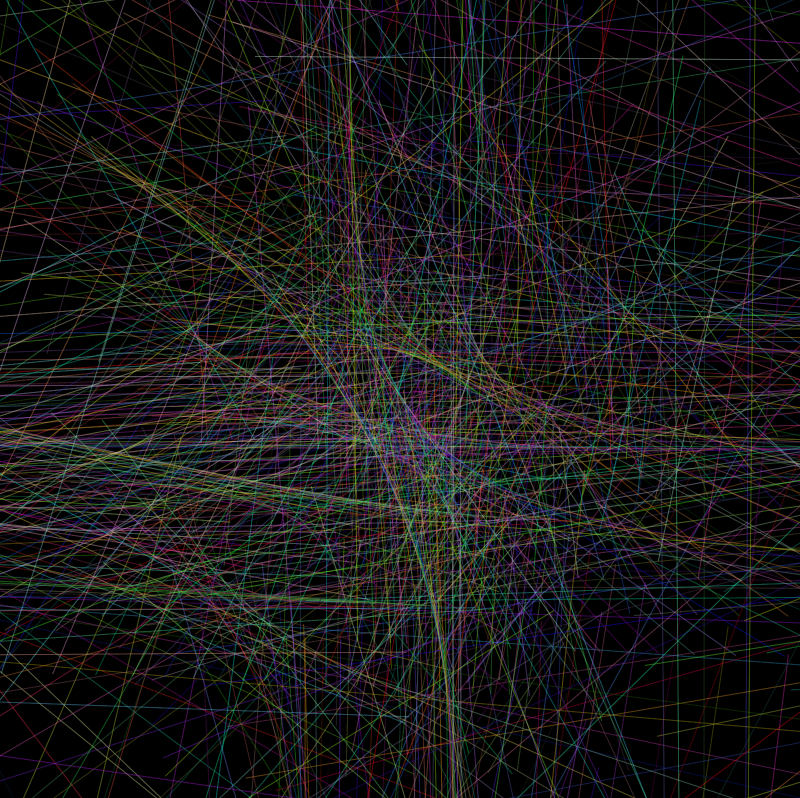
Did some studies on the various trig functions here I made all the lines tan.
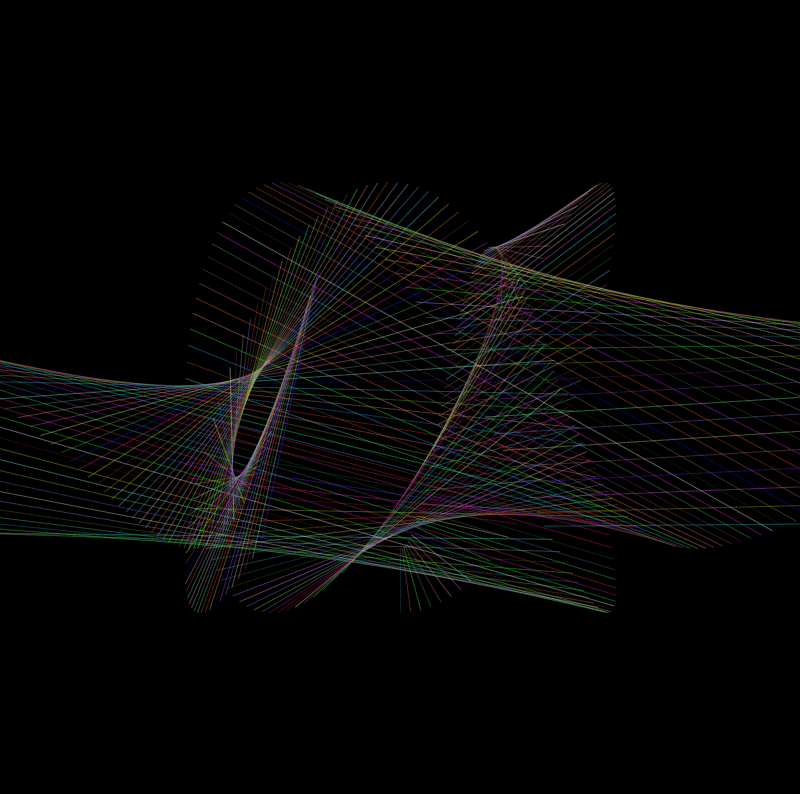
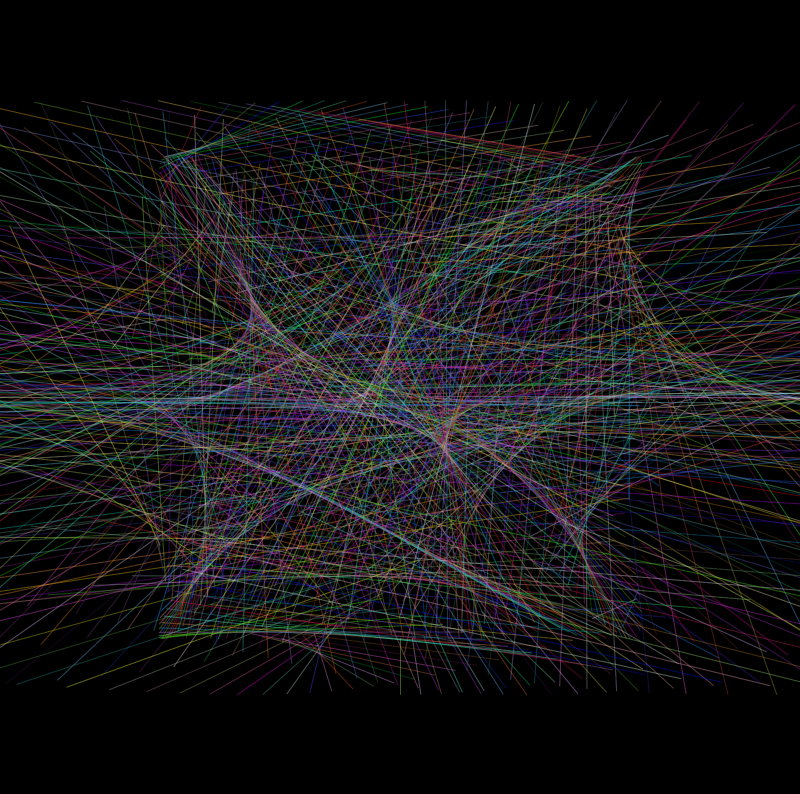
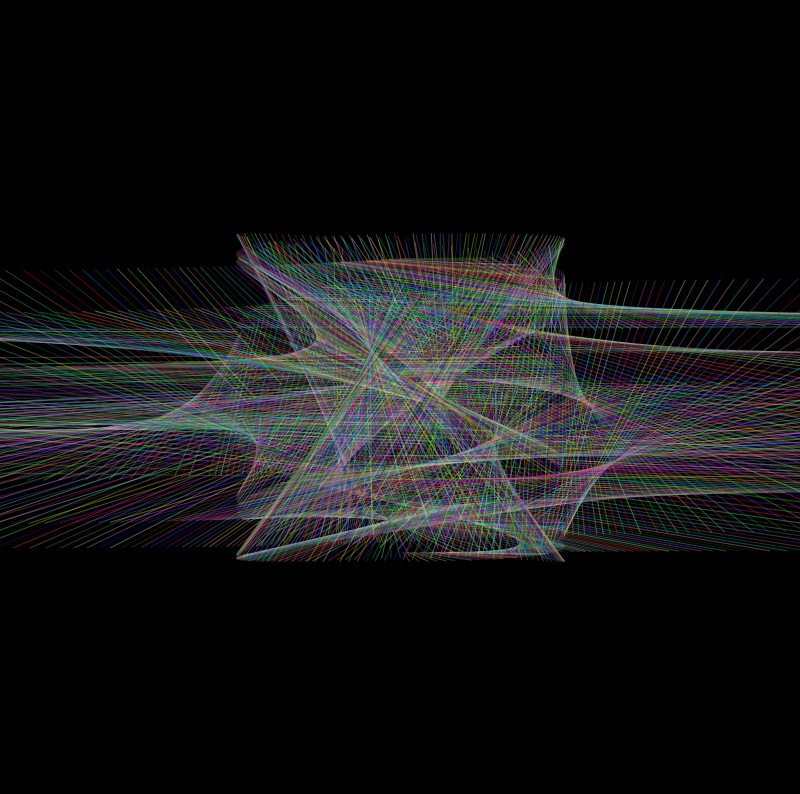
I tried keeping one tan function and the rest sin cos I feel this gives the look of the broken monitor a bit better than before. keeping one Tan value in to keep the elongated effect on the sketch.
I then decided to include noise in my sketch instead of randomness.
I changed all the randomised values to noise in this sketch and it resulted to this not what I was wanting but still looks fairly similar to the images of monitors I was looking at.
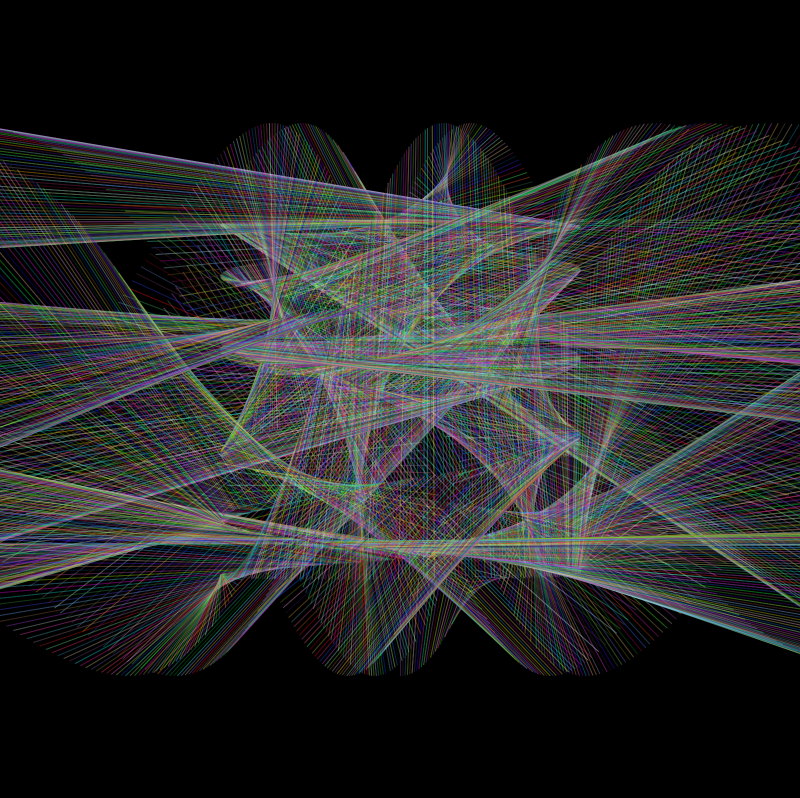
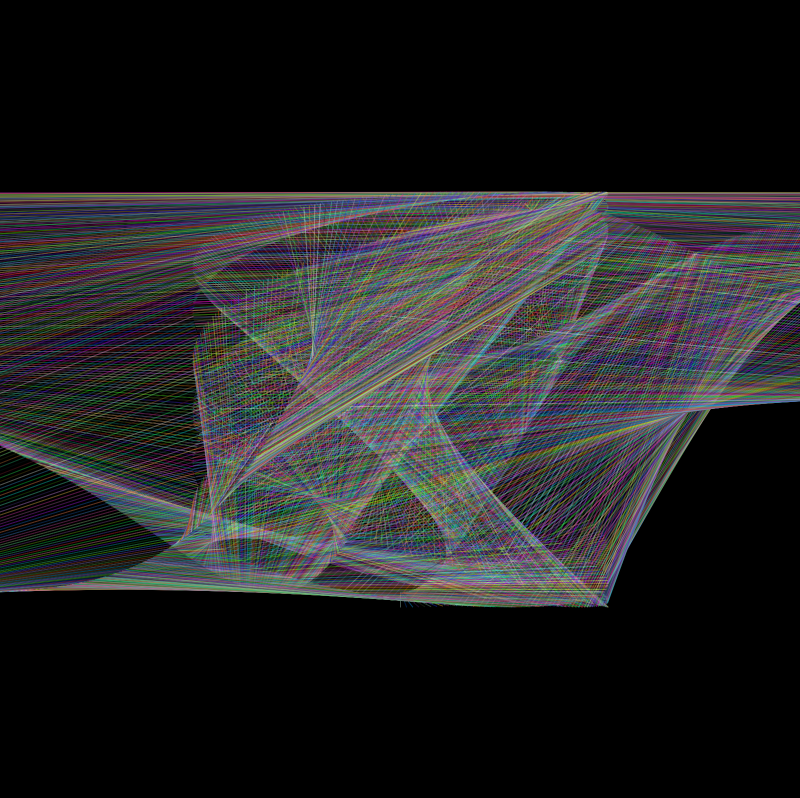
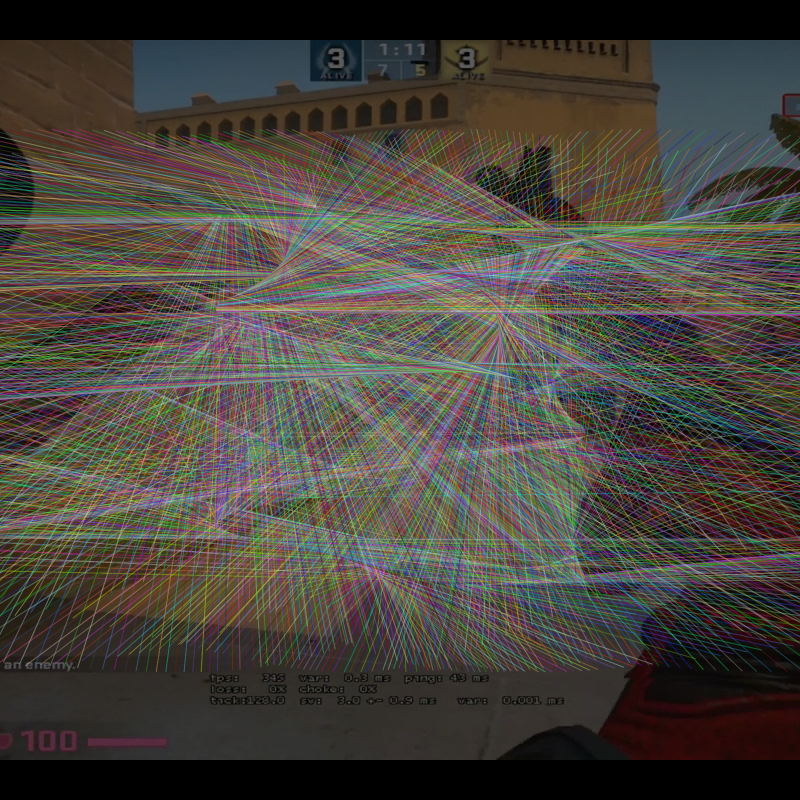
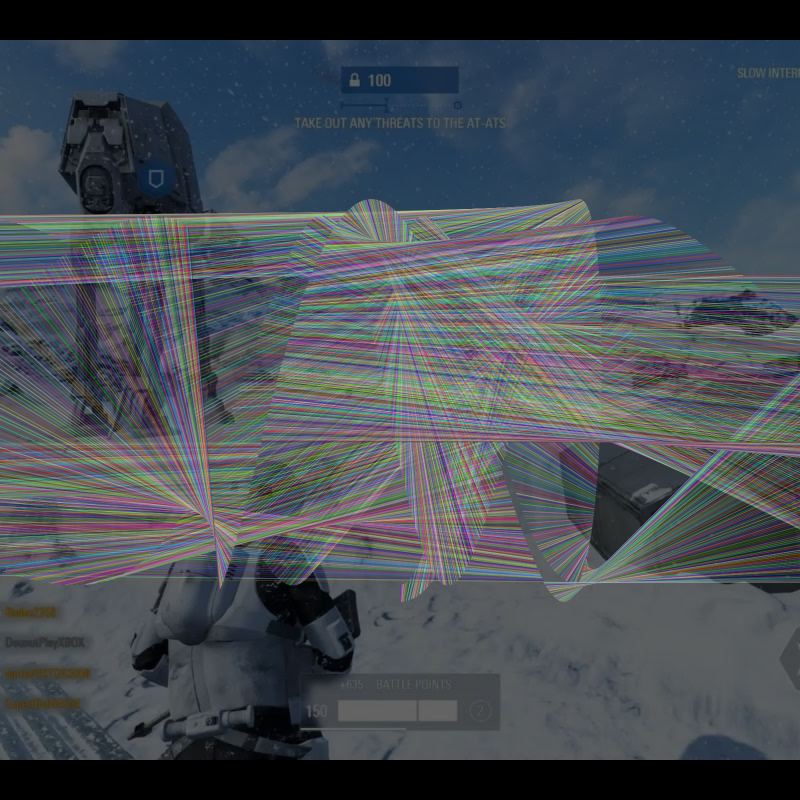
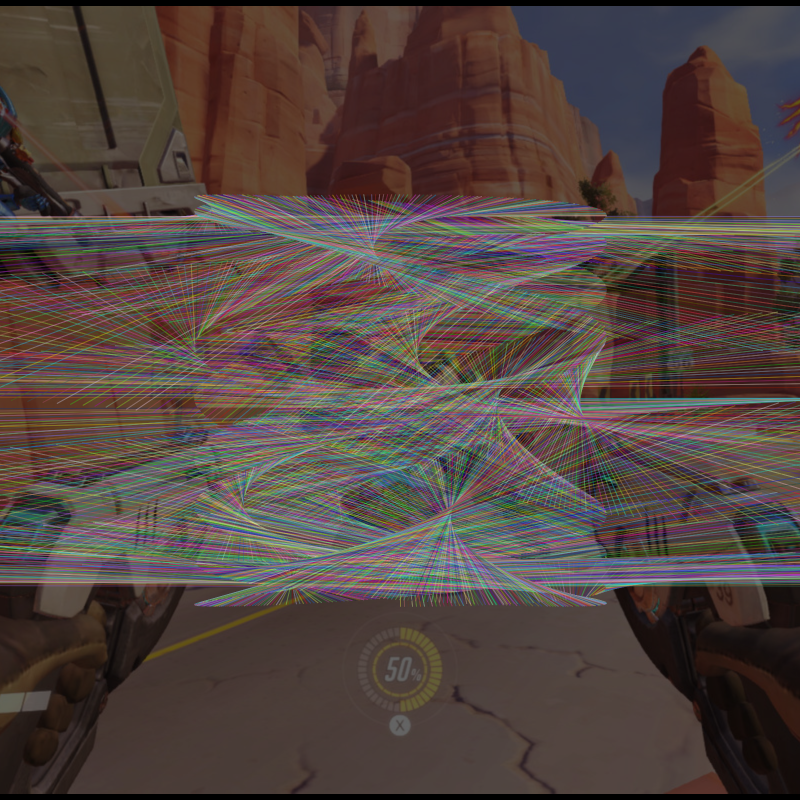
The noise gave me consistent, more” fractal” results, I feel this conveys the ideas of frustration and broken monitors. As another added experiment I also added images using a random array to the background of different games to further the initial idea.
As a whole I enjoyed this project it felt good to get into learning again. Looking back at CC1 I can see in even such a short time my skills have improved as well as my drive to learn more about code in the future, coming from a slightly more traditional graphic design course using coding has never been something for me to consider mark making with but now the amount of unique outcomes are amazing.
 Stewart Marshall IxD